


🔎 What is Adobe Bridge and who it is for now?
Centralize Your Creative Assets with Adobe Bridge | Adobe Creative Cloud
What is Adobe Bridge?
Adobe Bridge is a powerful and easy-to-use software that lets you view and organize the files by renaming a group of them at once or by assigning colored labels or star ratings to them.
Adobe Bridge is a part of Adobe Creative Cloud. It lets you organize the assets you use to create content for print, web, and video. Adobe Bridge keeps native Adobe files (such as PSD and PDF) and non‑Adobe files available for easy access. You can drag assets into your layouts, projects, and compositions as needed, preview files, and even add metadata (file information), making the files easier to locate.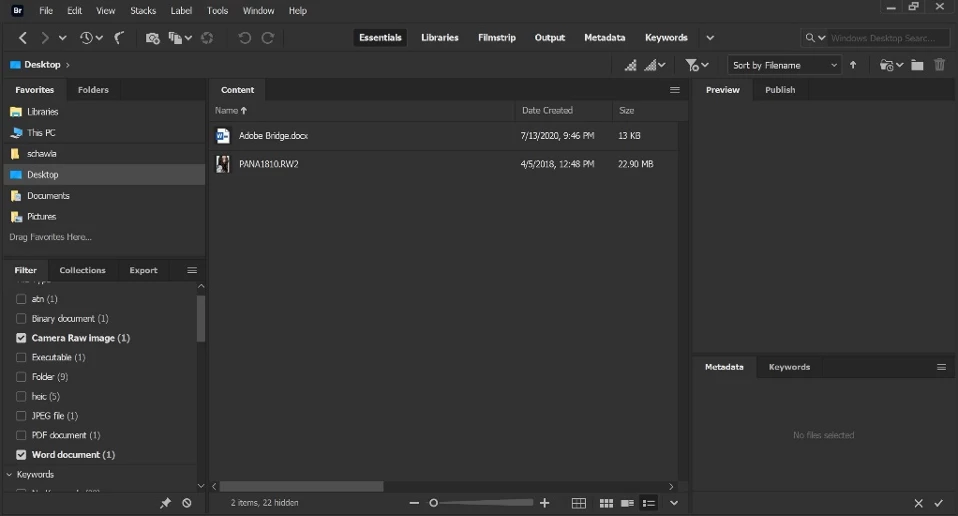
Who can use Adobe Bridge?
Bridge is ideal for creative professionals and designers who work with different types of creative assets like photos, vectors, video and 3D files. Bridge and Adobe Camera RAW offer an alternative approach to Lightroom users. With Bridge, photographers can browse images directly on their file system and edit them.

What does Adobe Bridge do?
Adobe Bridge is a powerful software that lets you preview, edit, and publish creative assets quickly and easily thereby improving content velocity. You can preview most of the file formats supported by Adobe Creative Cloud applications including Dimension files. You can edit filename, metadata, keywords, and other parameters in bulk. You can publish assets in various formats, and PDF contact sheets.
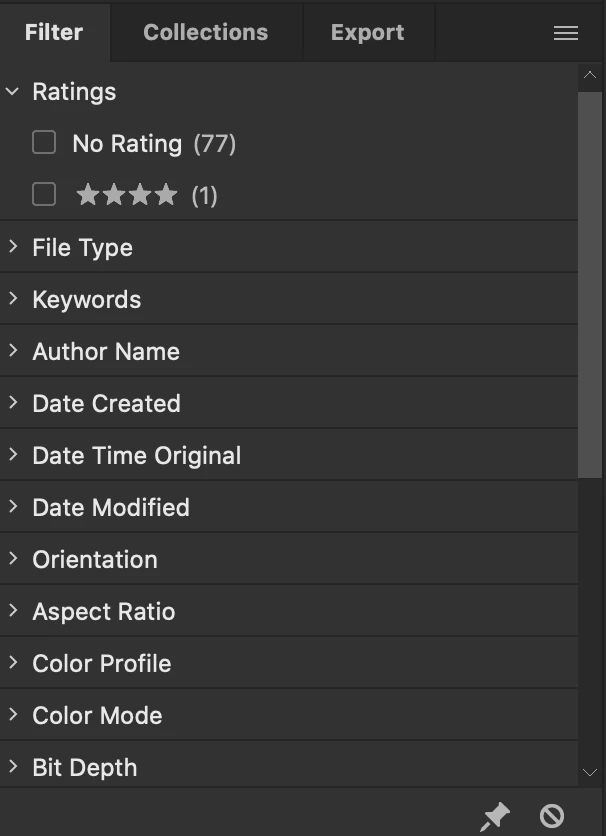
Staying organized is as simple as viewing your project files with Adobe Bridge.
Where can I get Adobe Bridge?
Bridge can be downloaded through the Creative Cloud desktop app. As long as you’re signed in to the Creative Cloud desktop app you can download Adobe Bridge from the All Apps section:
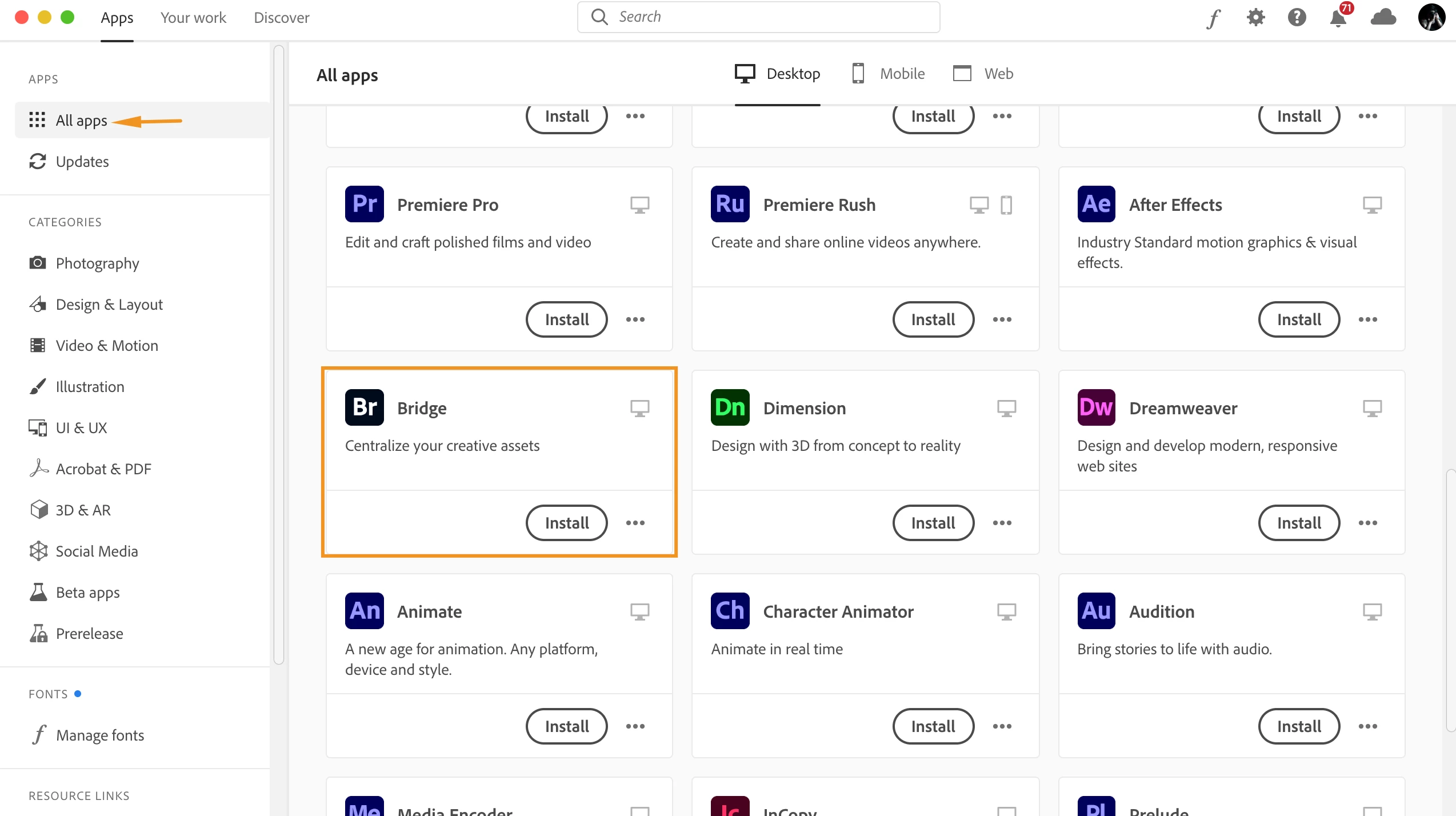
You can download Adobe Bridge from here: https://www.adobe.com/products/bridge.html
Are there any tutorials available for Adobe Bridge?
You can learn how to use Adobe Bridge by following this user guide: https://helpx.adobe.com/bridge/user-guide.html
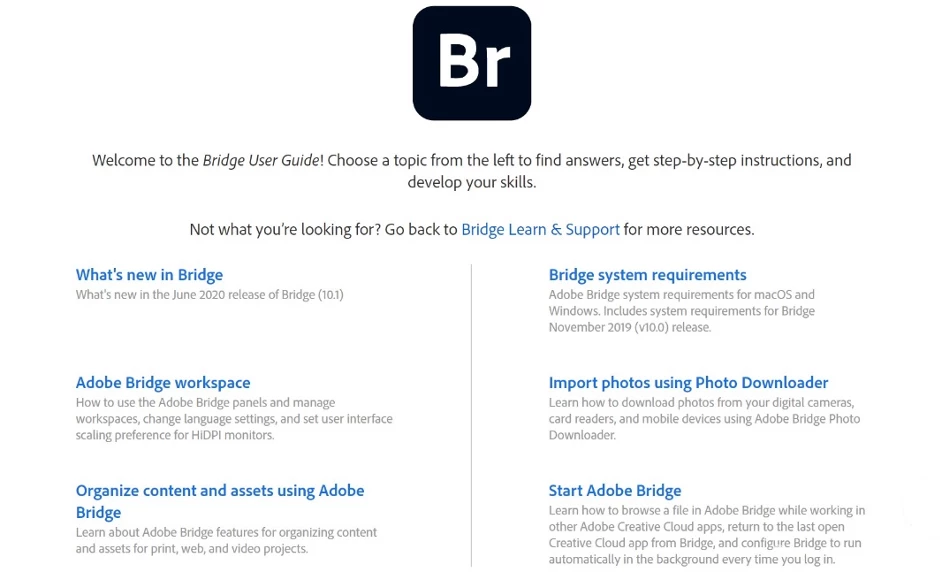
Please have a look at these related articles to learn more about Adobe Bridge:
Welcome to the Bridge User Guide
View and manage files in Adobe Bridge
Learn what's new in the latest release of Bridge
Organize content and assets using Adobe Bridge


 AdChoices