Participant
August 12, 2024
Question

Why are my bridge contact sheets coming with grayed out photos

  • August 12, 2024
  • 1 reply
  • 177 views

After the last update, my contact sheets are coming out like this
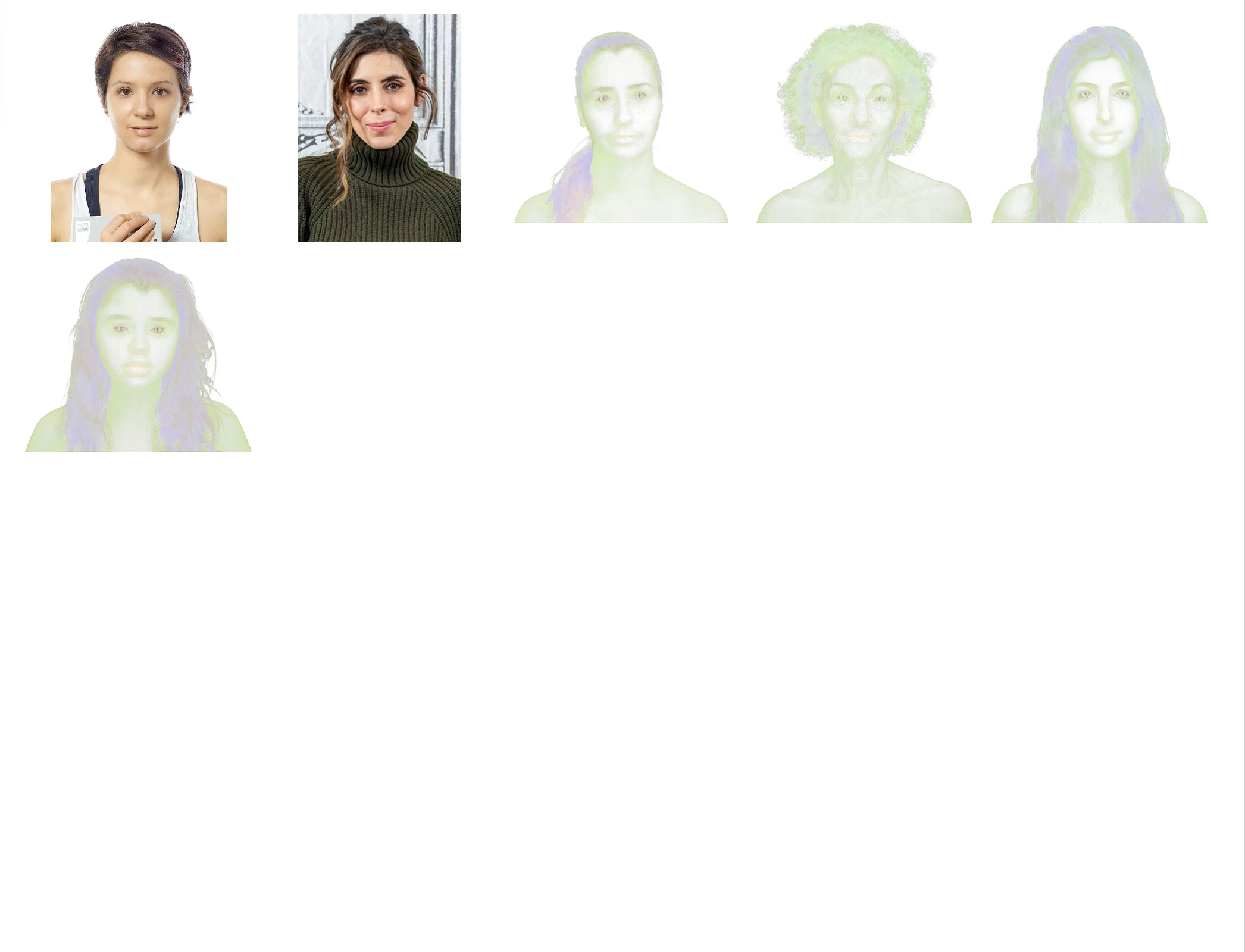
This topic has been closed for replies.

1 reply

Sameer K
Community Manager
Community Manager
August 13, 2024

Hey, @. Welcome to the Bridge Community. I'll need more info to help you figure this out. Please share the system info from Bridge Help > System info > Copy & paste into a text document > upload & attach here. 


Does this happen when you use a contact sheet preset or build a new template? Does the preview appear as expected in Bridge and gets faded after exporting?

Try using Tools > Photoshop > Contact Sheet II and check if you get the same results.


As a primary step, try resetting Bridge by following the steps here: https://adobe.ly/3YKHzoc


Let me know how it goes. Thanks!
Sameer K

(Use '@mention' to tag me when you reply)
