Answered
Why would files be "hidden"?
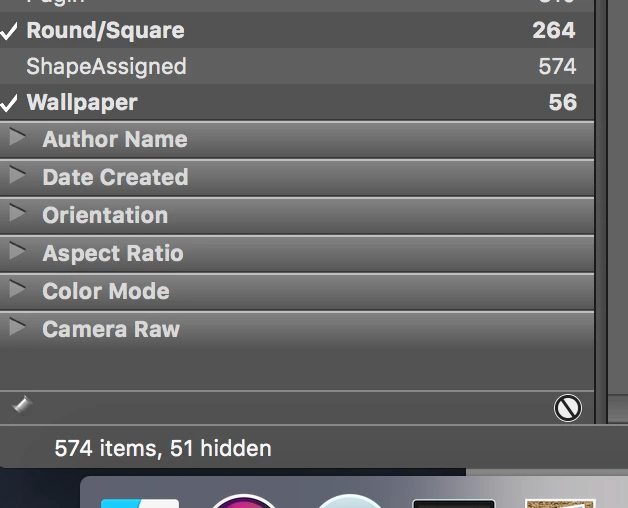
I just noticed this little message below the Filter panel in the lower right. Why would some items be "hidden"?

I just noticed this little message below the Filter panel in the lower right. Why would some items be "hidden"?
Already have an account? Login
Enter your E-mail address. We'll send you an e-mail with instructions to reset your password.



 AdChoices