
Participant
December 15, 2016
Answered

Workspace, Bridge, not opening with the last used workspace.

  • December 15, 2016
  • 1 reply
  • 385 views

When i open "Bridge" this is what it open's with,
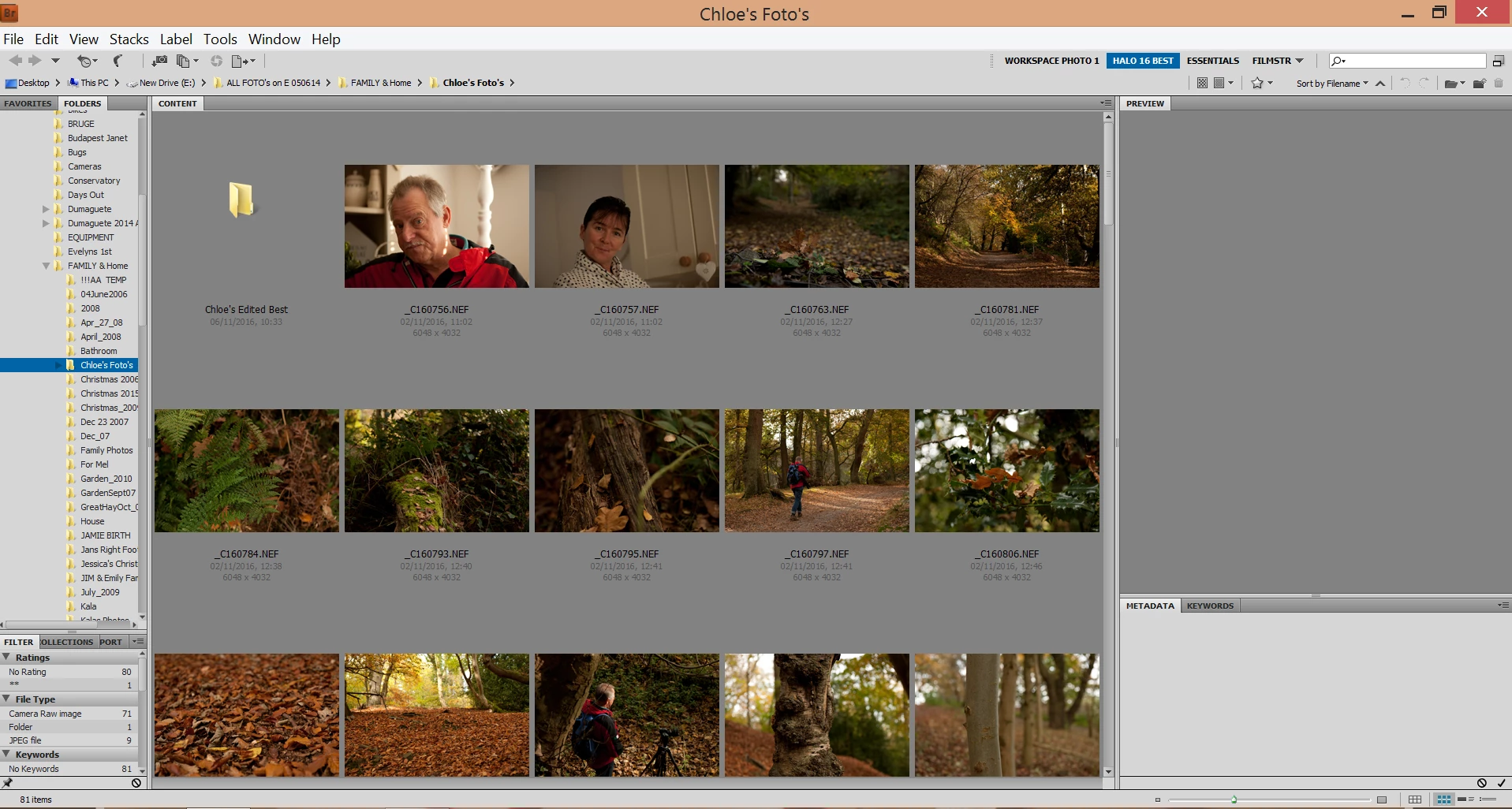
Screenshot A above. This is not what i want, i would like it to open with the last workspace that i used. See screenshot below
I have set the workspace to how i would like it, See the 2nd screen shot B below.
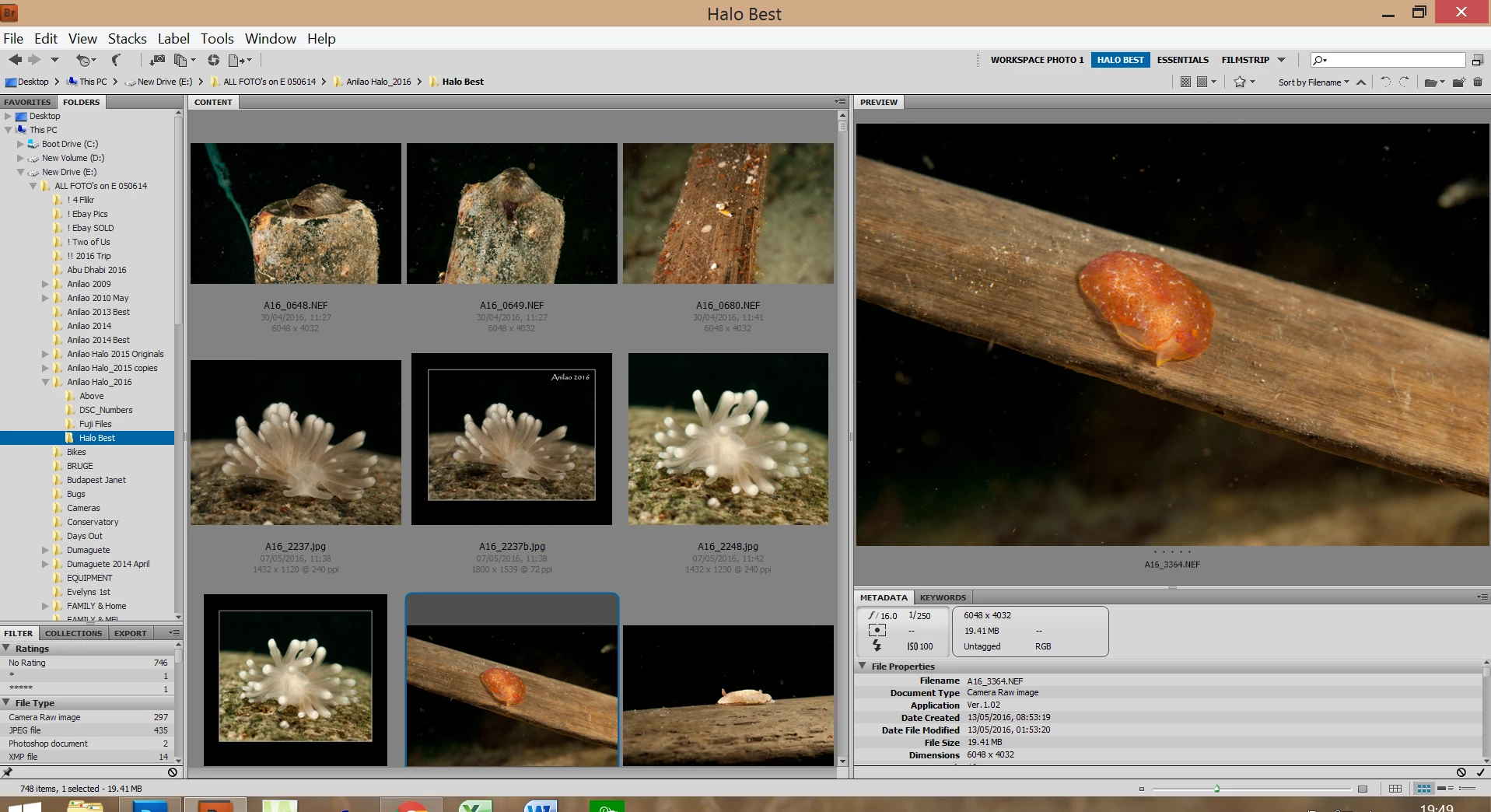
I have used the "Window, Workspace" etc but i keep getting the 1st screenshot.

Help please.

This topic has been closed for replies.
Correct answer Sahil.Chawla

Could you please try this Bridge > Window > Workspace > Reset Workspace?

1 reply

Sahil.Chawla
Adobe Employee
Adobe Employee
December 20, 2016

Hi Morg,

Please Start Adobe Bridge and immediately press Ctrl+Alt+Shift (Windows) or Command+Option+Shift (Mac OS) until the Reset Settings dialog box appears. Select all three options--Reset Preferences, Reset Standard Workspaces, and Purge Entire Thumbnail Cache--and then click OK.

Regards,

Sahil

0812morgAuthor
Participant
December 21, 2016

Hi Thank you very much for that, unfortunately, nothing at all happens when i do that ?

Any suggestions ?

Thank's,  Dave

Sahil.Chawla
Adobe Employee
Sahil.ChawlaCorrect answer
Adobe Employee
December 27, 2016

Could you please try this Bridge > Window > Workspace > Reset Workspace?