


Unwanted rings/swirls when saving in camera raw.
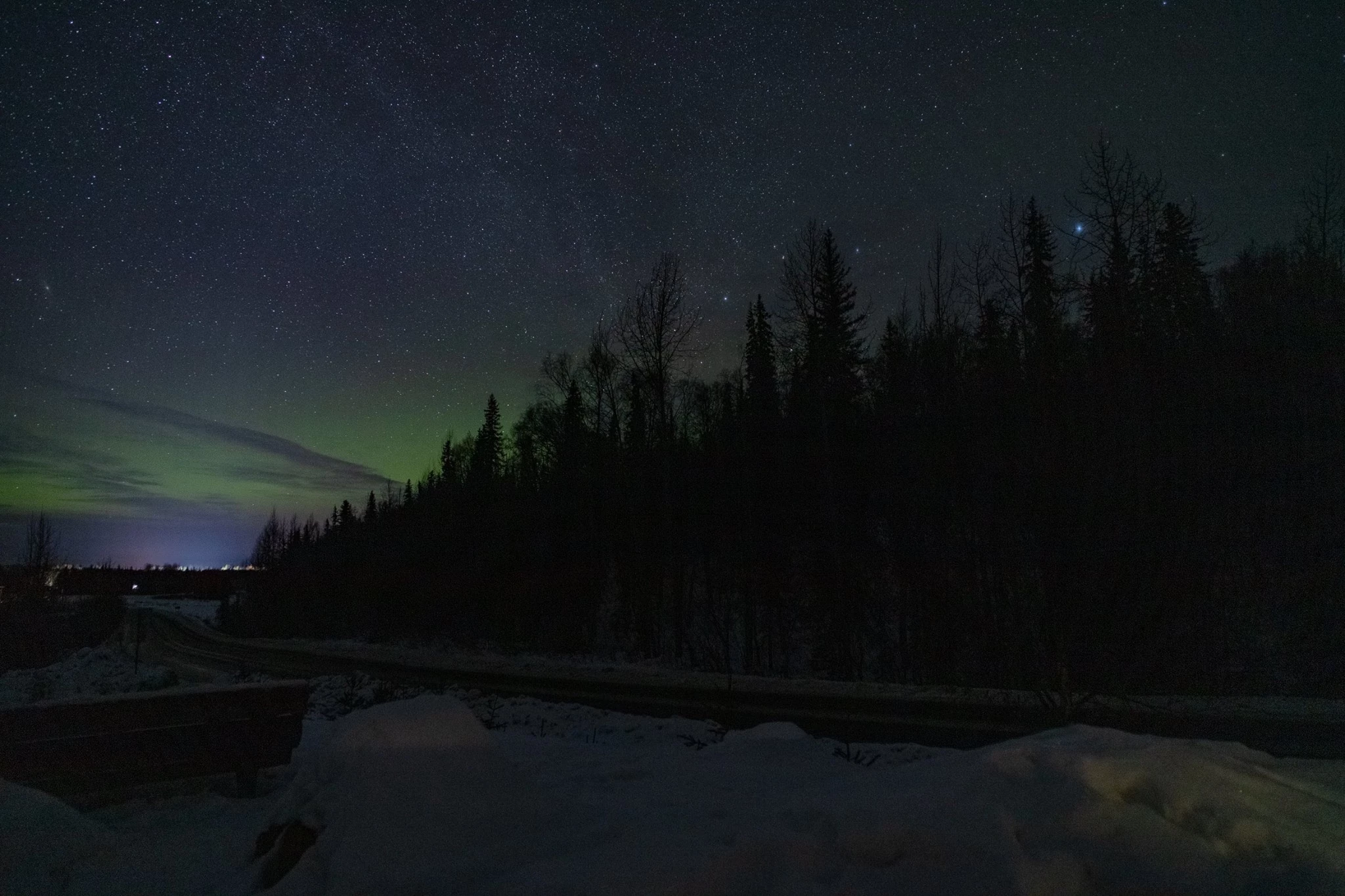
So this is a multi tiered problem. Shot some aurora pics the other night. First time I used a Rokinon 20mm f1.8. This doesn't look as if there's a correction file in existence for it. When I opened the files in Lightroom they were blurred, almost foggy looking. When I open the files in Camera Raw the focus appeared fine. That brings me to the second issue. When I use raw and it either comes time to save n export or to open in photoshop, it almost always stick me these swirls marks all over the image. I can not even get people to agree on what they are called much less how to stop them, I also get this affect when saving in photoshop or anytime I flatten an image in photoshop. I'm reduced to zooming to full screen and taking a screen shot before saving or flattening, then pasting it in paint and trimming off any thing that not my picture if I want my finished product to look remotely acceptable. I would just stick with Lightroom if it let me save in any format but it just seems to let me choose jpg or original plus changes which is useless outside of adobe and I prefer tiff or png. But as I said Lightroom wasn't even reading the files right. Please help. Example of the rings/swirls here:
 AdChoices