Patrick2569329038nu
Participating Frequently
June 17, 2026
Question

Captivate Classic Publish/Print to Word Broken

  • June 17, 2026
  • 12 replies
  • 385 views

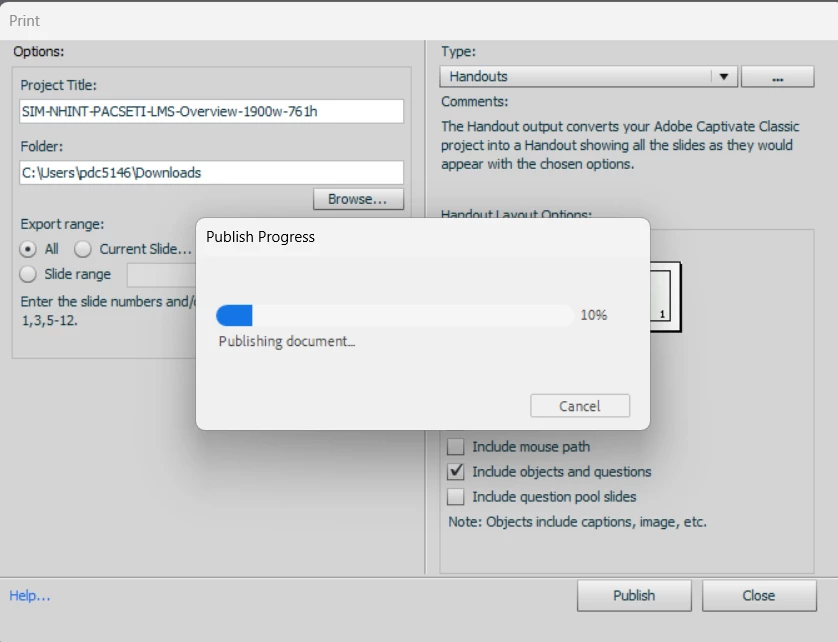
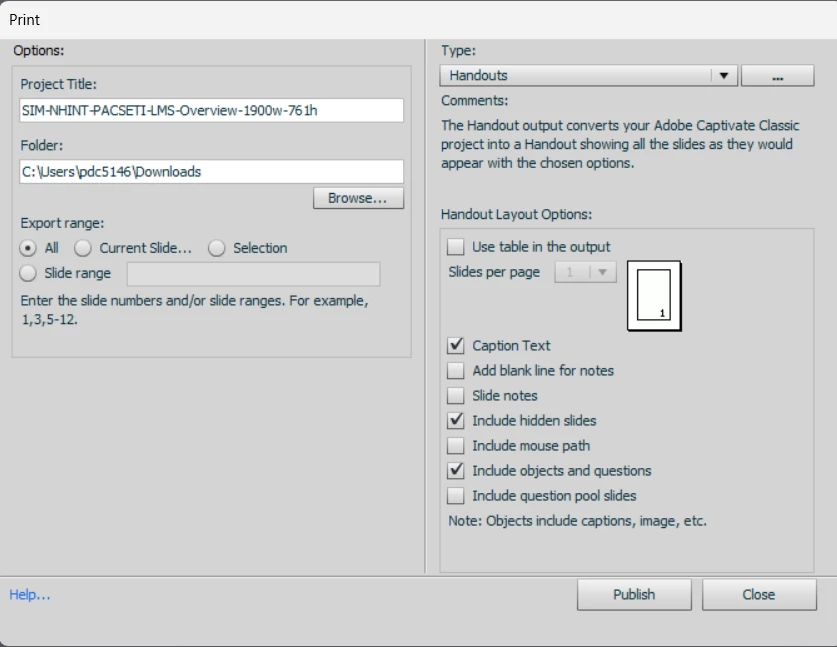
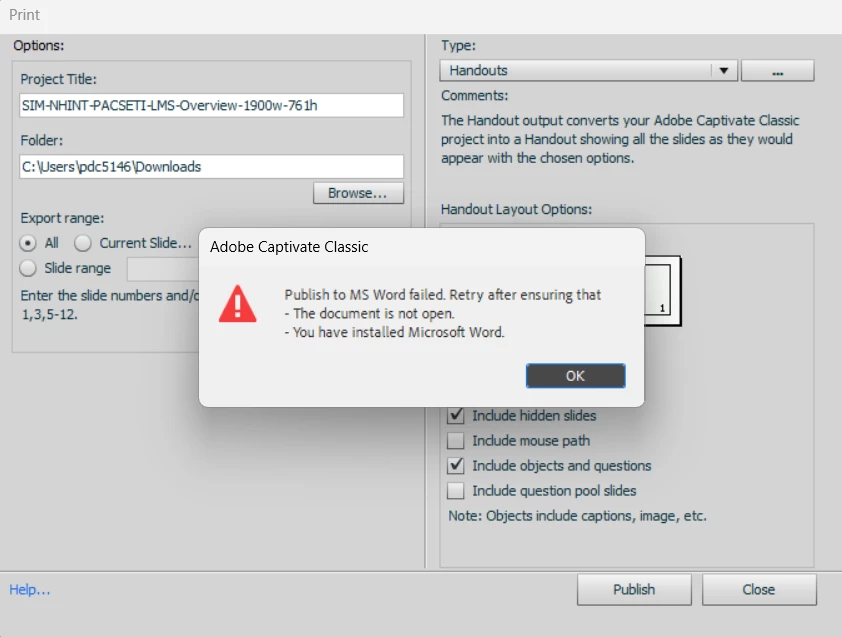
Recently whenever I attempt to print/publish to Word, I get an error message and the publish fails. It has worked in the past without issue but now it simply doesn’t work. I’ve included screenshots of the settings and error message. All programs up to date and permissions work on both. All other aspects of Captivate and Word appear to be operating perfectly. 

Using Captivate Classic 11.8.4.21.
 

12 replies

RupaliDesai
Known Participant
July 9, 2026

I am experiencing this same issue. I am unable to print from Adobe Captivate Classic. As a result, I cannot generate training handouts to include in the training modules. I need this function URGENTLY / ASAP. Please help Adobe Support Team!

Participant
July 7, 2026

Our content developers are seeing the same error message.  Subscribed to this posting so if anyone hears back from Adobe, please post here.  

Participant
July 7, 2026

I have same issue. Did anyone find a workaround?

jenrpa
Participant
July 6, 2026

Continuing to have this issue. Company computers will not allow us to roll back Windows updates

Participant
July 1, 2026

I urgently need this function; please provide brief feedback when a solution has been found. Thank you!

Participant
June 30, 2026

I am also experiencing this issue. I’ll echo a previous comment asking you to please share if you find a resolution. Thank you!

bobthenerd
Participant
June 30, 2026

Also experiencing this issue across our enterprise.

Participant
June 30, 2026

We're experiencing the same issue as well. Does anyone know where I should raise a ticket for this? We've been facing this issue since yesterday. If anyone is aware of a workaround, please let me know. This is critical for our process, as we need to take handouts

Inspiring
June 30, 2026

My colleagues and I have the same issue too.  Investigations seem to point to a Microsoft update having caused it, but I can’t find a solution or a work around.

trevor5280
Participant
June 24, 2026

I am also having this issue.