
linooliveira
Participant
June 1, 2017
Answered

I cannot import PowerPoint slides into Captivate 2017

  • June 1, 2017
  • 2 replies
  • 1112 views

Hi guys

I cannot import PowerPoint slides into Captivate 2017.

After the selection of the pptx file to import, the parsing process is beginning
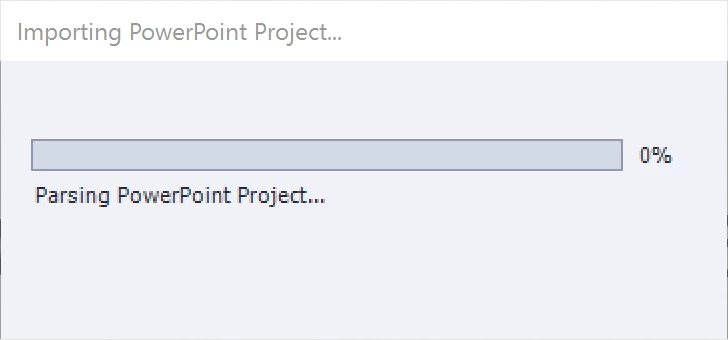
and then it is interrupted with the following error message:

The pptx file is not corrupted.

Some suggestions are welcome.

Thanks in advance.

Regards,

Lino

    This topic has been closed for replies.
    Correct answer RodWard

    This is a common issue with PPT files.  The usual workaround is to save the PPTX to an earlier PowerPoint PPT format before attempting to import into Captivate.

    2 replies

    Participant
    July 10, 2020

    That is not true, even as .ppt files , Captivate cannot import PPT files, not even if you have one slide with one word. It is a Captivate issue, every time I try to import ppt slides I receive this message. Then I close the message and nothing happend.

    Lilybiri
    Legend
    July 10, 2020

    Looks like youo haven't installed Java....

    RodWard
    Community Expert
    RodWardCommunity ExpertCorrect answer
    Community Expert
    June 2, 2017

    This is a common issue with PPT files.  The usual workaround is to save the PPTX to an earlier PowerPoint PPT format before attempting to import into Captivate.

    linooliveira
    Participant
    June 2, 2017

    It works!

    Thanks RodWard