
Object Effects Causing JavaScript Error - Cp 9
We have a course that includes very simple effects (such as EaseInRight, AlphaToFrom) that is causing errors when published in HTML5. The error is in the form of the following: "Uncaught TypeError: Cannot read property 'XXXX' of undefined(...)" and presents a blank slide with the audio playing. When I expand the triangle for the error, you can see more information below. The 'XXXX' property # changes as do the CPM.js.XXX numbers.
This behavior happens when we preview the project in Captivate via an HTML5 browser, and as well when we publish the file to the desktop and view the output via the HTML5 browser. I have tried Chrome, IE, and Safari.
Here is what I can tell you about this project, though I am not the main developer and am not JavaScript familiar. I am just being asked to answer for why this is happening. But in my opinion to use the basic effects in CP one shouldn't have to be JavaScript familiar to apply the effect and have it publish without incident.
- I am running Cp 9.0.2.437 (not in administrator mode because it is not allowed by our organization.)
- Built by importing PPT slidedeck into Cp9.
- Effects are applied in Cp9
- Every slide has audio that is added to the slide in Cp 9.
- When we remove the effects, it publishes just fine.
- I tried some other troubleshooting recommended by RodWard in a previous forum question presented about a similar issue in Cp8 by:
- Removing the audio from the slide, deleting the effect, adding the effect back in, and adding the audio back in = no change in behavior
- Adjusting the audio to start at 0.5 seconds after the slide
- Adjusting the object to have a 3.0 second fade in transition (though one of the effects in question on one of these objects actually starts at 23.3 seconds after the object appears.)
- Saving the project with a new name
- Deleting my project cache
- We have never experienced this before.
Other information 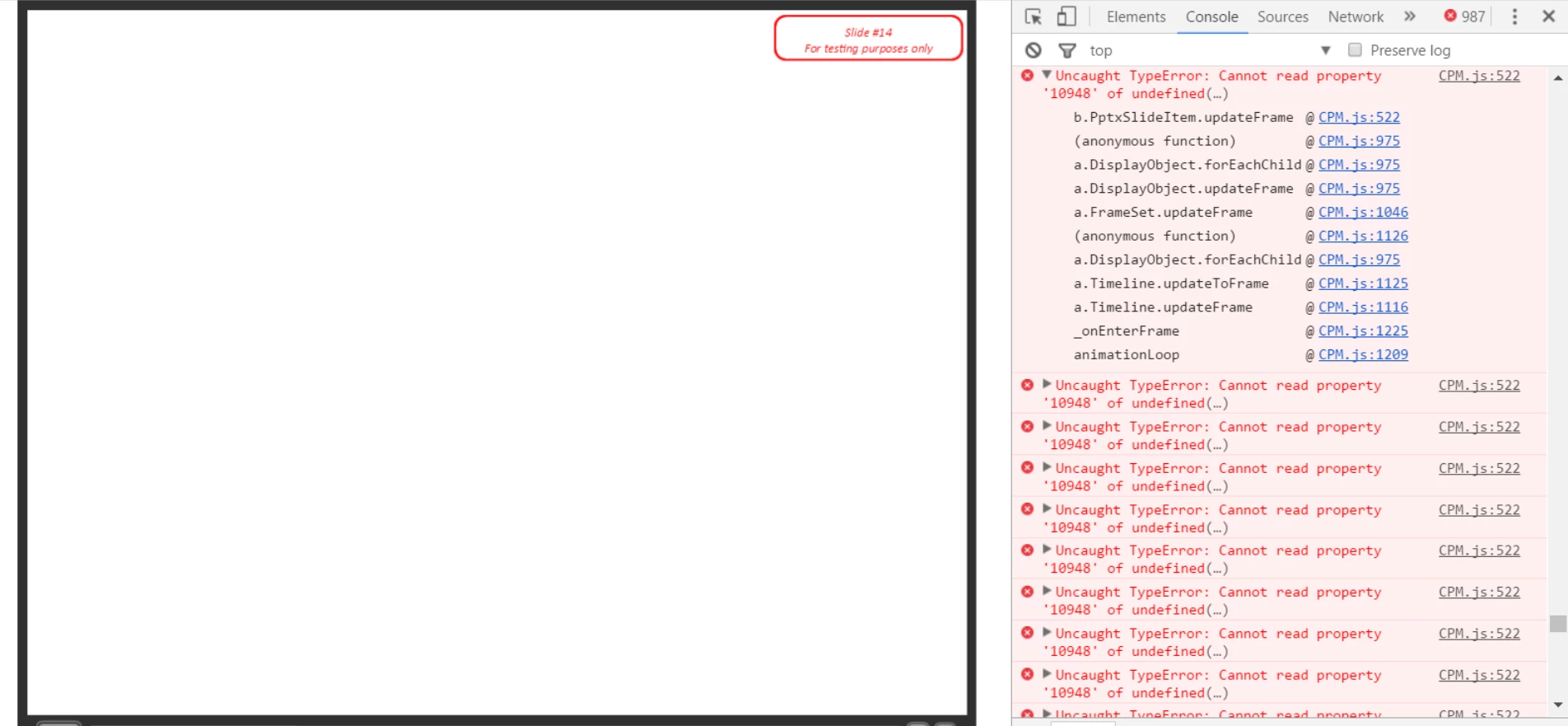


 AdChoices