

Known Participant
March 21, 2016
質問

Preview in HTML5 in browser doesn't show all the applied Timing effects

  • March 21, 2016
  • 返信数 1.
  • 399 ビュー

Hi all,

I'm previewing my package in HTML5 browser, as that's how it'll be viewed by the participants. If I preview normally in a browser (presumably using Flash) everything glides up beautifully, but when I preview it in HTML5 in a browser the multiple choice answers don't ease up like everything else.
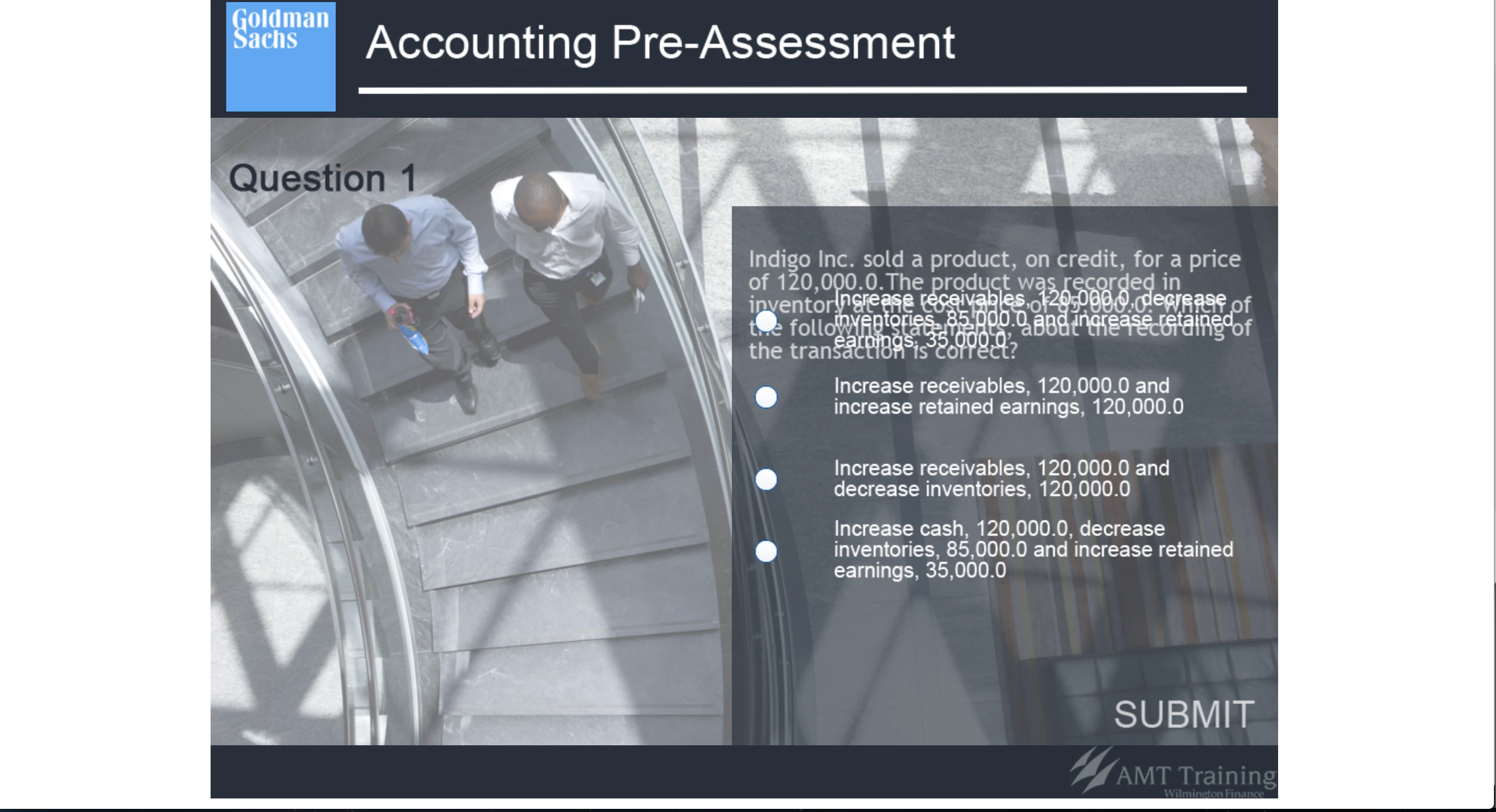
I've also attached an image of how all the timing effects look on the filmstrip view.
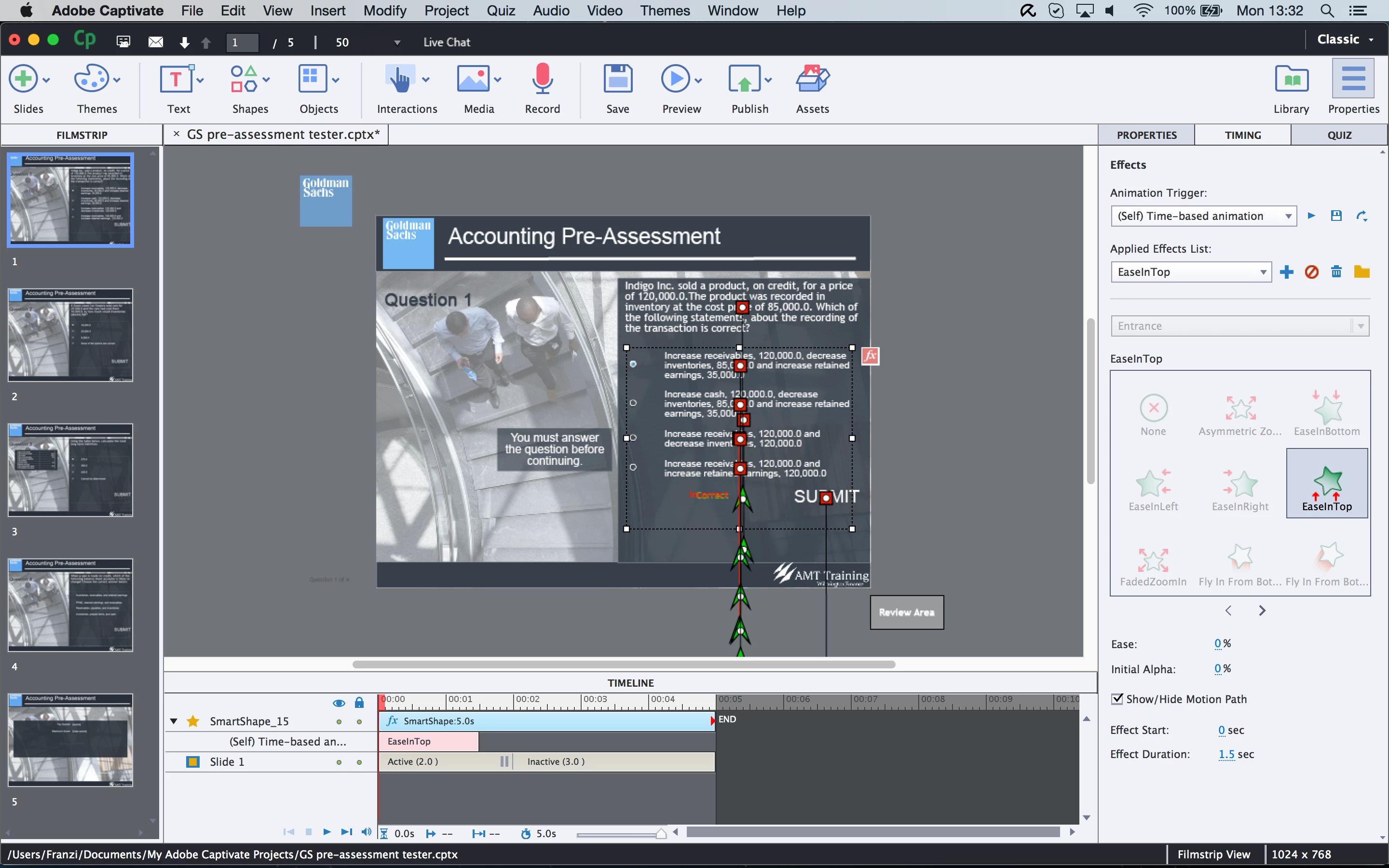
Any help would be greatly appreciated.

Thanks

このトピックへの返信は締め切られました。

返信数 1

Lilybiri
Legend
March 21, 2016

I see that the timing of the effect is lower than the default time (which is 2secs). That was one of the issues that should be fixed for HTML output with the latest patch. Have a look at:

Release notes for Adobe Captivate 9.0.1

FHensel作成者
Known Participant
March 21, 2016

Hi Lilybiri,

Yes it looks to be an issue, but I downloaded this version of Captivate 9 a few days ago, so I know I've got the latest patch already installed.

The help page doesn't really tell you how it fixed this issue; and since it still pops up with me, what do you reckon is the best way to solve this issue?

Should I up all the Timing effects to above 2 seconds?

Lilybiri
Legend
March 21, 2016

Check your version under Help, About Captivate. If you are not on 9.0.1.320 use the option Updates under the same Help menu to install the patch.