

Participant
July 13, 2016
質問

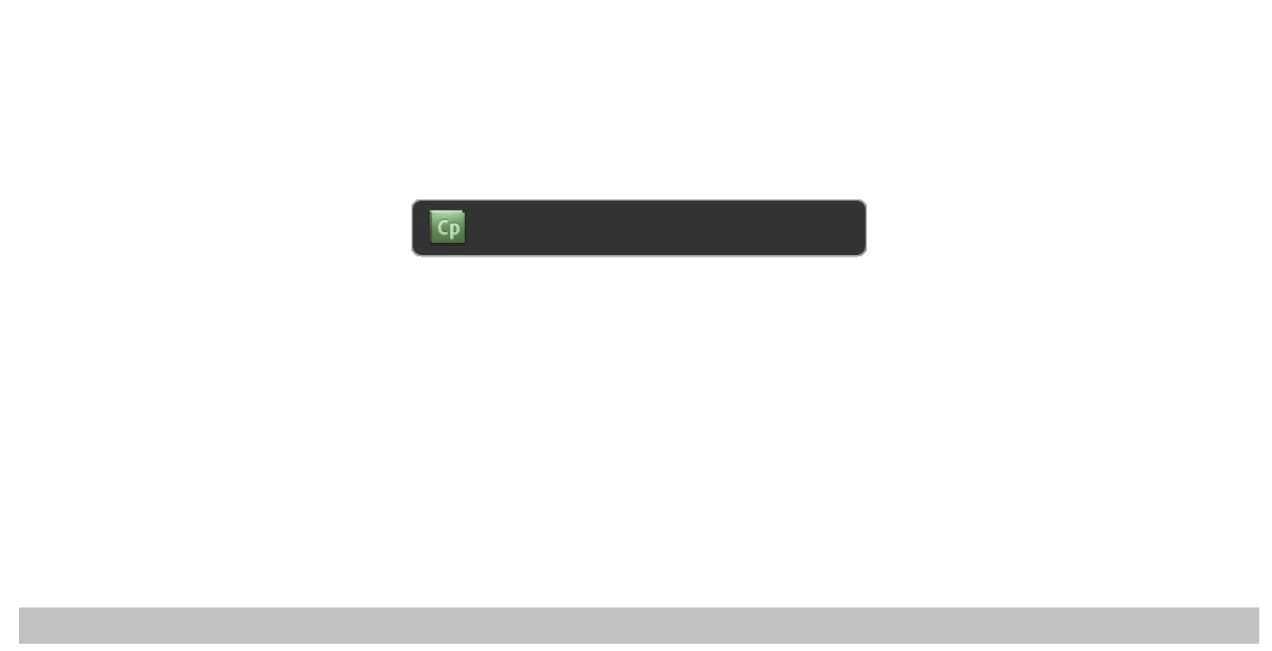
Published files show up with the Cp logo on the screen and nothing else

  • July 13, 2016
  • 返信数 1.
  • 162 ビュー

We had some short navigation simulations developed for us by an external provider. They were operating fine.  Now, however, when we access the link from our intranet we get the attached screen.

The intranet is a SharePoint site, and I have checked the links and all the files are still there.  It has happened for two files. The files the links point to are .swf files. We have other online training programs in the same place on the intranet, also .swf files but produced in storyline which are still functioning. I have also tried to run the file on another computer outside of our IT environment with the same result, as well as multiple laptops here at work.

I have tried using IE11, Google Chrome and Firefox all with the same results.

Any assistance would be appreciated - my help desk is also stumped.
    このトピックへの返信は締め切られました。

    返信数 1

    Lilybiri
    Legend
    July 13, 2016

    You shouldn't point to the swf files. The SWF's have to be launched using the companion htm file, which will call the CSS and JS files which are also essential for the functionality.

    Maybe you should give some more details as well: Captivate version? What is the loading percentage?

    mbroventia作成者
    Participant
    July 14, 2016

    Hi Lilybiri,

    Thanks for your response.  They were created by consultants and I think they were using Captivate 8. There is no percentage loading displayed - just the static screen above.

    I'll try pointing to the htm file - but the thing that has me stumped is that they were functional a few weeks ago and nothing should have changed.

    RodWard
    Community Expert
    Community Expert
    July 14, 2016

    Ask your IT department if there have been any changes to the SharePoint site configuration.  If you upload your content to a normal web server somewhere and it works fine from there, then my guess would be that something in your SharePoint site has been changed and is now blocking your content SWFs from working.