

Inspiring
June 2, 2015
質問

'Tab' key behaves erratically in Fill-in-the-blank quiz questions

  • June 2, 2015
  • 返信数 1.
  • 487 ビュー

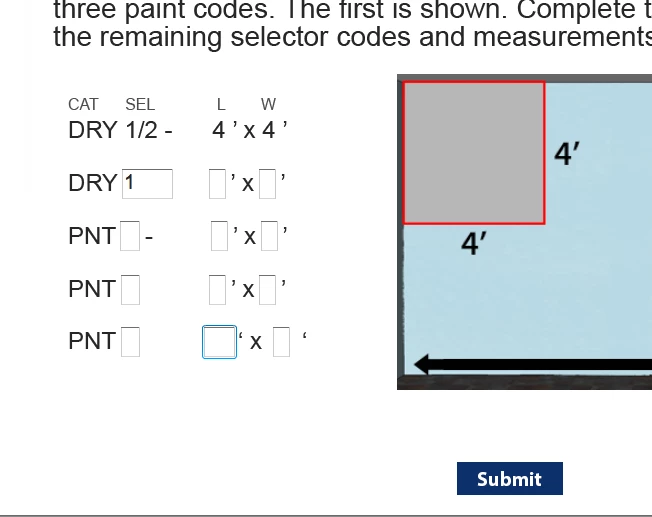
When I review the Fill-in-the-Blank questions in my quiz, the 'tab' key behaves erratically. I type an answer into the first box, then I hit 'tab' and my cursor jumps to a box near the end (rather than the adjacent box). Each question behaves a little differently. Sometimes the 'tab' key behaves as expected on certain questions, but on other questions it doesn't. Is this a bug or is there a way to control tabbing behavior in matching quiz questions?
このトピックへの返信は締め切られました。

返信数 1

RodWard
Community Expert
Community Expert
June 3, 2015

I'm just guessing here but...

A lot of things in Captivate quiz questions depend on the stacking order.  And that stacking order often depends on the order in which the items were added to the slide.

My suggestion is that you should create another dummy Fill in the Blank slide to try an experiment.  It usually has ONE blank spot already there by default.  Add another one AFTER it in the sentence and publish to test which one tabs to first.  Perhaps this will suggest the order in which you need to add the fields so that the tabbing order can be controlled.

avary_s作成者
Inspiring
June 3, 2015

Thanks RodWard, I actually thought of that. I tried recreating the slide and marking the blanks in the order I want the tabbing to occur. No luck