


Known Participant
June 16, 2015
Question

What causes the Captivate 8 Multiscorm Packager to be unresponsive?

  • June 16, 2015
  • 3 replies
  • 409 views

Just what I needed on the day of a project delivery...

Finalised the final edits to my course modules, exported them as zips then when to load the Multi SCORM Packager and got a screen with nothing on it.

See attached image:
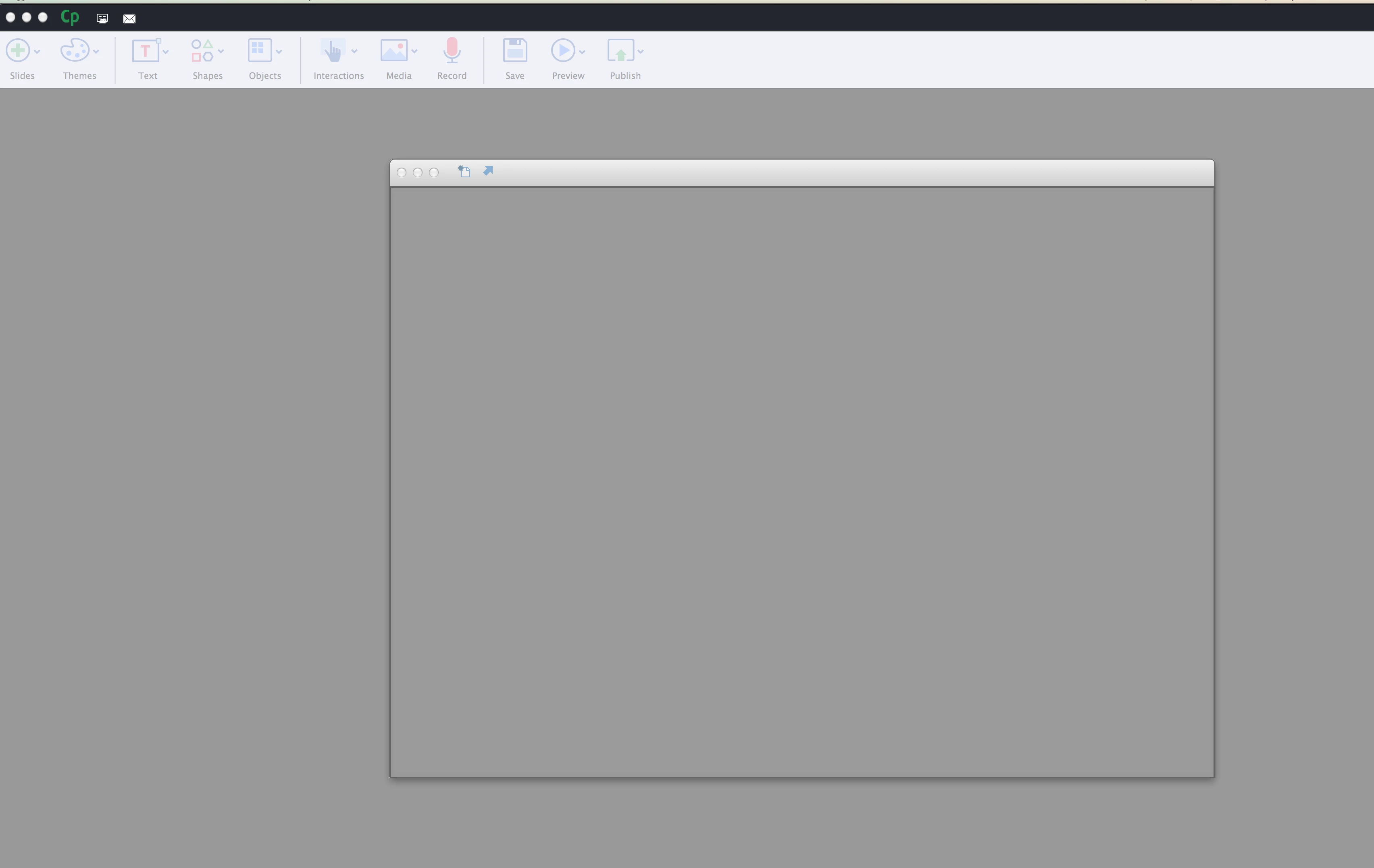
Have tried clearing cache re-installed last update which fixed it from not loading the last time but seems Im back to square one...

Is there anything available that does the same as the packager application that I could use as a backup?

HALP PLZ

This topic has been closed for replies.

3 replies

Known Participant
June 19, 2015

Understandable,

It seems the problem I have runs deeper, was just working on a drag and drop activity, and when to edit the settings for the activity and I get an error and blank window also.

Something seems corrupted, perhaps there is an issue with Air if that is what is used to control aspects of the application?

Known Participant
June 18, 2015

Still awaiting any suggestions on this?

TLCMediaDesign
Inspiring
June 18, 2015

Can't help you with why the software won't run. My suggestion would be to create the package yourself. I could help if you'd tell me which SCORM version you are trying to use.

Known Participant
June 18, 2015

Hi there thanks for the response.

Mainly I export at Scorm 1.2 format.

Problem is a compiler would be great as I tend to do quite a few multi-module courses.

Thanks Again.

TLCMediaDesign
Inspiring
June 16, 2015

What version of SCORM are you packaging? I always use my own manifest and metadata documents. It's really quite simple to throw together a package.

Known Participant
June 16, 2015

The thing is I don't even get to that part to even select what SCORM format it should be exported as.