


Added a layer in PS to a working pupet, then deleted it, but now puppet is messed up.
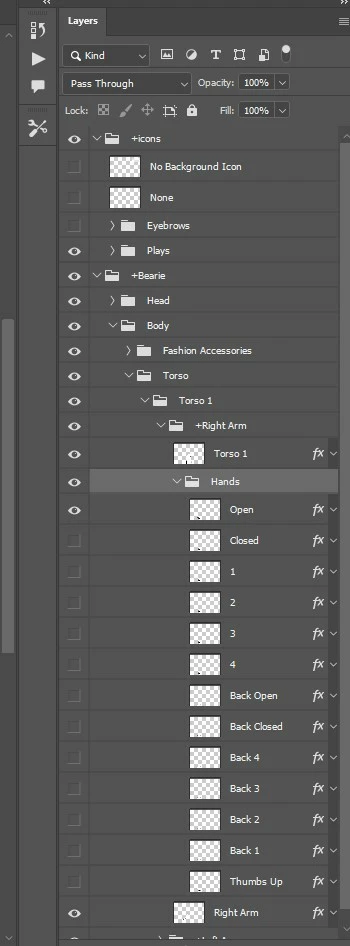
I picked a character in character animator and customized it. Had it working perfectly, and then researched how to make hands come in front of face. Found a website with a tutorial and followed. All I did was this:
--Create a new layer (Name it anything you like, I named it “upper”).
--Drag this new layer into our character hierarchy, above the head layer.
--Draw a little square/dot (anything) on the character, and change its opacity to 1%.
--Make sure it is placed as part of the “upper” layer.
I saved the photoshop file, and went to animator to check progress, and suddenly then, the characters head detaches from its body, and the bottom of the character lifts up out of place. So I thought, forget this, I just want my old functioning character back. In the history tab, I opened a previous version before I messed with the character in photoshop and all looked good, except for the character in rig mode was colored bars. I realize this is because it is referencing a character that I saved over. I could not find a way to recover an older version of the photoshop character. So I decided to delete the new layer I added per the instructions above and just resave. But the character won't fix. I literally did nothing else but add that layer named "Upper" with a 1% opacity dot on it, and then deleted that layer. Please, please help.
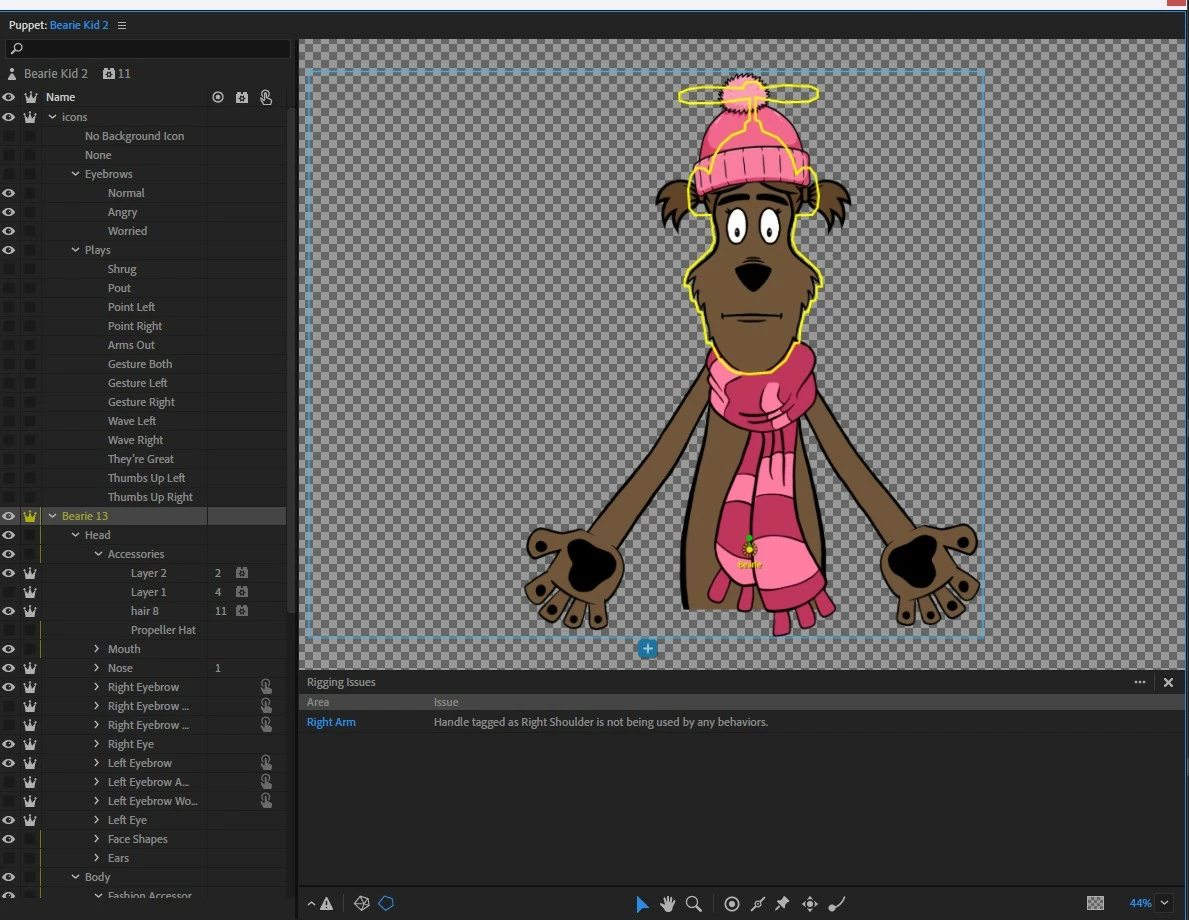
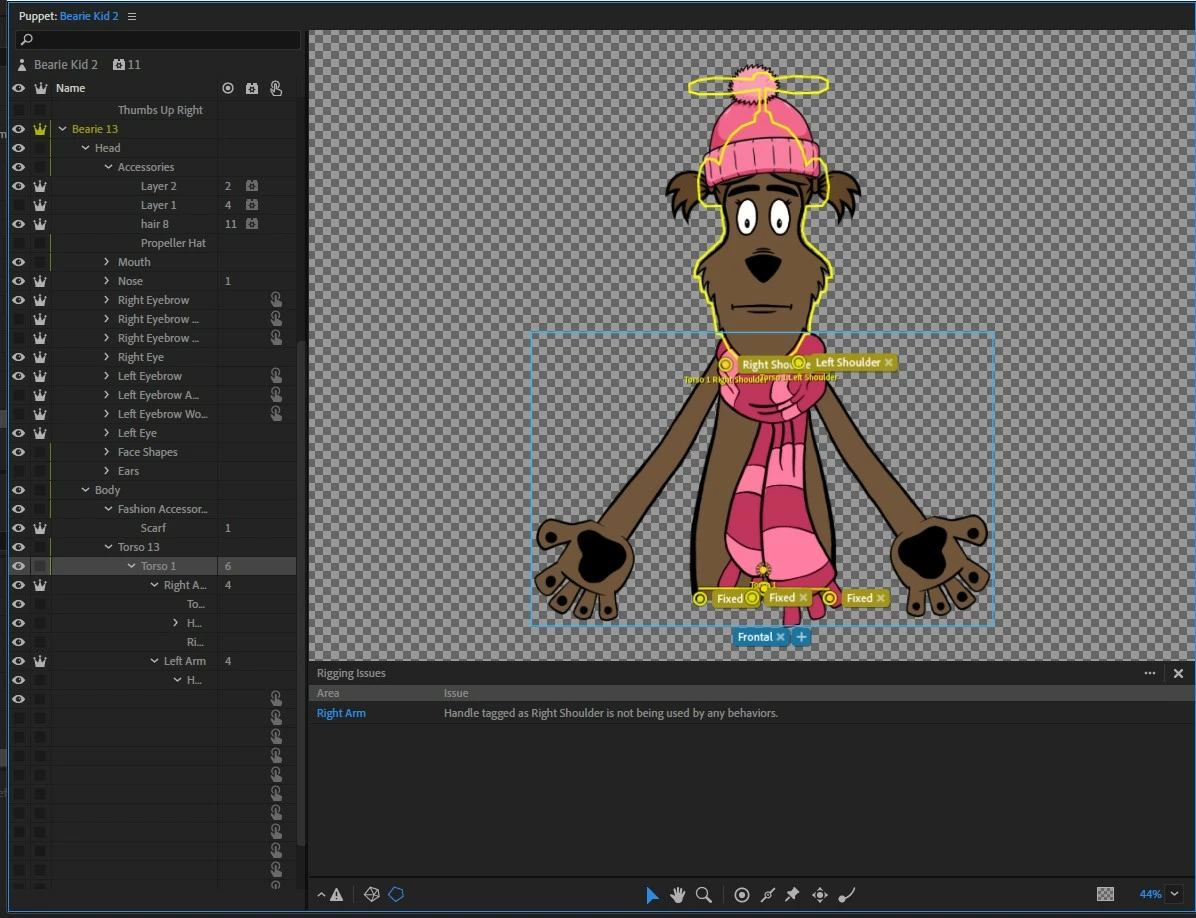
So I compared the layers of this puppet to another one I'd customized, and only thing I can find is the yellow mesh doesn't show on the torso part of the character when it's name (above the head) is selected or when torso is selected. 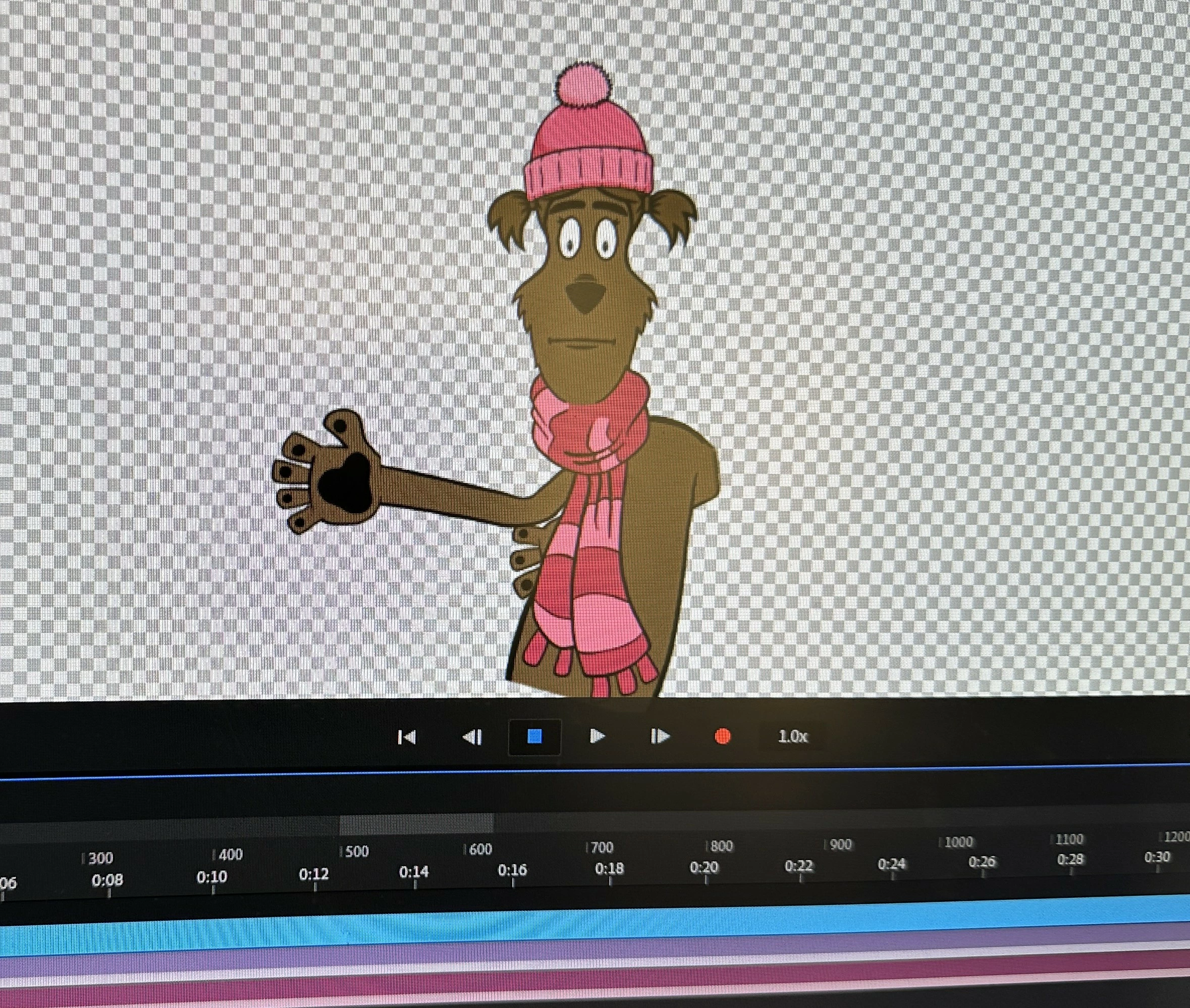
 AdChoices