
And once again, i am totally lost editing a puppet at all.
okay,
I had downloaded one of the free puppets offered on the site.
its name is templateman.
I have had zero luck editing him at all. I have watched the videos, and followed the instructions with zero luck.
I will attempt to load my screen shots so it seems legible.
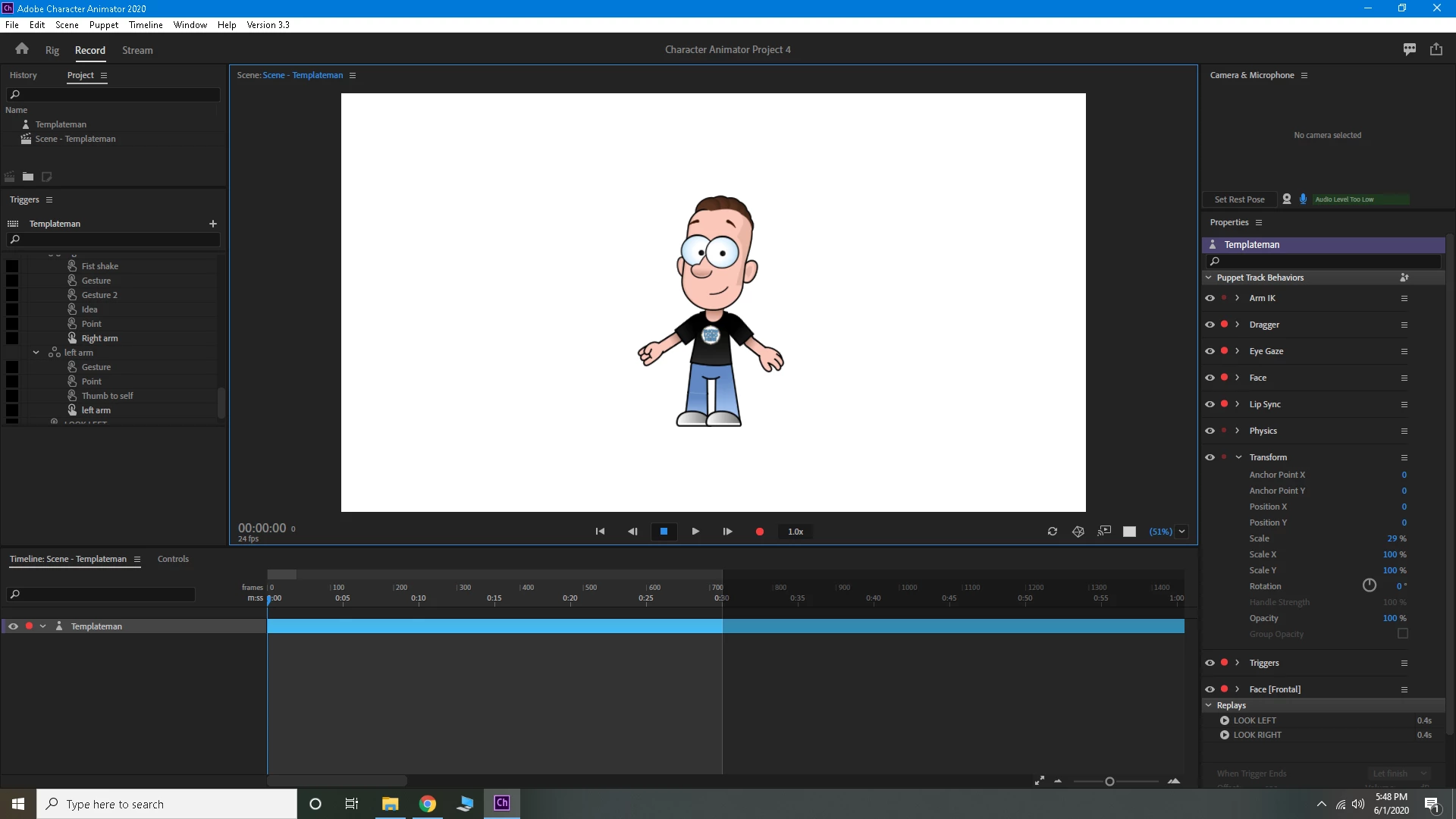
I start the program with the puppet, he is movable, and can have movement triggers. (1st picture)
I origionally wanted to add a gotee, but for simplicity i decided to show what happens when i just want to delete the logo on his shirt.
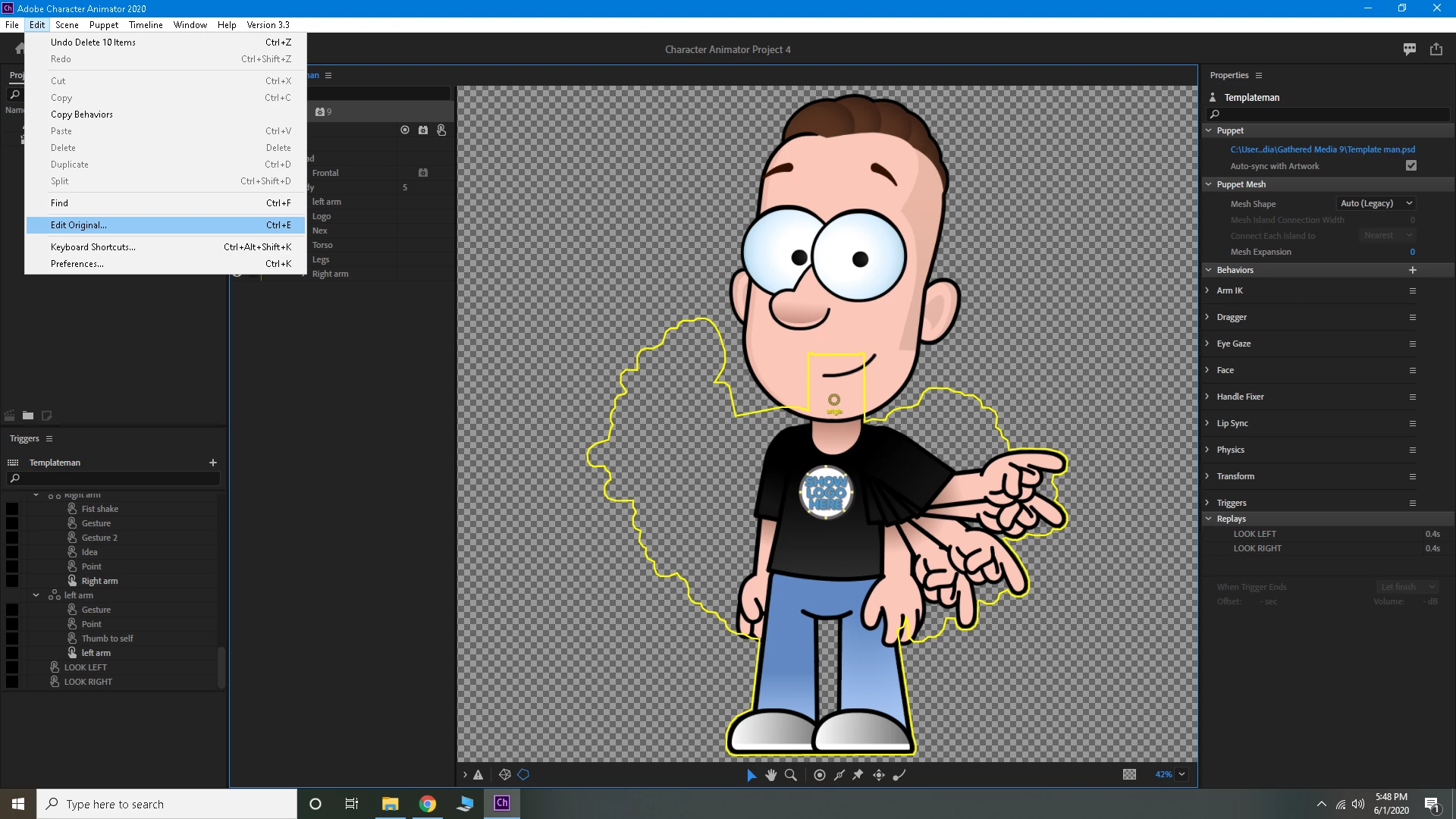
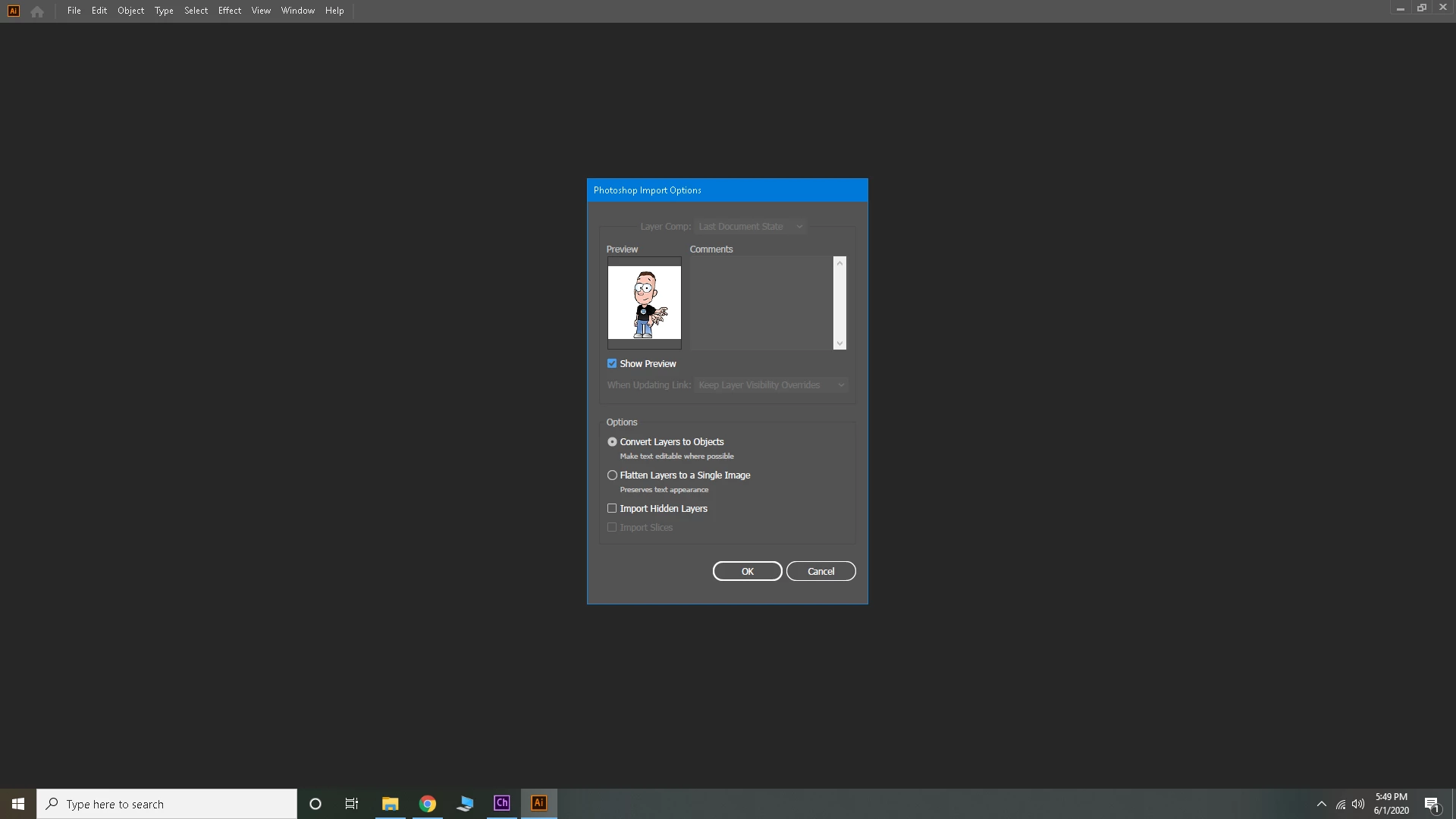
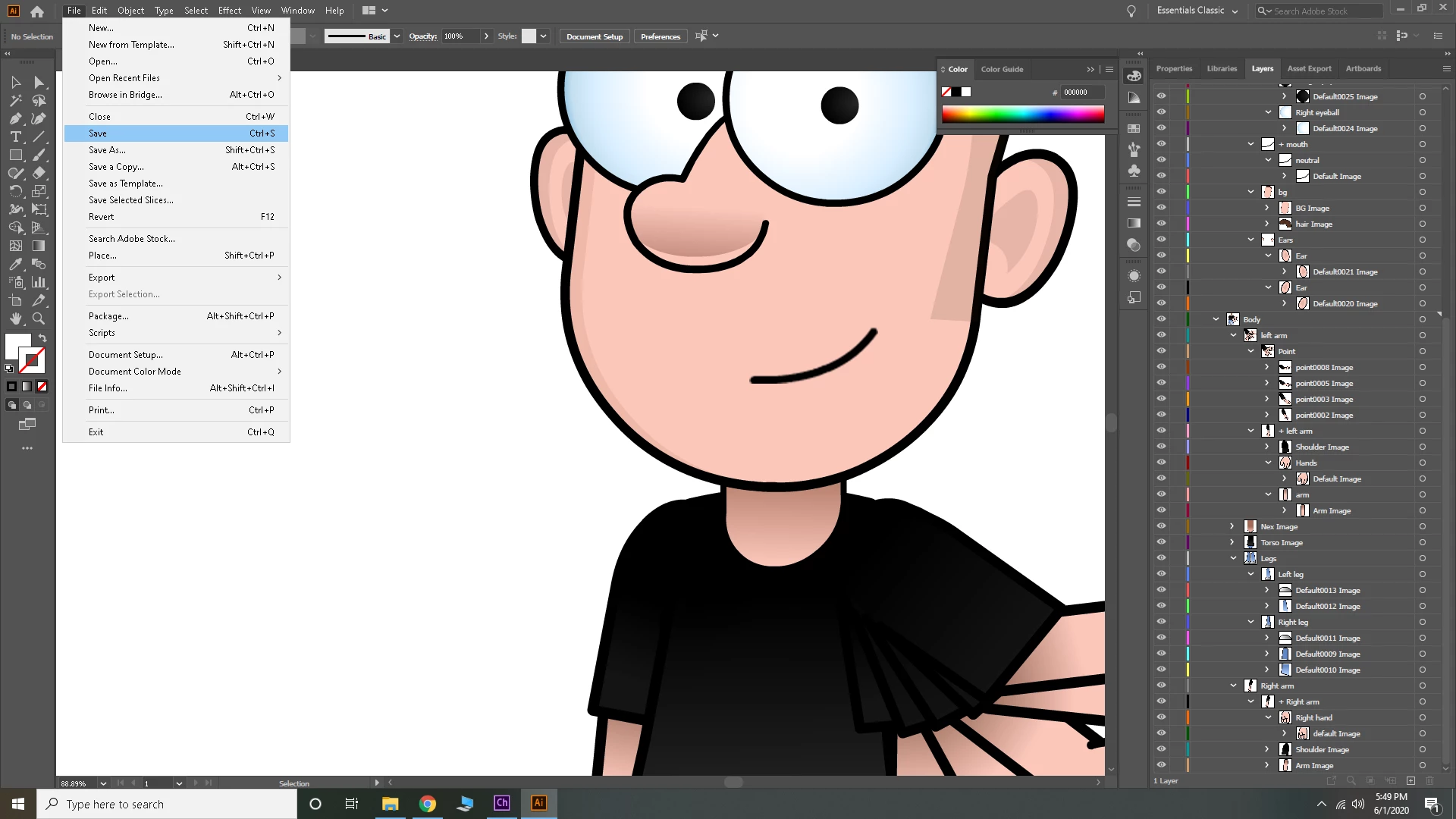
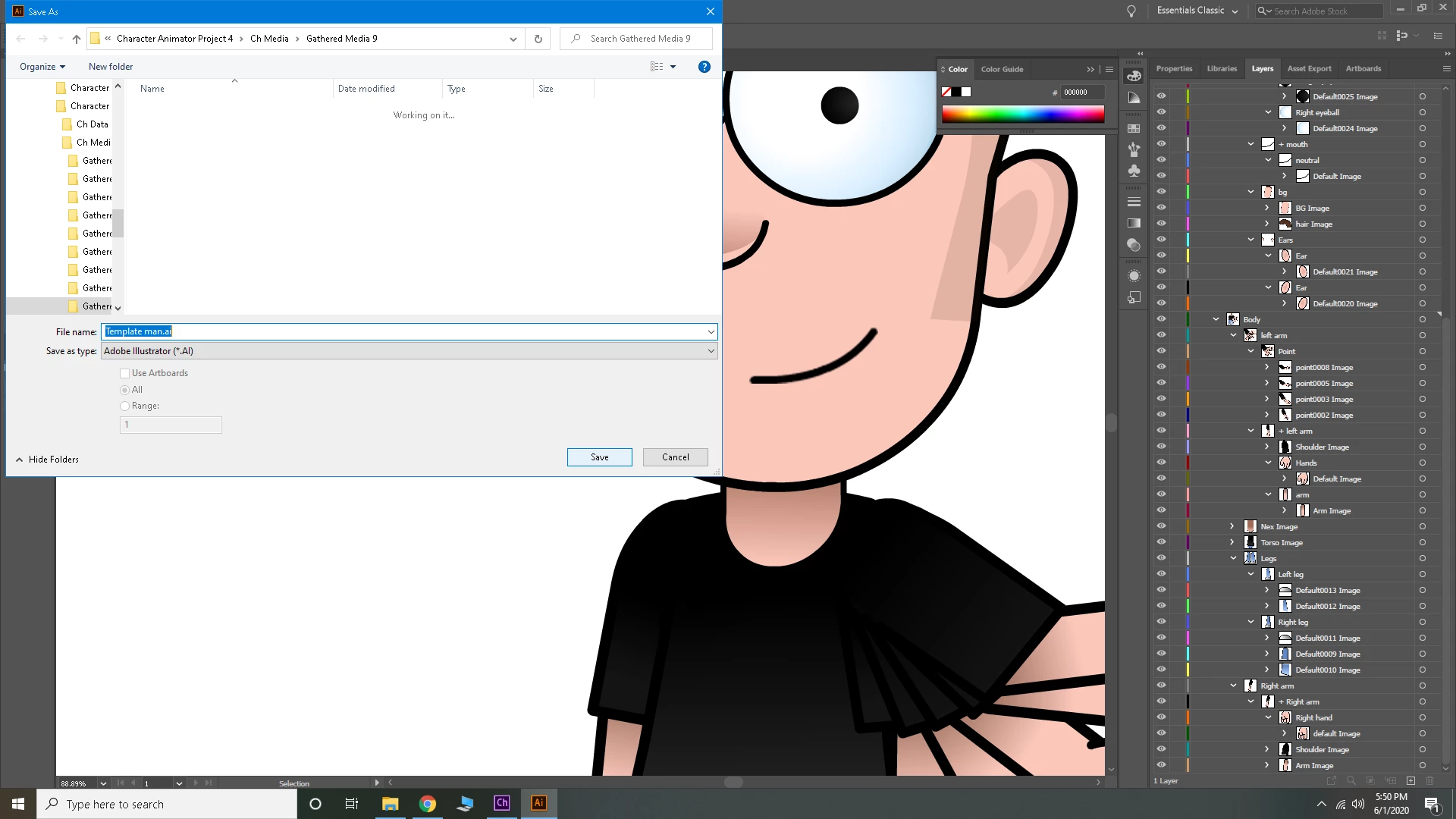
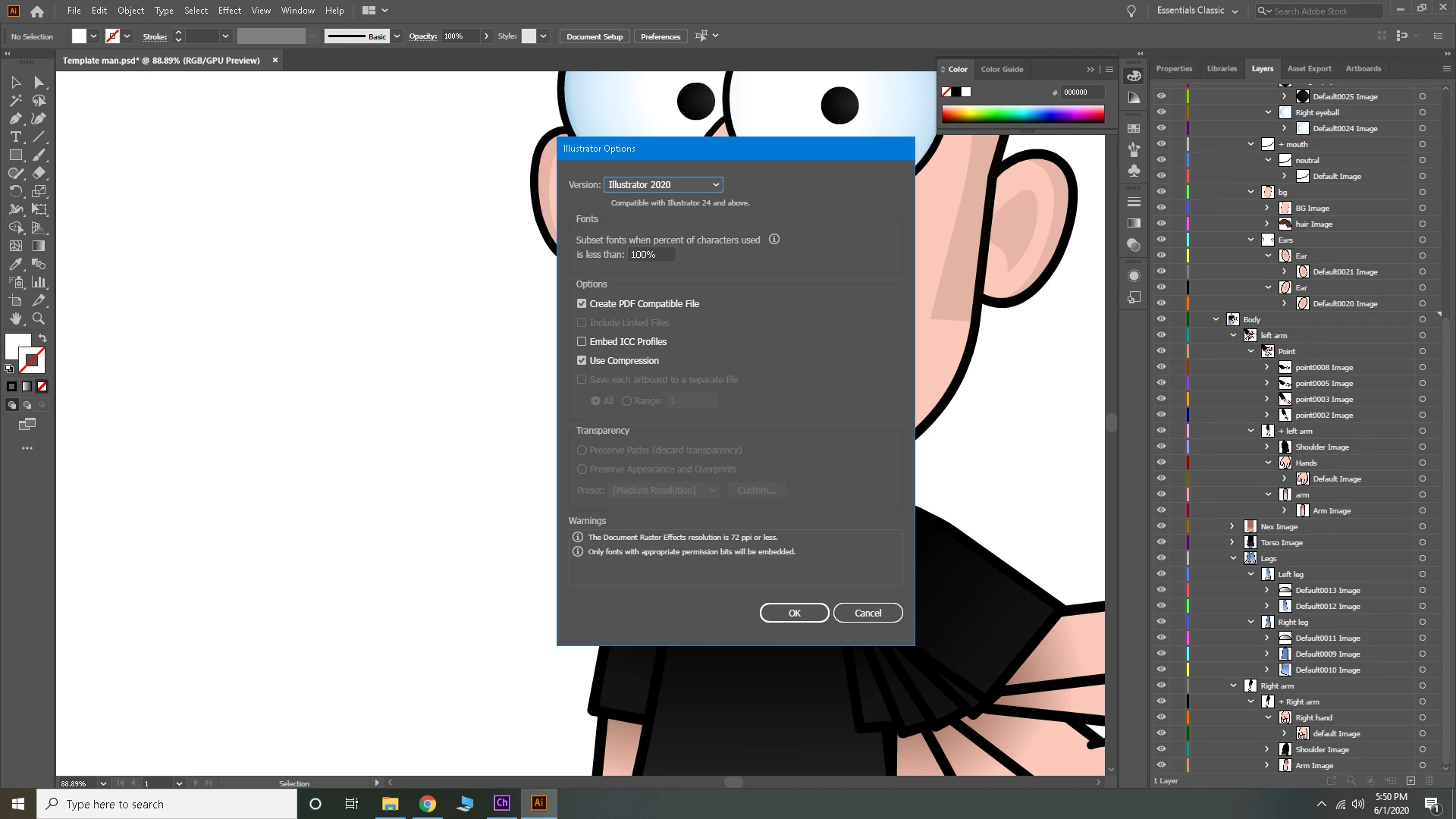
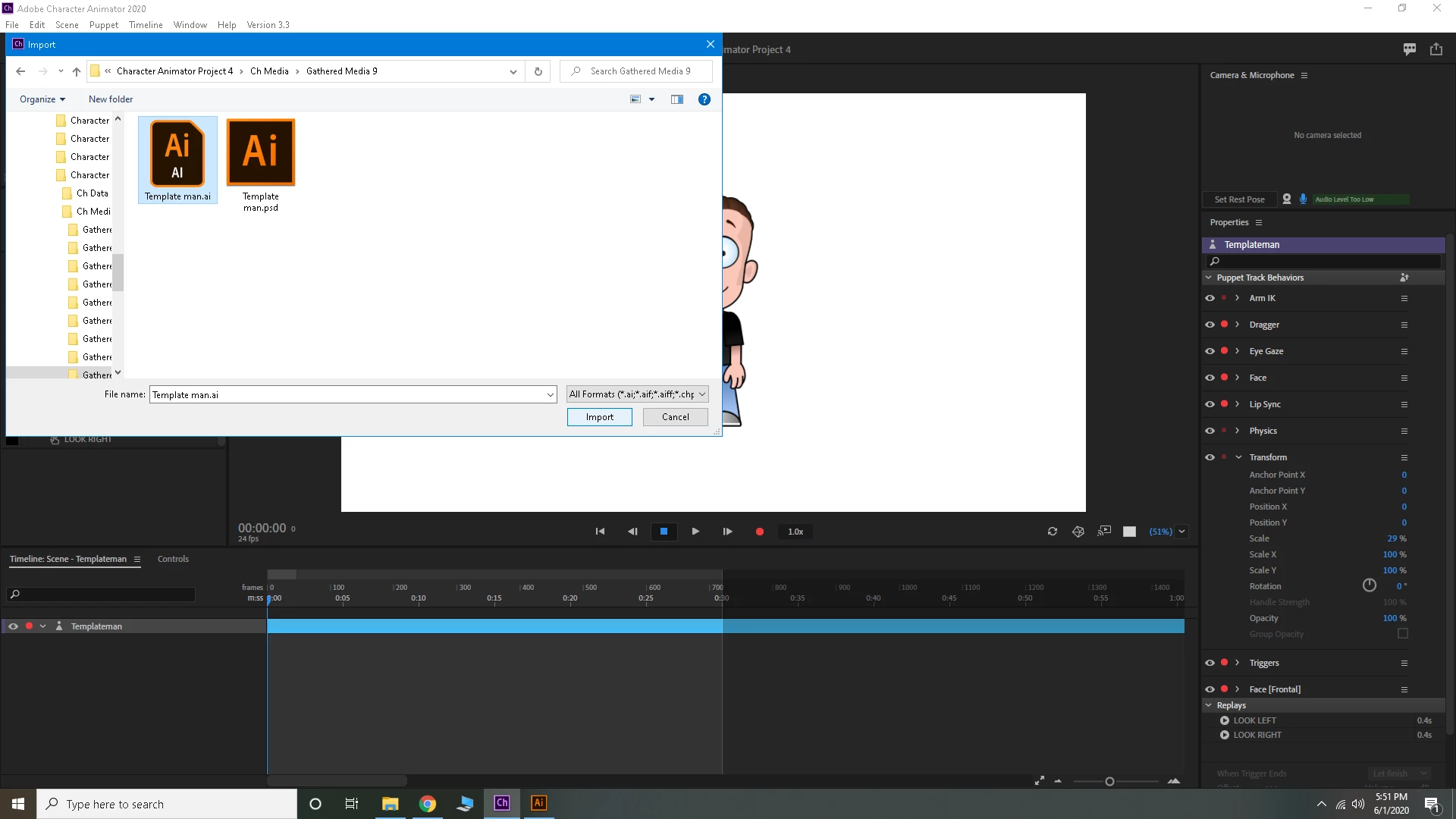
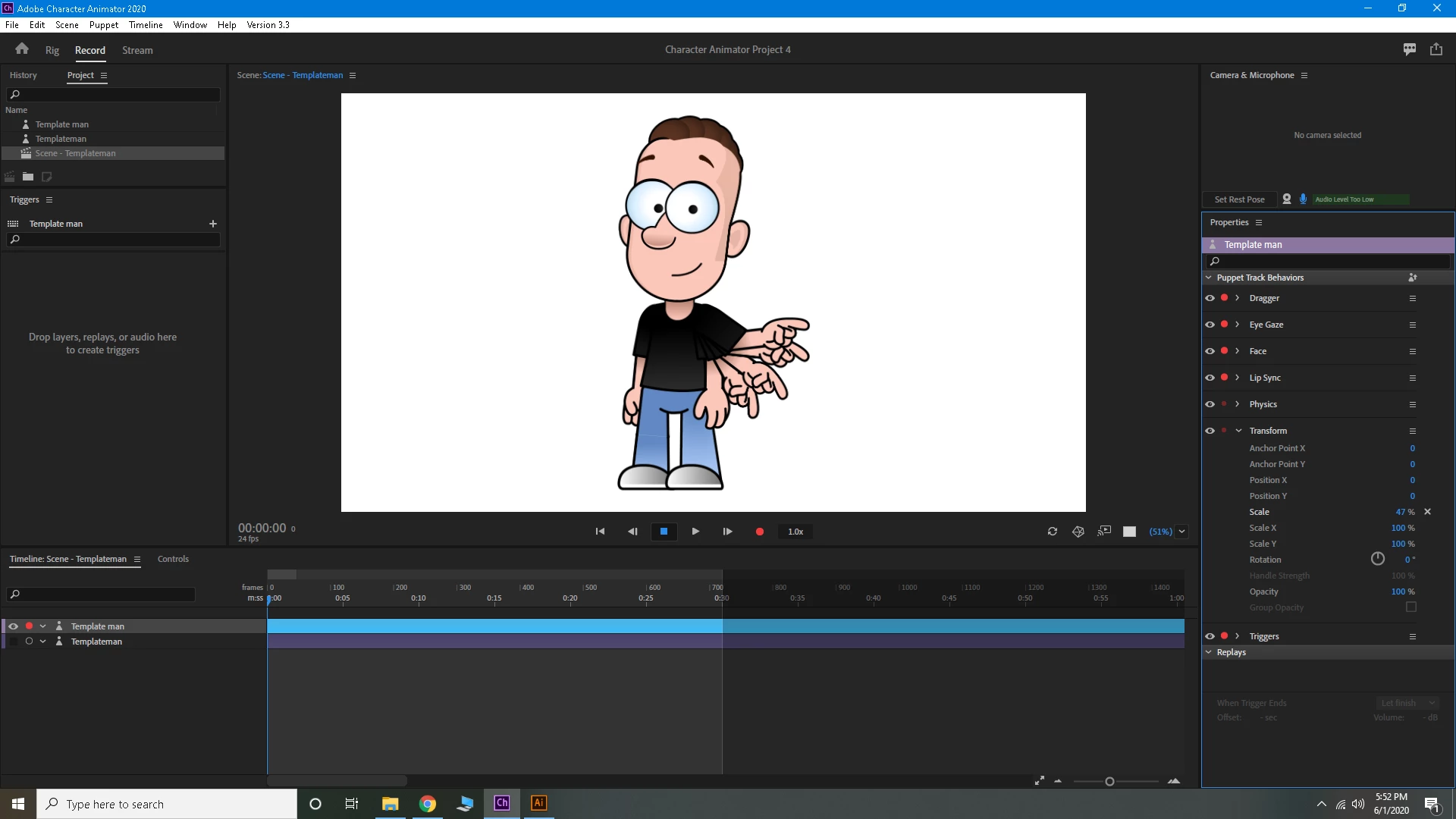
I go from record screen to rig screen, and this is what i get (picture 2) I click edit oriogional (pic 3) and it opens adobe illustrator (pic 4) and this is how it starts. (pic 5) shows exactly how the program starts. you can see I deleted the layer with the logo. I follow the instructions and click save (pic 6) which gives me a default area to save the character to (pic 7). after that i get the deafult illustrator option (pic 😎 which i click ok. (pic 9) shows absolutely nothing changes as shown in the videos and adobe instructions. so i followed another set of instructions which says to import the saved character i just changed (pic 10). and lastly (pic 11) shows what i get. a dead picture with no movement at all. I even tried adding drag points with zero luck. it just becomes a picture of what rezembles a multi armed picture. what is my issue here? I cant get it to works at all??? I have tries several different puppets, and same deal. I have also tried hiding the extra apendages before i bring the charachter into illustrator. same issues..


 AdChoices