kenthero
Participant
September 7, 2017
Answered

Blink Questions & Problems
  • September 7, 2017
  • 2 replies
  • 477 views

Reasons for doing this:

I don't have a camera, that's why I'm trying to figure out how to create a character that doesn't involve video mimicking.

Questions & Problems:

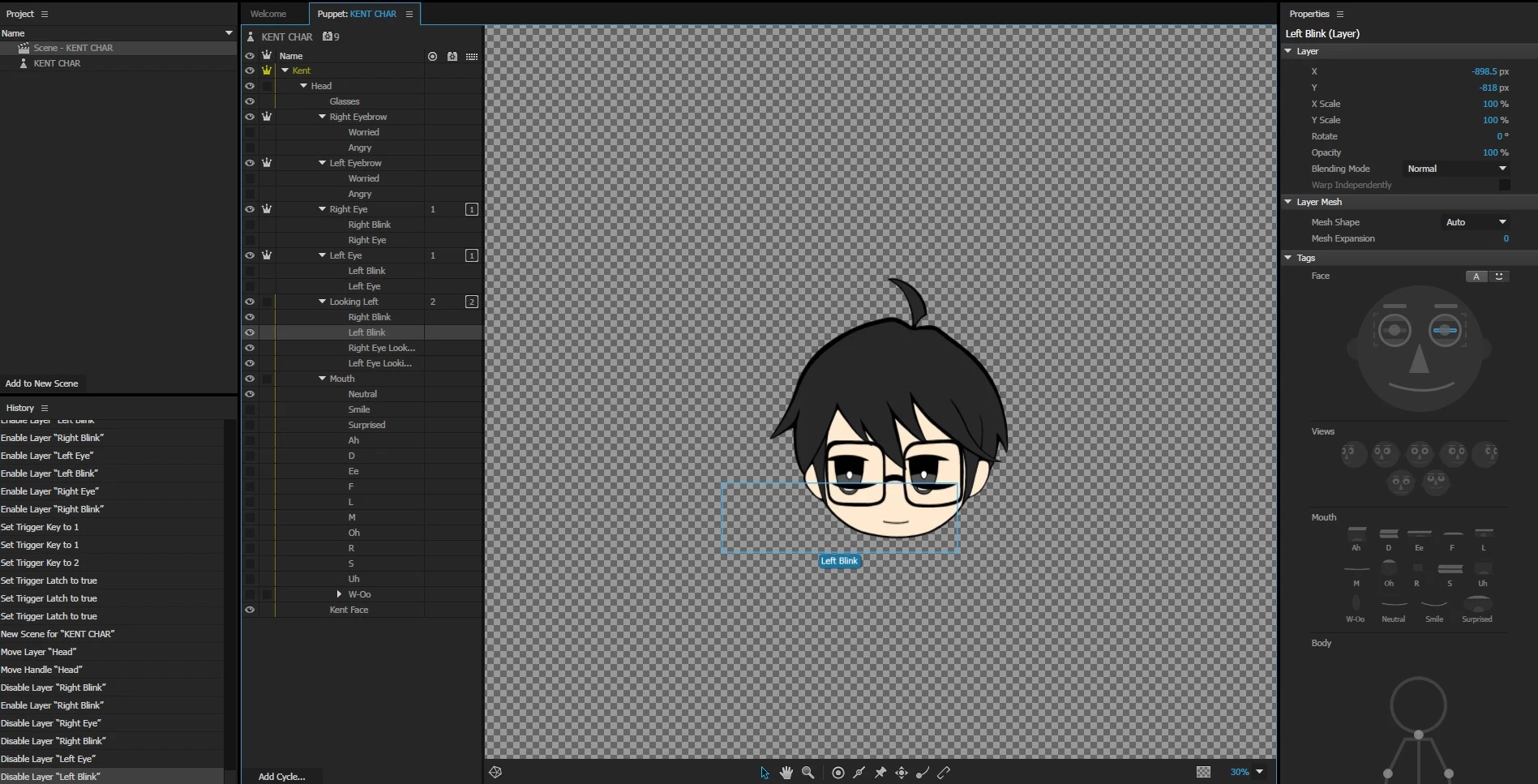
Is there a way to create eyes on different positions with blinking?

For example:

On SCENE MODE with KEY TRIGGERS

press 1(with latch on) = eyes in original position(looking forward) + with auto-blink

press 1(with latch on) one more time to turn off the original eye, then press 2(with latch on) = eyes looking left of the scene + with auto-blink

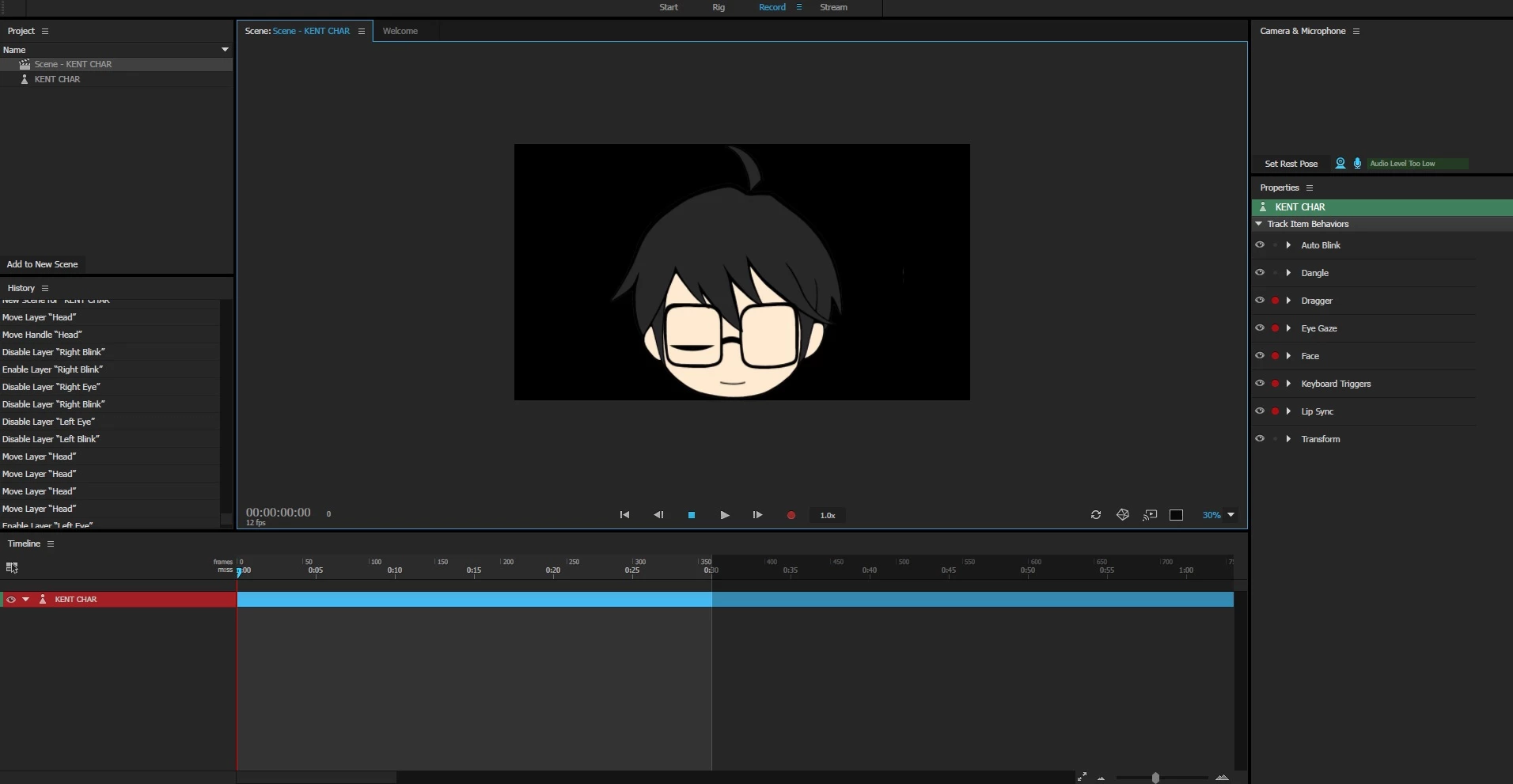
When I moved it to the record scene, the auto-blink works only on the right blink and the left blink disappears.

The idea was to create a character with eyes looking at other directions with blinking as well.

Is there an easier way to operate it?

This topic is closed to new replies. Start a new post to keep the conversation going.
Correct answer oksamurai

You should be able to do this, yes. You would want a switch group with folders inside: Default, Side, etc., and "hide others in group" checked for any non-default folders.

See "Interrogation" from adobe.com/go/chexamples for a good example of auto-blink - my guess is it's a tagging, organization, or behavior placement issue.

2 replies

oksamurai
oksamuraiCorrect answer
Legend
September 7, 2017

You should be able to do this, yes. You would want a switch group with folders inside: Default, Side, etc., and "hide others in group" checked for any non-default folders.

See "Interrogation" from adobe.com/go/chexamples for a good example of auto-blink - my guess is it's a tagging, organization, or behavior placement issue.

kenthero
kentheroAuthor
Participant
September 7, 2017

Oh my.. you really helped me there, I forgot about the folders!

Thank you so much!!!