IAmChrishonda
Inspiring
October 31, 2021
Answered

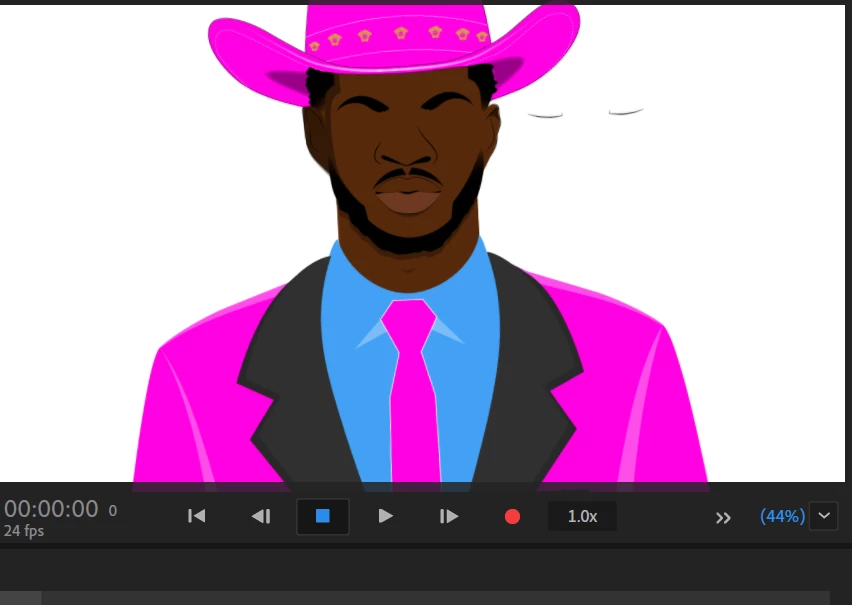
Blink shows outside of face

  • October 31, 2021
  • 3 replies
  • 365 views

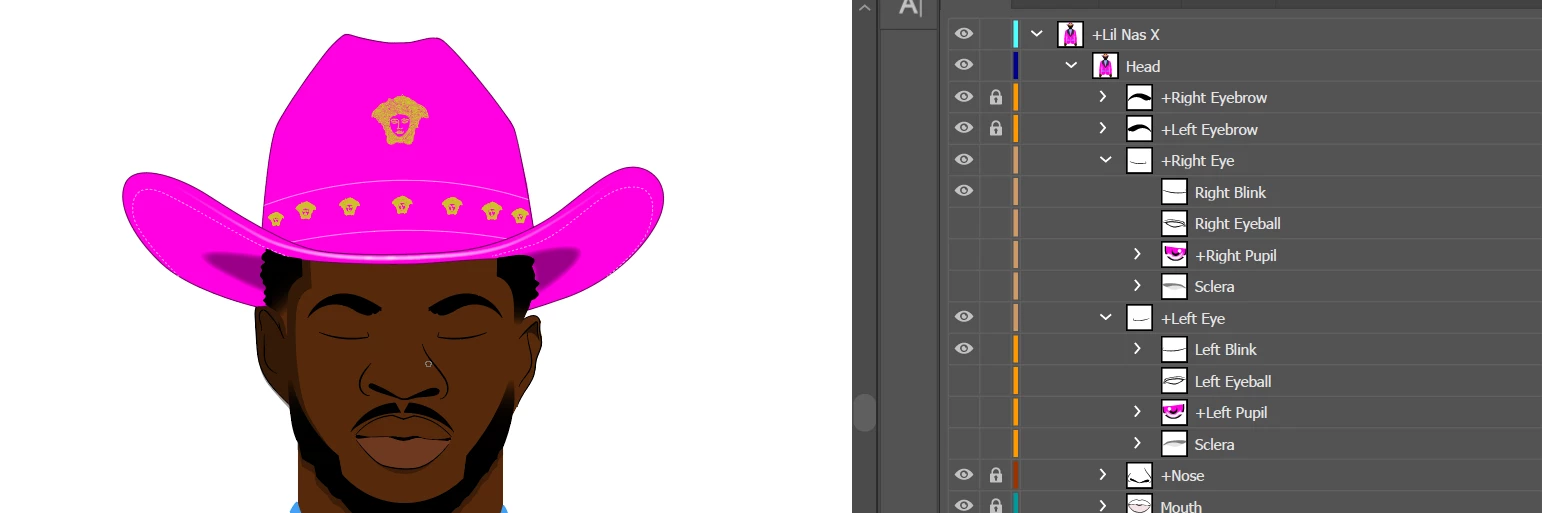
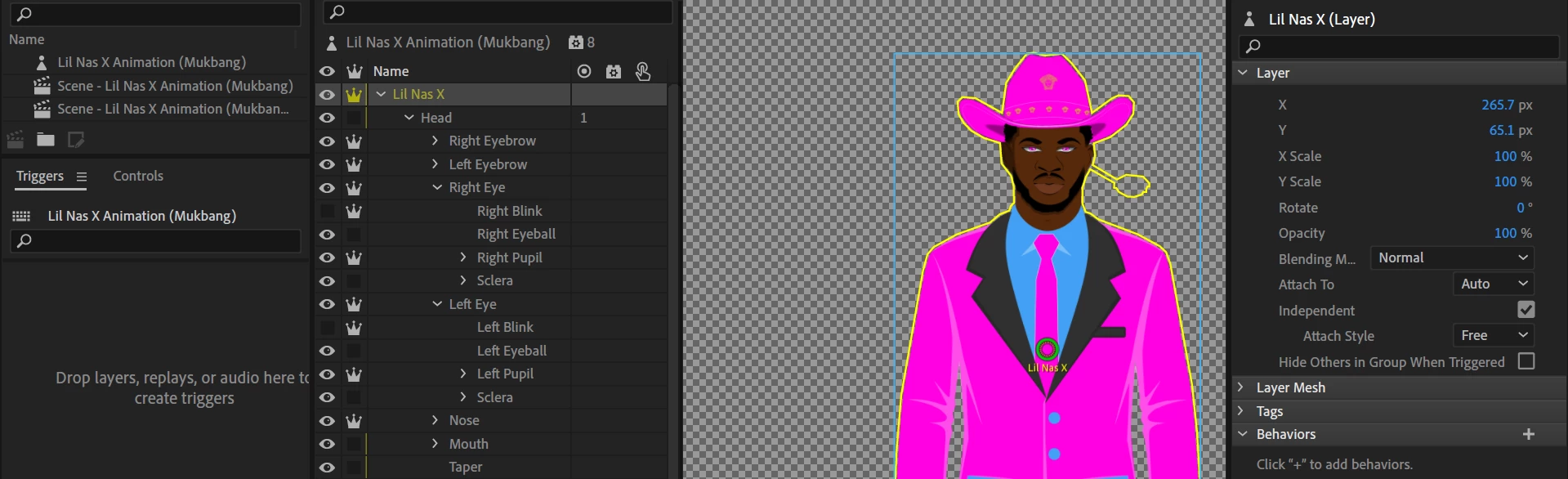
I'm not sure what the problem is. It just started doing this. I included a screen of the file in Illustrator and in rig mode in Animator.
 

This topic has been closed for replies.
Correct answer defaultp1s1l6ukko4q

Ah, I see your problem. Your left and right blink should be set to independent objects. You can do that by adding a plus to the beginning of the name. e.g. "+Left Blink" and "+Right Blink." This lets Adobe Ch know that these parts are separate entities. I hope this will fix your problem.

3 replies

defaultp1s1l6ukko4qCorrect answer
Inspiring
November 6, 2021

Ah, I see your problem. Your left and right blink should be set to independent objects. You can do that by adding a plus to the beginning of the name. e.g. "+Left Blink" and "+Right Blink." This lets Adobe Ch know that these parts are separate entities. I hope this will fix your problem.

oksamurai
Legend
November 2, 2021

Love the puppet! Please share whatever you end up making with this.


I would turn on the visibility for the different eye layers in CH and see if something has become moved. AI or PSD positioning is the default, but you can still move (whether intentionally or by accident) stuff further from its origin inside CH. That floating shape looks like eye parts, so I'm guessing if you find it and drag those elements back to where they originally were, things should work as expected again.


If not, File > Export > Puppet and share it as a link (Creative Cloud, Google Drive, Dropbox, etc.) so we can take a closer look.

TheOriginalGC
Community Expert
Community Expert
November 1, 2021

I'm curious about the part that is jutting out from the cheek into empty space. If that is not part of the final puppet, you need to track it down and delete it.

IAmChrishonda
Inspiring
November 1, 2021

I was wondering too. I drew nothing right there so I'm not sure what it is.