Martinnel
Inspiring
November 22, 2018
Answered

Body Disappears When I Add Walk Behavior

  • November 22, 2018
  • 2 replies
  • 2294 views

First, happy Thanksgiving. I'm sitting around waiting on the turkey and trying to make my puppet walk. I've successfully done it before, but, having installed the latest Ch update (2019, v2), I decided to start over following Okay Samurai's new walking tutorial. I successfully did this the other day on a less complicated puppet. Today though, I re-imported my much more elaborate puppet from Ps, added the walking behavior to the top level, applied and mapped handles to the limbs and went to record. AND MY BODY DISAPPEARED!!! It's really terrifying. My head bobs up and down as if walking, but there's no body. If I remove the walk property, my body returns, but, of course, he just stands there.

I'll happily provide whatever information or photos anyone would like. I am certain this is something simple and basic.

Martin
    This topic has been closed for replies.
    Correct answer alank99101739

    OK, I took a swing and I don't think I really understand how to reduce which layer is being viewed in Walk without removing actual features. And even then I'm not clear what I'm looking for. Should there only be two views in the walk behavior? If you're game, I might send you the puppet. But I really do aspire to understand what's wrong and not merely get you to fix my problems.

    Martin


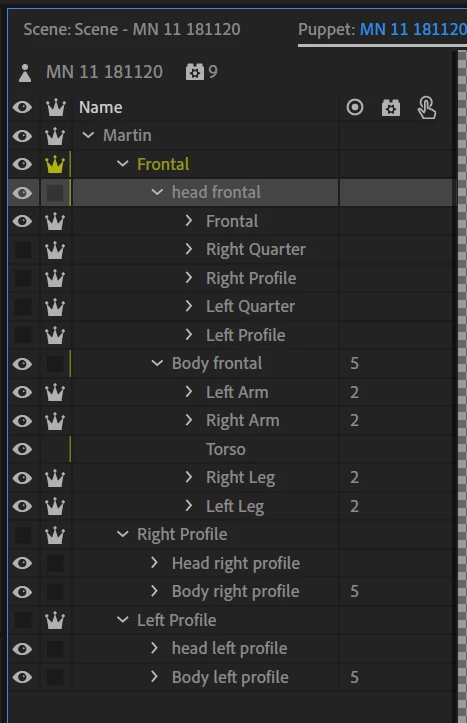
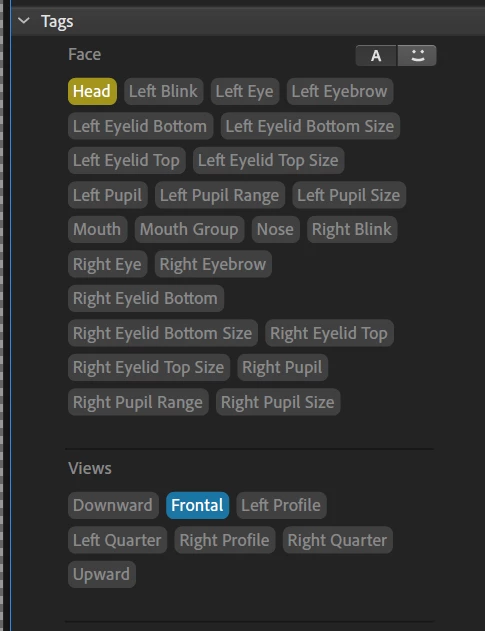
    I got the puppet. To make one step forward I suggest the following, click on Martin/Frontal/head frontal and look over in the tags area. You will see "Frontal" has been tagged on this layer as well as "head".

    Turn off "Frontal" on this level - I think that is getting it confused. (You might want to rename the layer as well otherwise it will keep coming back if you edit the artwork file - don't include "Frontal" in the name anywhere)  You want Frontal on the immediate children of Martin. You also want them on head turner profiles. You don't want them on the layer inbetween as well.

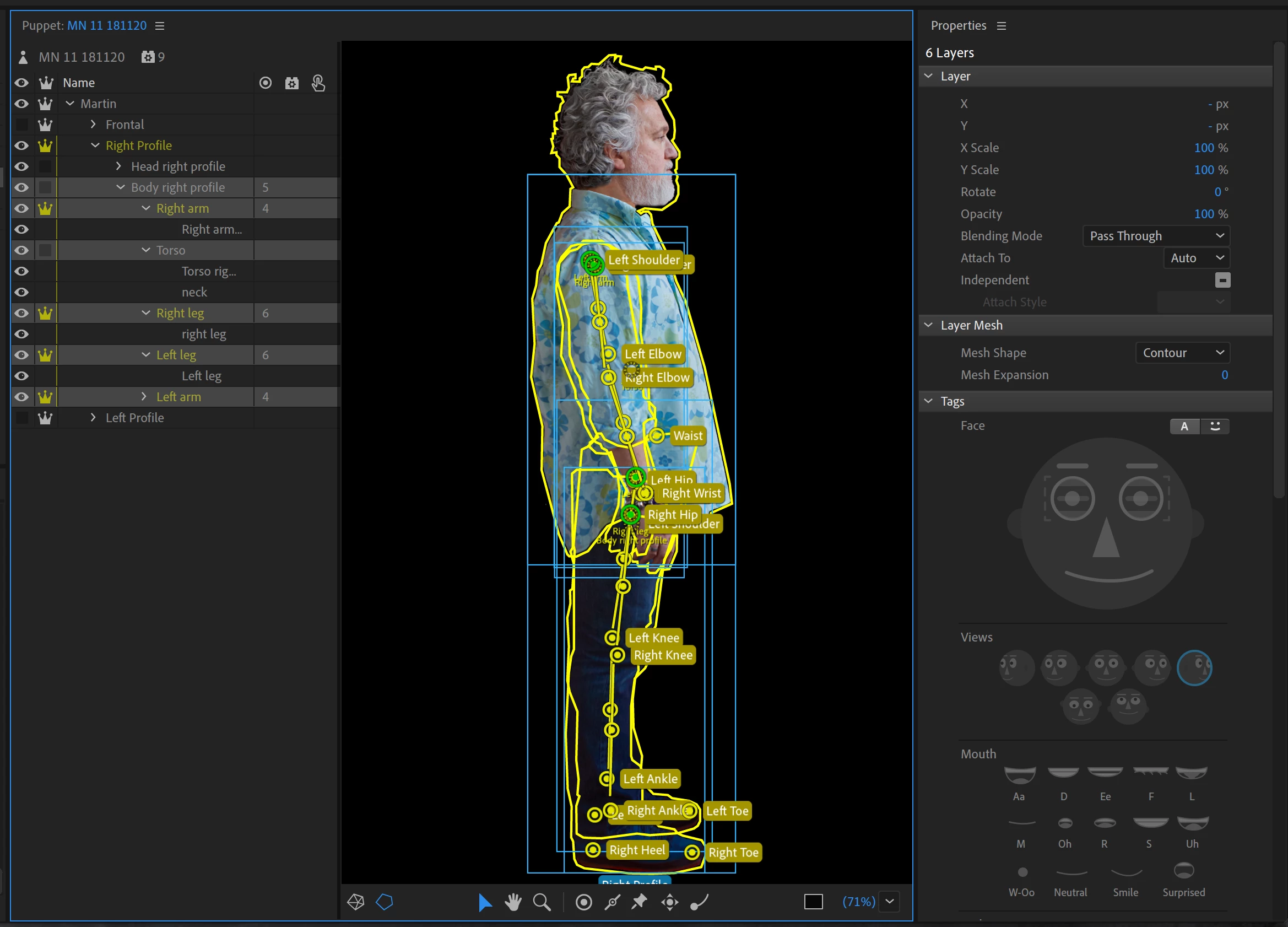
    Then repeat for Martin/Frontal/Body Frontal, Martin/Left Profile/Head Left Profile, Martin/Left Profile/Body Left Profile, Martin/Right Profile/Head Right Profile, and of course Martin/Right Profile/Body Right Profile.  These extra tags were getting it confused.

    I also hid Martin/Left Profile and Martin/Right Profile by default.

    I will let you discover the next little issues you have! >:-)

    2 replies

    alank99101739
    Legend
    November 23, 2018

    Yep, looks good. I know a good chiropractor if you need help with posture...

    alank99101739
    Legend
    November 22, 2018

    Is the frontal layer visible by default? I think for walk that is required. Left/right profiles take over when required, but frontal must be the default visible layer.

    Martinnel
    MartinnelAuthor
    Inspiring
    November 22, 2018

    Yeah all three poses are visible.

    alank99101739
    Legend
    November 22, 2018

    I would check the views and handles of the walk behavior... oh, I notice you have Body Right Profile etc - you might want to check what is tagged - there might be multiple profile levels tagged getting it confused. E.g. it might have bound to “Head Right Profile” etc and ignoring “Body Right Profile” because it can only control one thing - so it hid the body layer. So you might need to remove some extra tags on Head Frontal, Body Frontal etc under Frontal.