Stinkhorse
Known Participant
October 22, 2018
Answered

Can I anchor a warp to eyebrows?

  • October 22, 2018
  • 1 reply
  • 901 views

I'm trying to get a character built using an old photograph. The problem is the eyebrows. There's a very limited range available for them before they start showing the safety copy of the face underneath. I'd like to be able to stretch the face to follow the brows. Is there any way to do this real time on a face cam?

This topic has been closed for replies.
Correct answer alank99101739

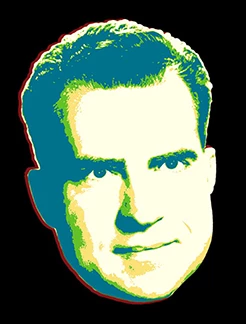
Here is a quick thing I just tried

I put a "handle" on the eyebrows and tagged it
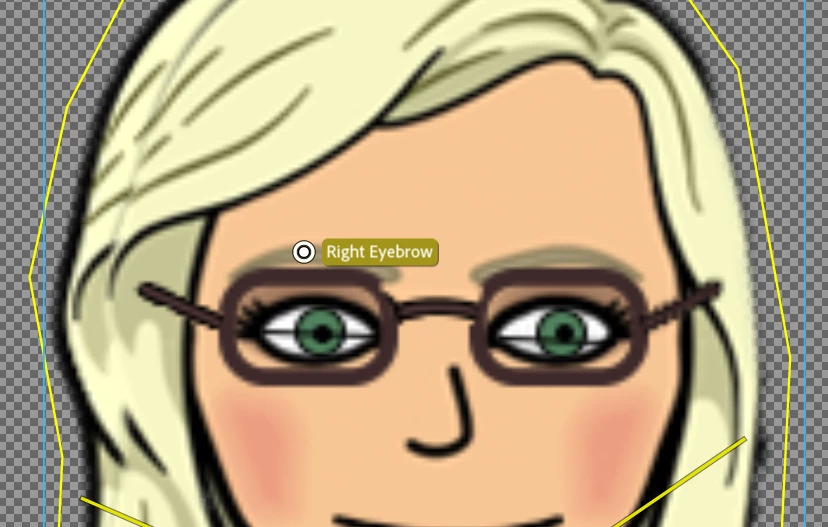
I then used the webcam - head goes crazy distortion.

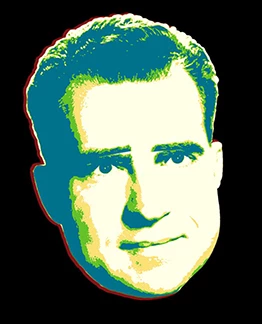
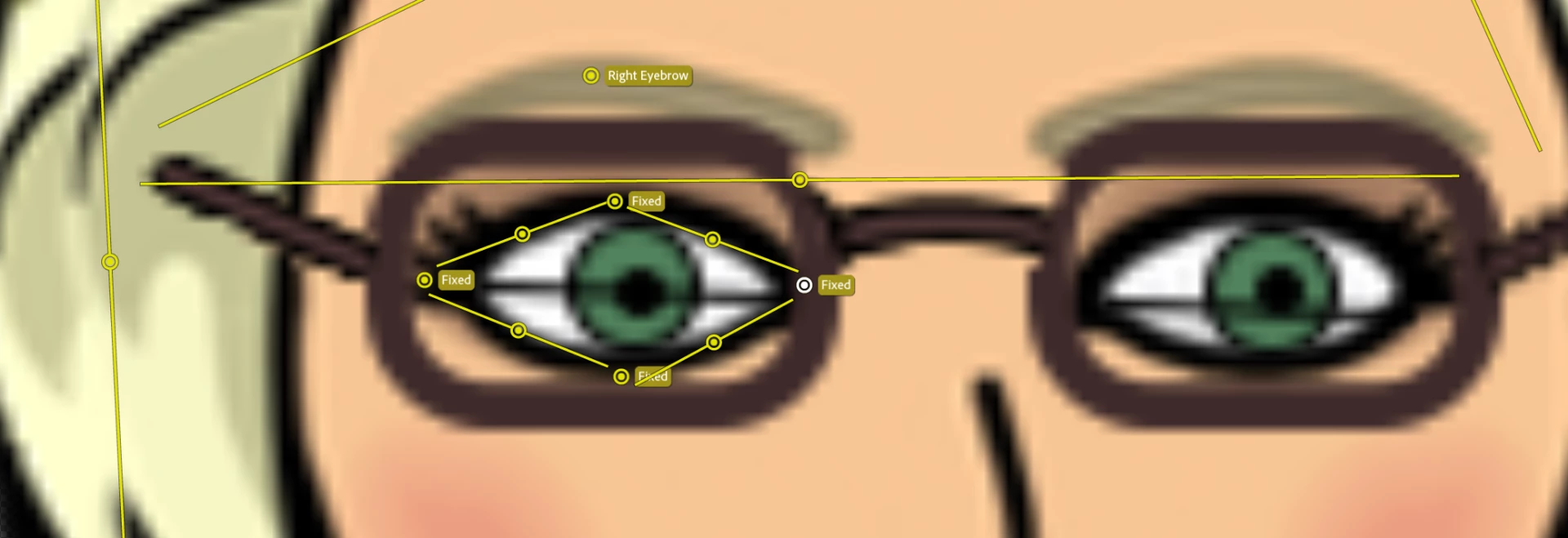
Not a great feeling! So restrict the scope of warping using sticks. I put one between the eyes and eyebrows to try and stop the eyes from being distorted. Then some up near the hair as well. Try things to see what works best for your puppet.
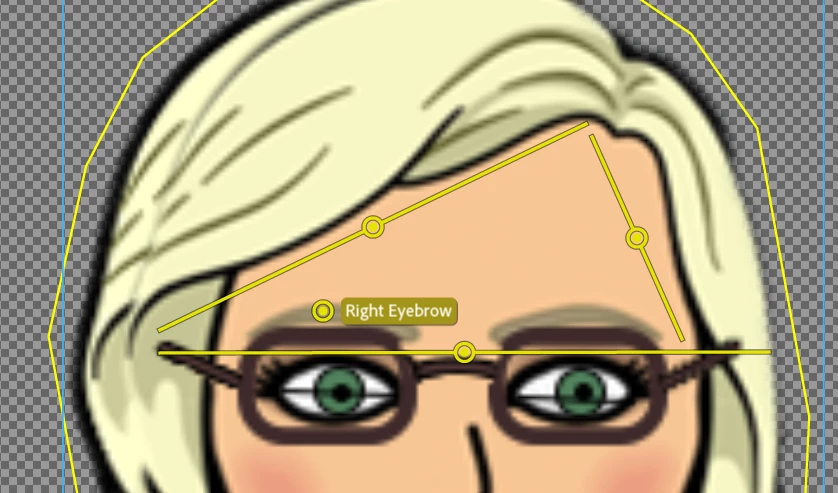
After the sticks in place, it restricts what can warp. See the eyebrow still goes up, but now the hair and eye are not (as badly) distorted.
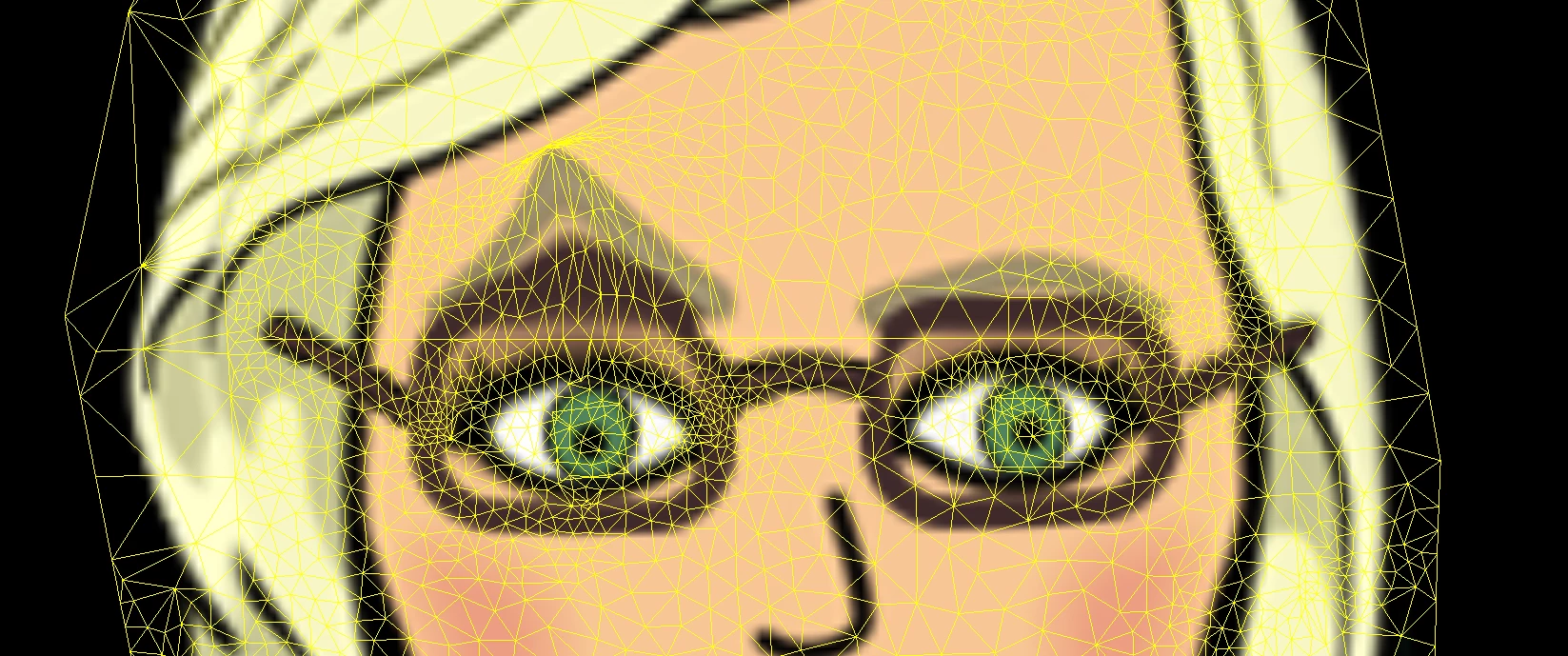
Turning on the mesh can help understand why things distort.

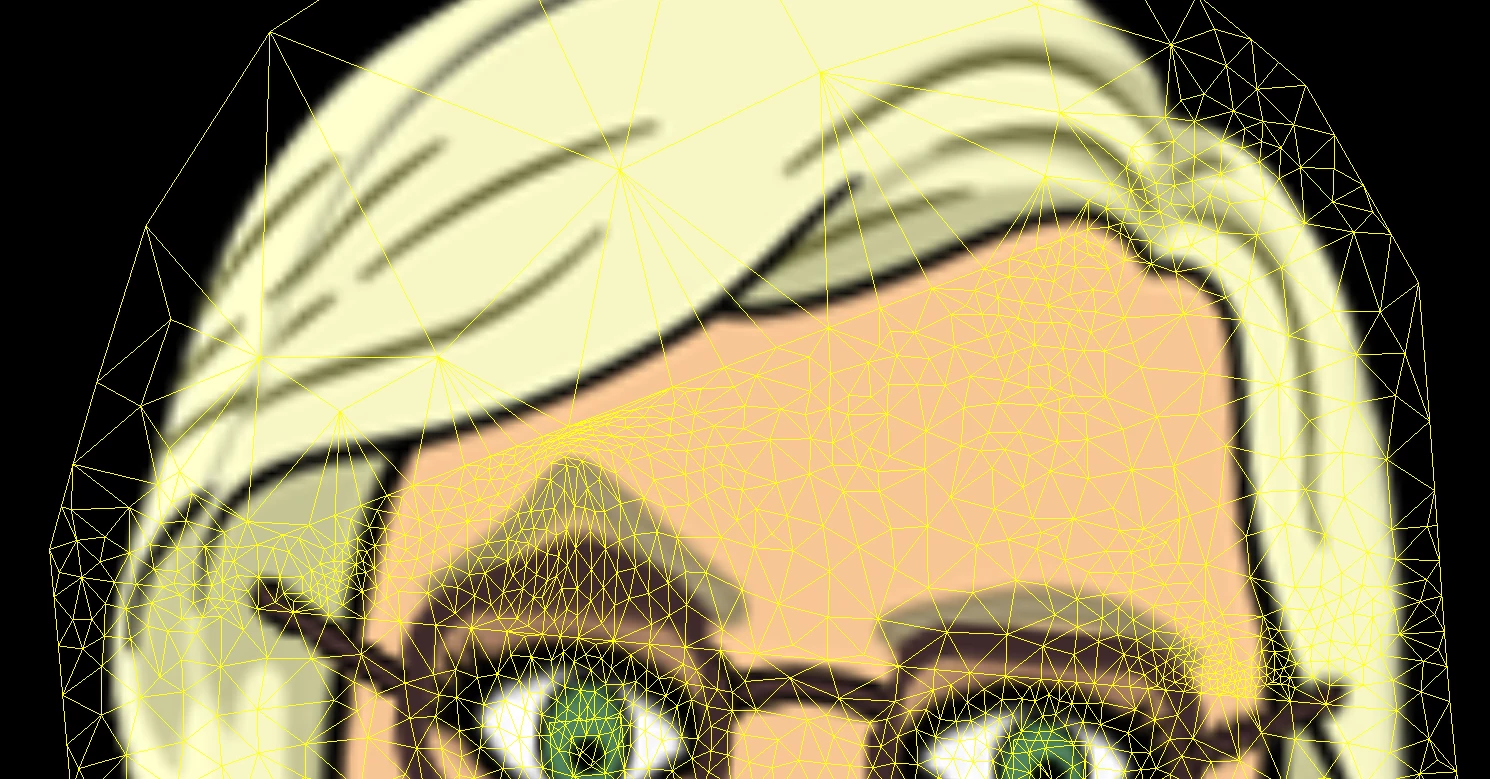
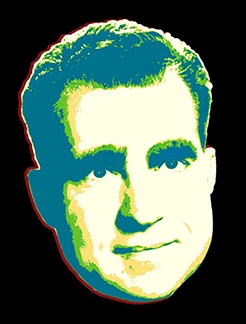
The whole stick above the eyes gets pulled up, causing the slight eye distortion. You can add pins as well since its an independent layer to try and stop things moving as much. I threw things around the eyeball to stop it distorting, then pins to stop it moving. Just try things!
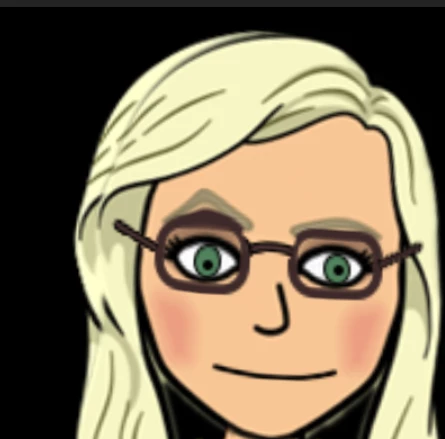
Final result I got:

1 reply

alank99101739
Legend
October 22, 2018

Try making the eyebrows NOT independent, then put some sticks between the eyes and eyebrows to stop the eyes from being warped too badly (the sticks block warping). It might take a bit of fiddling to get to your liking, but worth a try.

Stinkhorse
Known Participant
October 22, 2018

Ok, I'll give that a shot tonight and report back. Is it just the brows I would apply the stick to? Would that have an effect on the top of the head or anything like that?

alank99101739
alank99101739Correct answer
Legend
October 22, 2018

Here is a quick thing I just tried

I put a "handle" on the eyebrows and tagged it

I then used the webcam - head goes crazy distortion.

Not a great feeling! So restrict the scope of warping using sticks. I put one between the eyes and eyebrows to try and stop the eyes from being distorted. Then some up near the hair as well. Try things to see what works best for your puppet.

After the sticks in place, it restricts what can warp. See the eyebrow still goes up, but now the hair and eye are not (as badly) distorted.

Turning on the mesh can help understand why things distort.

The whole stick above the eyes gets pulled up, causing the slight eye distortion. You can add pins as well since its an independent layer to try and stop things moving as much. I threw things around the eyeball to stop it distorting, then pins to stop it moving. Just try things!

Final result I got: