Participant
June 4, 2021
Answered

Can't get body to stay pinned after adding head turns?

  • June 4, 2021
  • 1 reply
  • 431 views

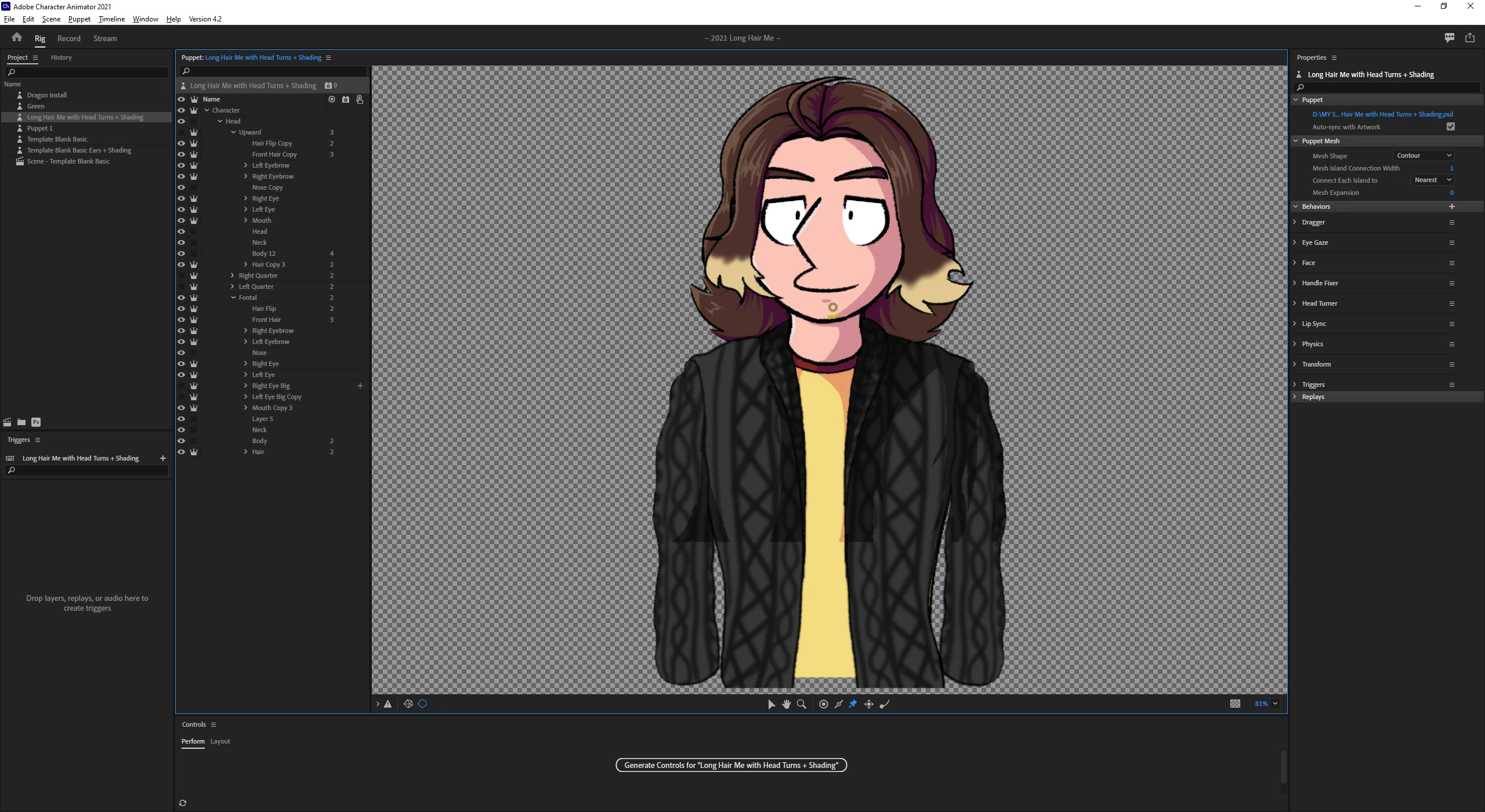
Recently started adding head turns to a character I use to represent myself for streams, but can't get the body to stay pinned since I added them. The longer hair means I had to layer things a bit differently than I usually do so that the hair would move over the body as it turned and now for the life of me I can't seem to figure out how to pin the body. Any help would be appreciated! 
This topic has been closed for replies.
Correct answer k_oshiro

I converted Japanese to English with translation software.


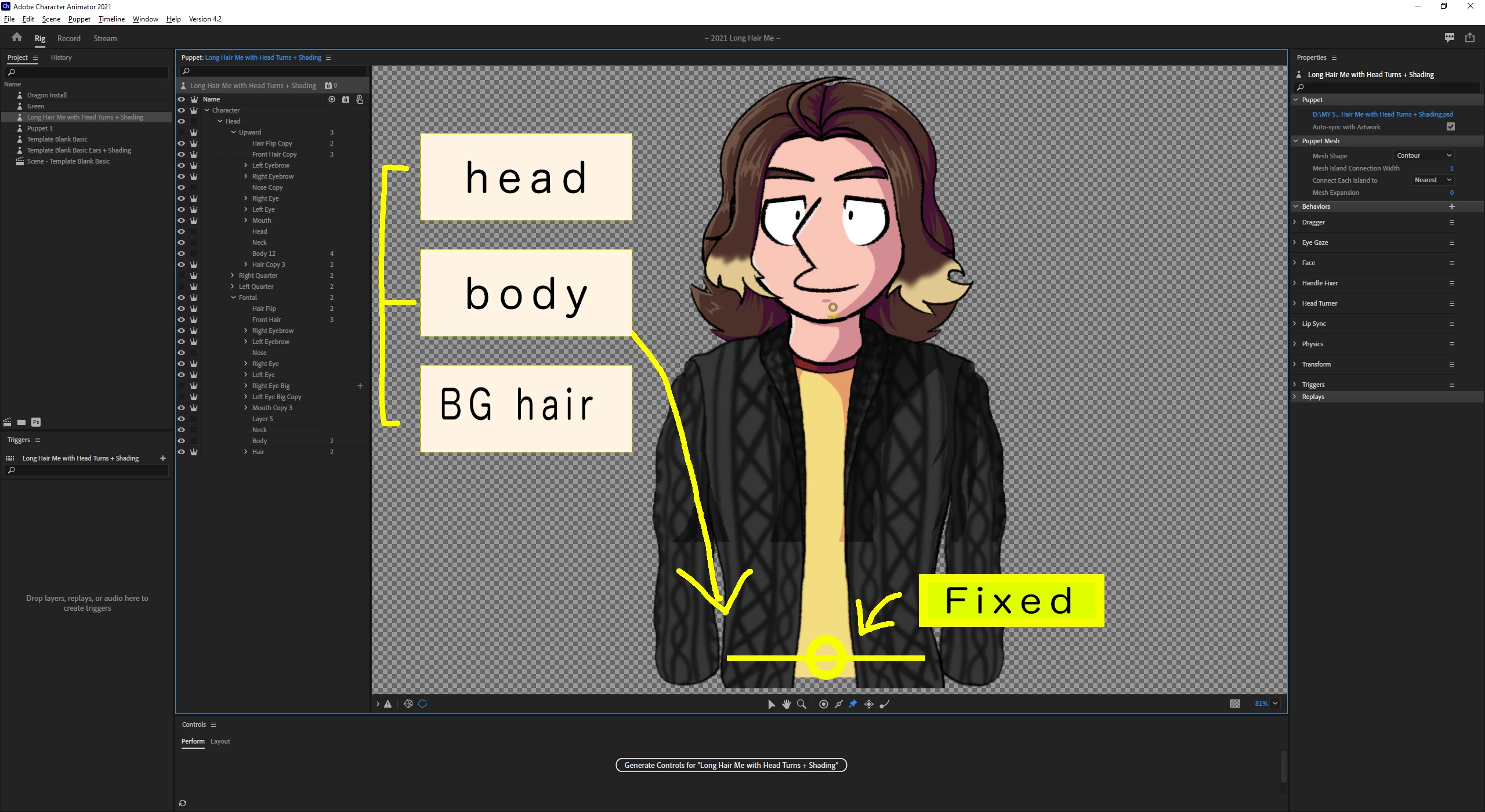
1) Classify each part into groups of [head] [ body] [back hair].

2) Select a body group and hit the pin tool at the bottom of the body or pull the stick tool at the bottom to add a fixing tag.

try it. please.


If that doesn't help, export the puppet
Share it on Dropbox or Google Drive.

Thank You.

1 reply

k_oshiro
Community Expert
k_oshiroCommunity ExpertCorrect answer
Community Expert
June 4, 2021

I converted Japanese to English with translation software.


1) Classify each part into groups of [head] [ body] [back hair].

2) Select a body group and hit the pin tool at the bottom of the body or pull the stick tool at the bottom to add a fixing tag.

try it. please.


If that doesn't help, export the puppet
Share it on Dropbox or Google Drive.

Thank You.

k_oshiro(AdobeCommunityExpert)
Participant
June 5, 2021

I was able to make it work, thank you so much!