

Character Animator 3.5 is live!
Today, we're releasing Character Animator 3.5 which is available for download from the Creative Cloud desktop application. This release includes the following new features:
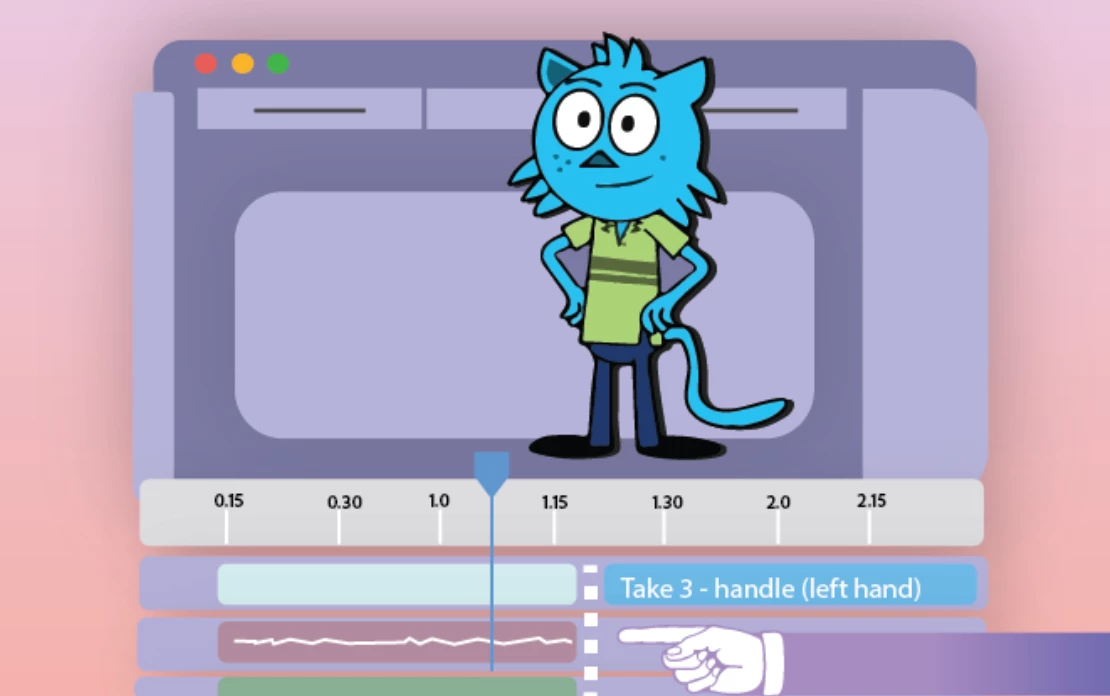 Timeline snapping options:
The Timeline menu options, Snap to Frames and Snap to Objects, let you control the snapping of tracks, takes, and markers to frame boundaries and other objects in the timeline.
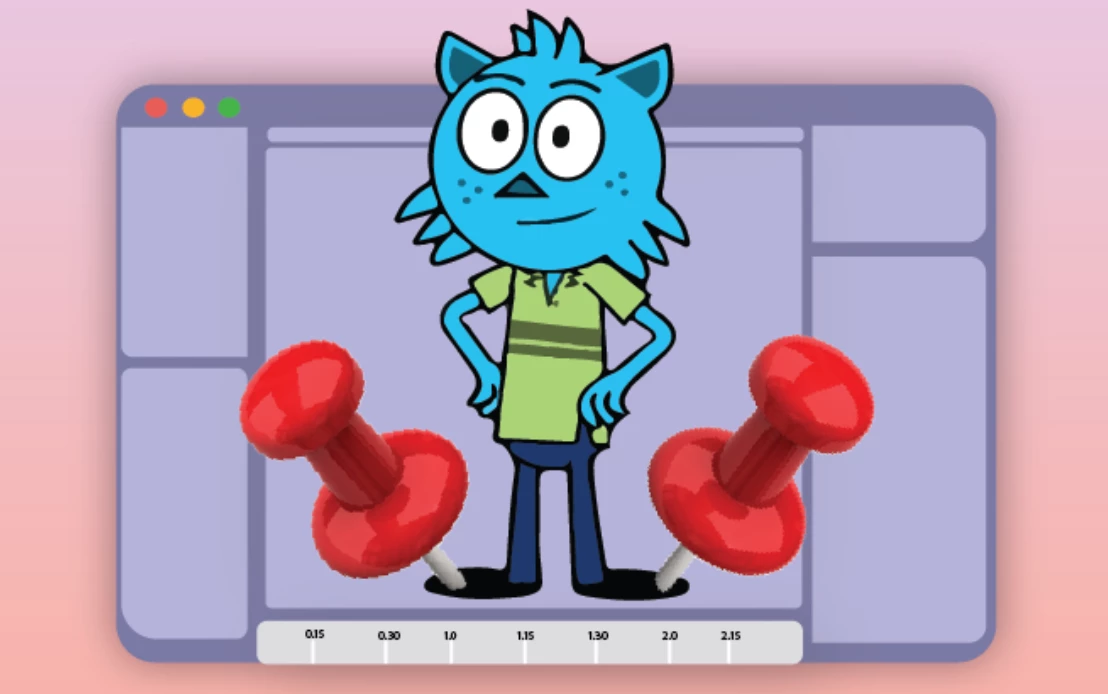 Pin Feet When Standing option now defaults on:
Pin Feet When Standing, the parameter that lets you pin the character's feet to the ground when not walking is now set to on by default. Use this parameter when you have a single left or right view that is sometimes walking and sometimes standing.
For details, visit the What's New page.
How do I update Character Animator?
Open the Creative Cloud desktop application and click the Updates tab on the top-left. Find Character Animator in the list and click Update.

What should I do if I don't see the update in my Creative Cloud desktop application?
Click Help > Check for Updates from the Creative Cloud desktop application to refresh it.


 AdChoices