Participant
Nov 20, 2018 1:32 PM UTC
Answered

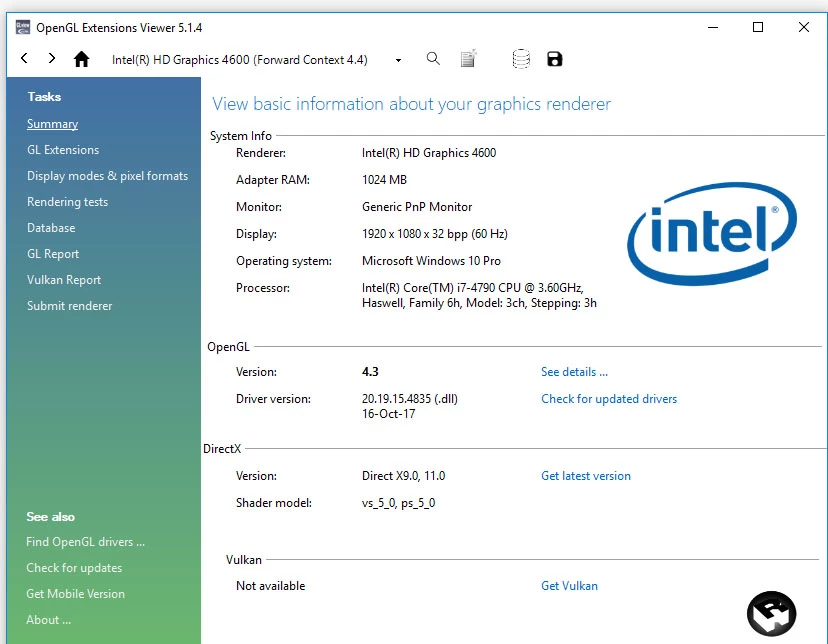
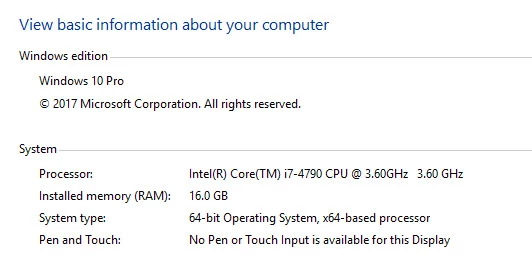
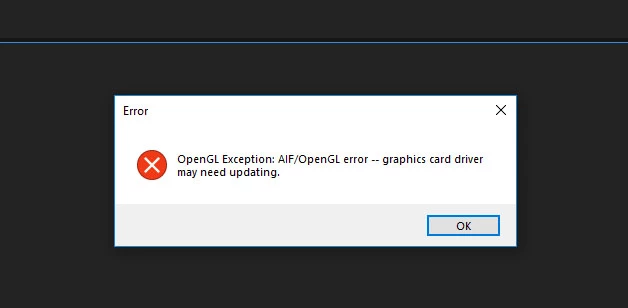
Character Animator AIF/OpenGL error. Updating drivers not working. Using Intel HD 4600 1GB

Hi,

Getting following error while generating controls from triggers  (Andrew sample)...

How to fix this...TIA

I am having Adobe cc 2018 Full collection.

Updated graphic card driver and windows updates also ...
This topic is closed to new replies. Start a new post to keep the conversation going.
rajmohan_3dCorrect answer
Participant
Dec 3, 2018 5:25 AM UTC

Hi,

Upgrade your Graphics card is the only Solution.

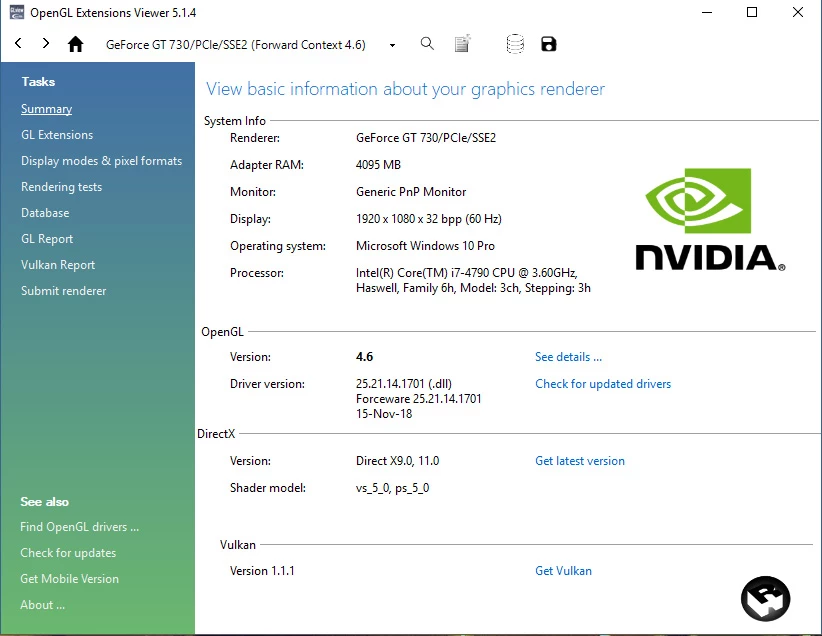
I upgraded to basic graphics card nvidia GT 730 4 GB

now it's working fine..

Thanks... Hope this helps.

3 replies

prosto60992396
Participant
Dec 2, 2018 7:24 PM UTC

Hello,

Do you have found the solution ?

I have the same probelm.. Thank you

Translate
rajmohan_3dAuthorCorrect answer
Participant
Dec 3, 2018 5:25 AM UTC

Hi,

Upgrade your Graphics card is the only Solution.

I upgraded to basic graphics card nvidia GT 730 4 GB

now it's working fine..

Thanks... Hope this helps.

Translate
prosto60992396
Participant
Dec 3, 2018 5:57 PM UTC

Thanks for your answer (sorry for my english, i'm french).

I have a simple graphic card windows (my PC is new)

So, if i understand, i need to put a graphic card nvidia on my computer ?

Thanks to this, i will be able to start Character animator ?

I am really not a pro

Translate