Participant
November 21, 2018
Answered

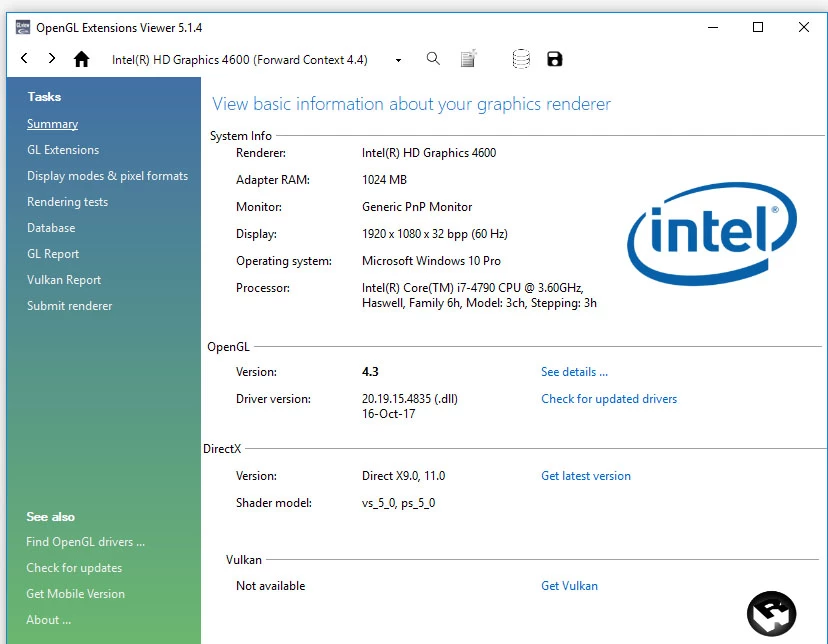
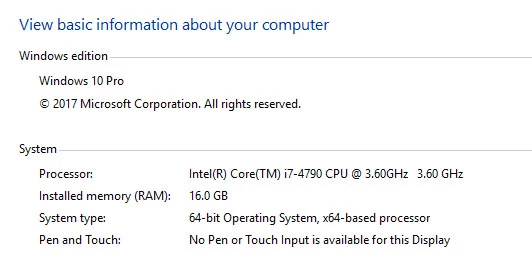
Character Animator AIF/OpenGL error. Updating drivers not working. Using Intel HD 4600 1GB

  • November 21, 2018
  • 2 replies
  • 6841 views

Hi,

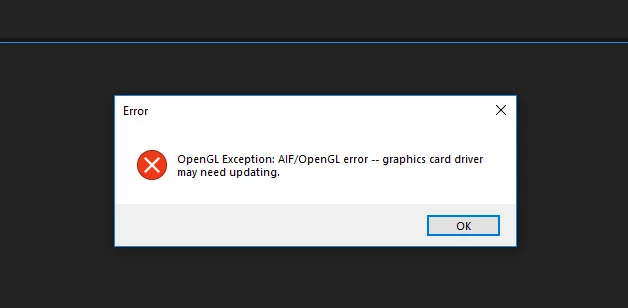
Getting following error while generating controls from triggers  (Andrew sample)...

How to fix this...TIA

I am having Adobe cc 2018 Full collection.

Updated graphic card driver and windows updates also ...

also kindly suggest a graphic cards to over come this error.
This topic has been closed for replies.
Correct answer rajmohan_3d

Hi found the solution...

Upgrade the Graphics card is the only Solution.

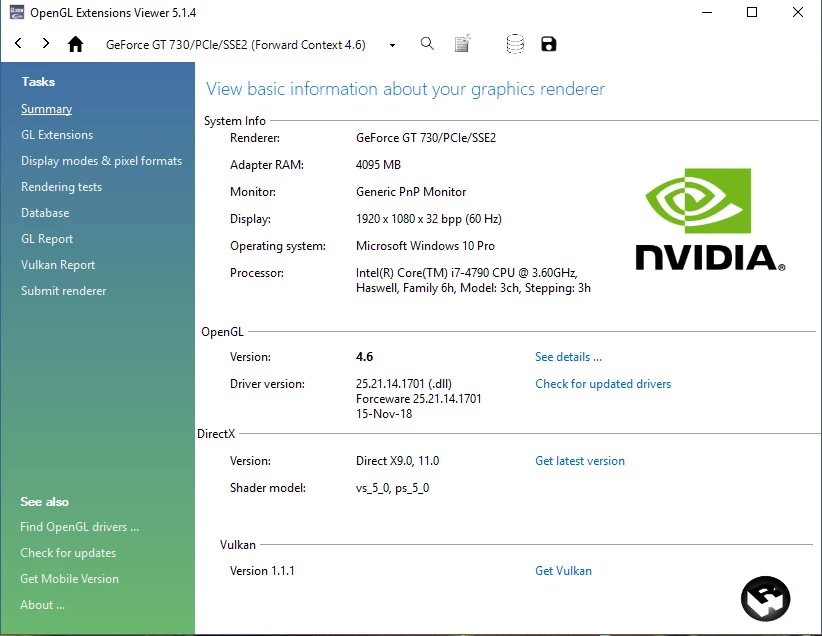
I upgraded to basic graphics card nvidia GT 730 4 GB

now it's working fine..

Thanks... Hope this help whose struggling like me.

2 replies

rajmohan_3dAuthorCorrect answer
Participant
December 3, 2018

Hi found the solution...

Upgrade the Graphics card is the only Solution.

I upgraded to basic graphics card nvidia GT 730 4 GB

now it's working fine..

Thanks... Hope this help whose struggling like me.

alank99101739
Legend
November 22, 2018

Is it repeatable reliably? Even if you restart CH? It sounds like a bug in CH - I think it is nothing to do with the video driver (I get it sometimes too, but cannot reliably repeat it). DanTull​ (from the Adobe team) often looks into such issues if you can repeat it reliably. If you could take a ZIP of the whole project directory in case Dan asks for it that would be helpful - he can try and track down problems from that.

But if you want to try something, try holding down ALT and clicking the refresh button at the bottom of the scene window. This flushes lots of internal caches. See if that clears the problem.

DanTull
Adobe Employee
Adobe Employee
November 26, 2018

Most of the cases where I've seen this were cases where there were no drivers (in a VM where 3D acceleration wasn't even enabled), though I've seen and/or heard about some transient cases where it really did seem quite possible it was a Ch bug.

I have a personal laptop that has a comparable Intel integrated GPU and it works ok, so I think the card should be compatible. Do you have other programs running that might be using GPU resources? I seem to recall seeing cases where competition between apps could cause these sorts of errors.

I did some digging and the exception type with which this message is associated generally capture some diagnostic info. I need to dig some more and figure out if we write that info into any logs in our released builds. If so, I stand a better chance of diagnosing it.

DT

DanTull
Adobe Employee
Adobe Employee
November 26, 2018

No luck finding a way to get these in our released builds. If I can reproduce the same issue myself, I can probably figure out what's up, though. Which Andrew puppet exactly is that you're opening the controls for?

DT