



Character Animator not displaying photoshop image properly - effects, mask
I am new to Photoshop but found its brushes far superior to Illustrator for my character. I added an overall effect layer to the character and a mask. However, when I imported the character into Character Animator, the mask is not applied (a rough grey edge appears around the character) and the effect/shading do not show. I was able to flatten one of the layers separately with the effect layer and it showed on Character Animator, but would have to do that for each layer and piece it back together, plus would still be left with mask issue. I attached screenshots of the issue. I appreciate any advice you have to offer concerning the mask and/or effect so I can start animating.
Thank you!
This is how it appears in Character Animator  , which is far from how it looks in Photoshop with effect and mask
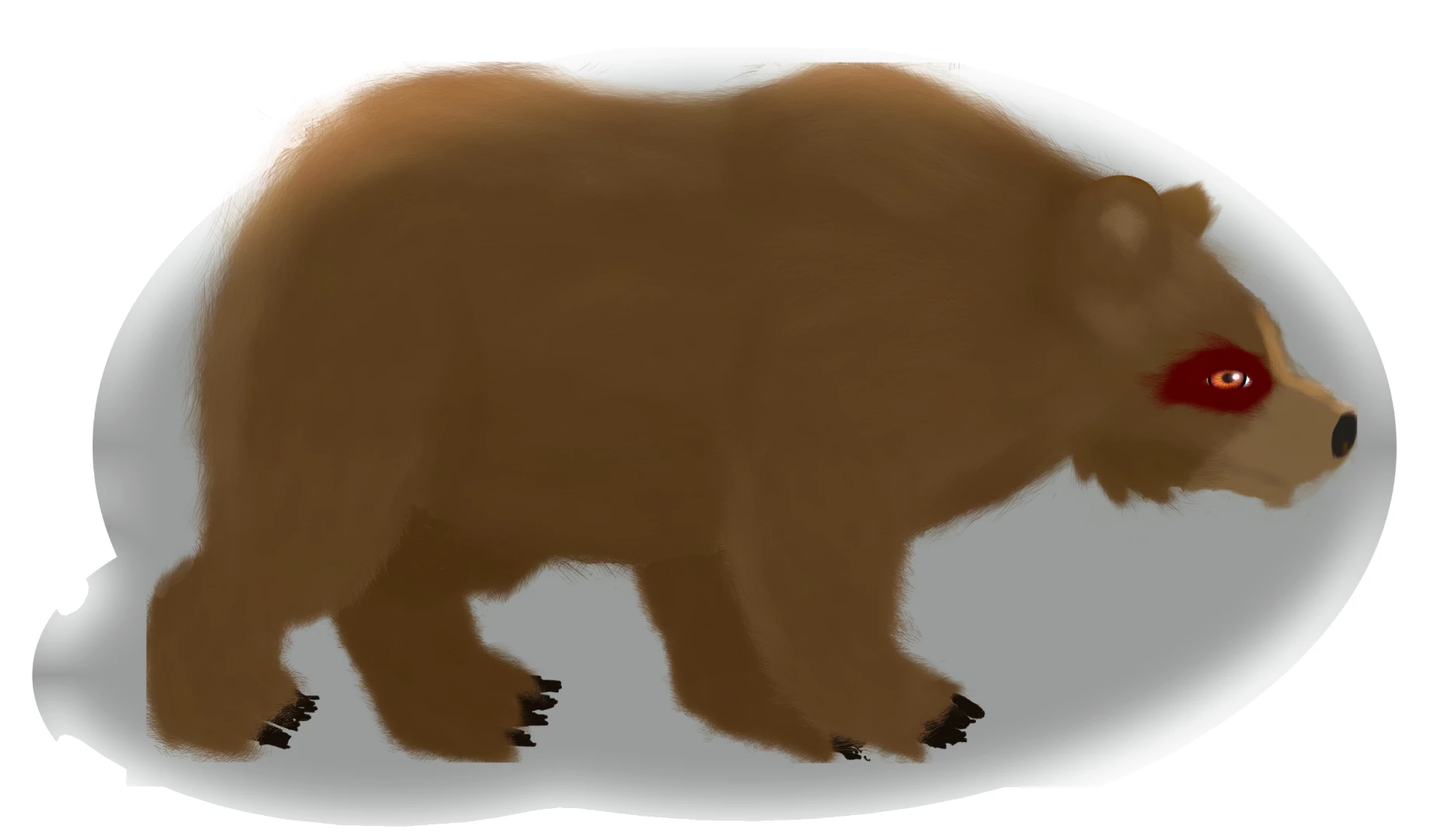
UPDATE: I have figured out the effect issue, but still need help getting the mask to apply to the character in CA
 AdChoices