Question
Character Animator Puppet not updating from Photoshop design
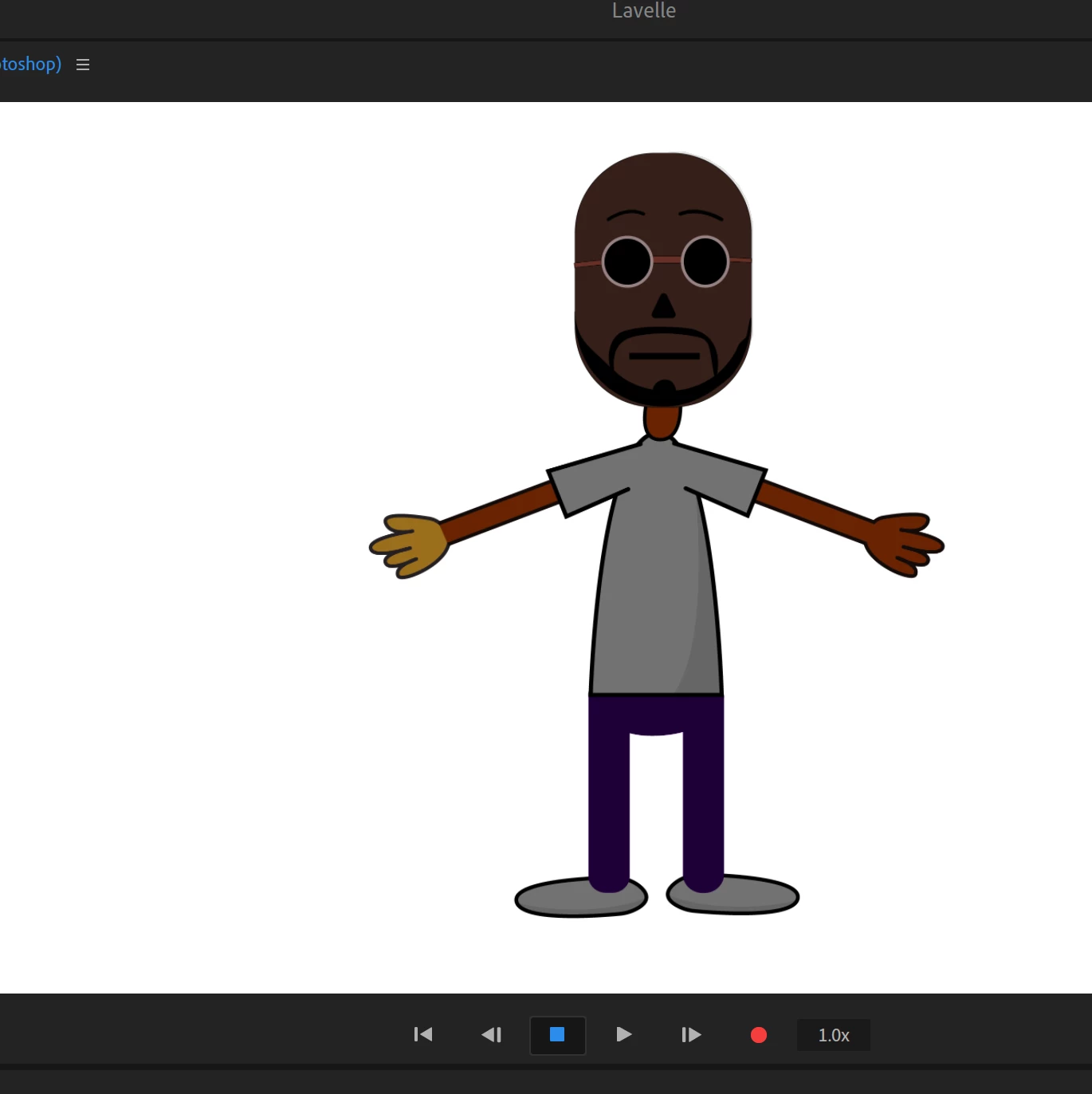
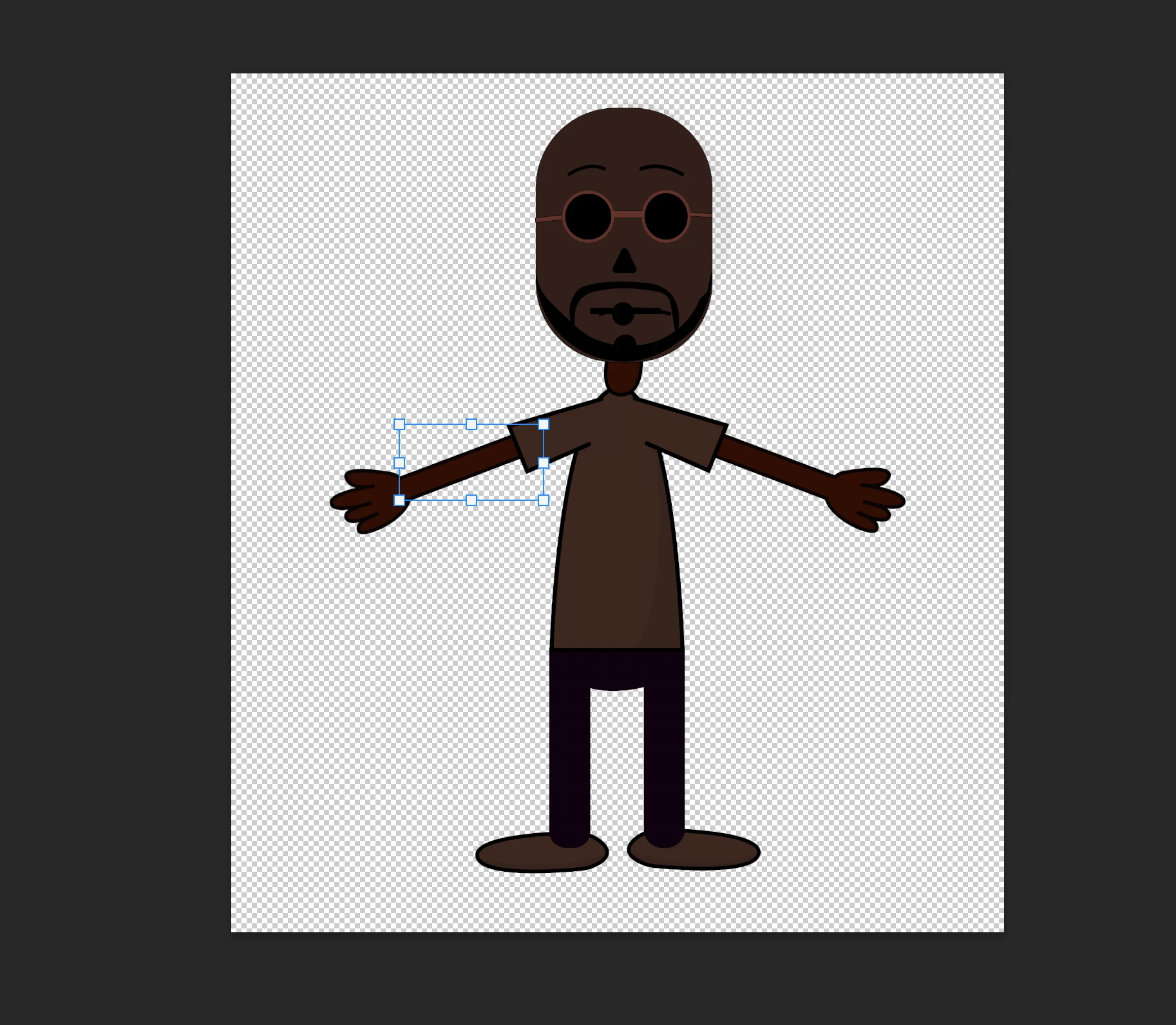 Hi, I'm trying to make my character have all black skin, but on character animator the skin colors don't seem to be updating. Thanks in advance for your help!

Hi, I'm trying to make my character have all black skin, but on character animator the skin colors don't seem to be updating. Thanks in advance for your help!
Already have an account? Login
No account yet? Create an account
Enter your E-mail address. We'll send you an e-mail with instructions to reset your password.


 AdChoices