


Known Participant
August 16, 2019
Question

Character Animator scene importing deformed into After Effects
  • August 16, 2019
  • 2 replies
  • 411 views

Hi

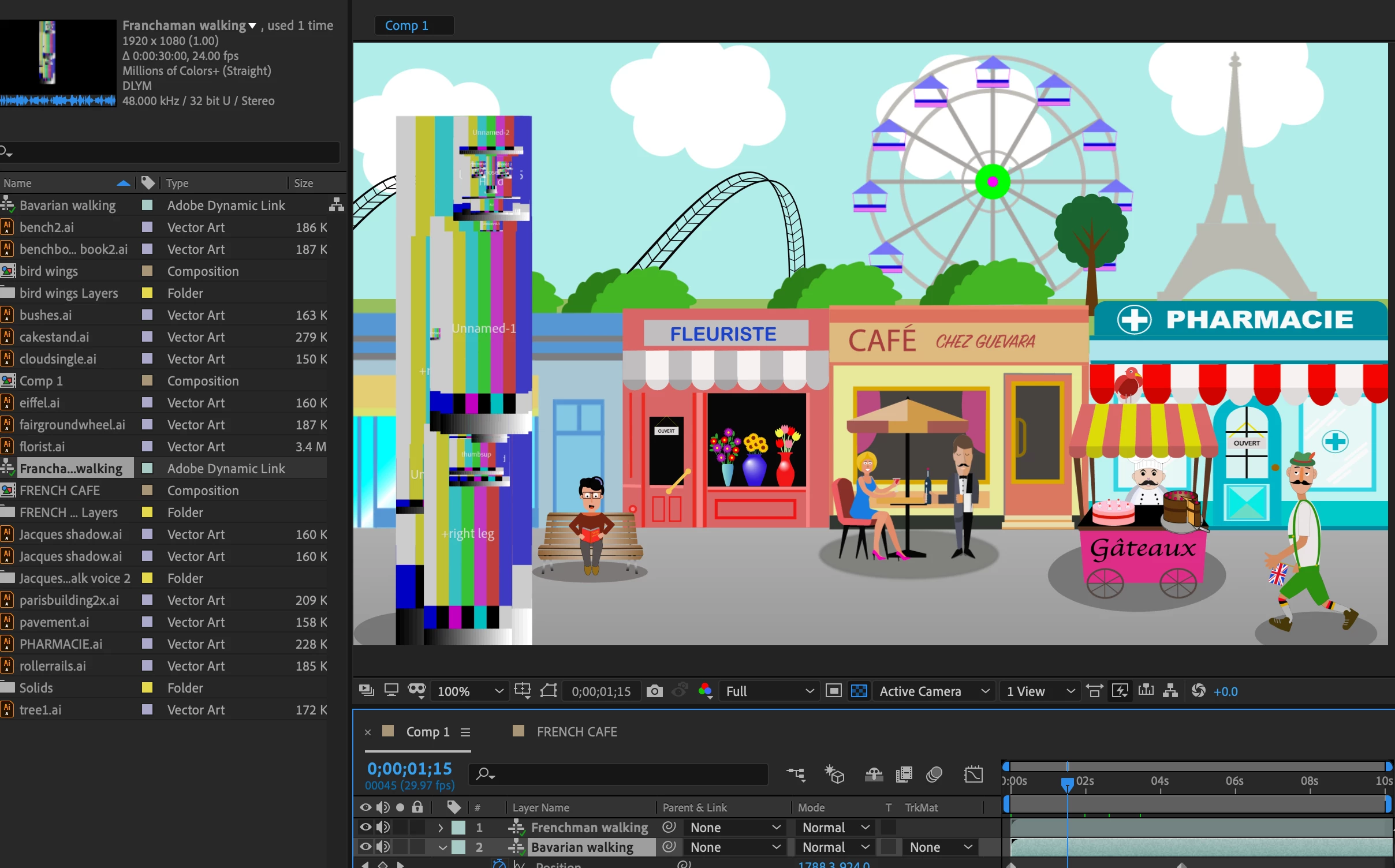
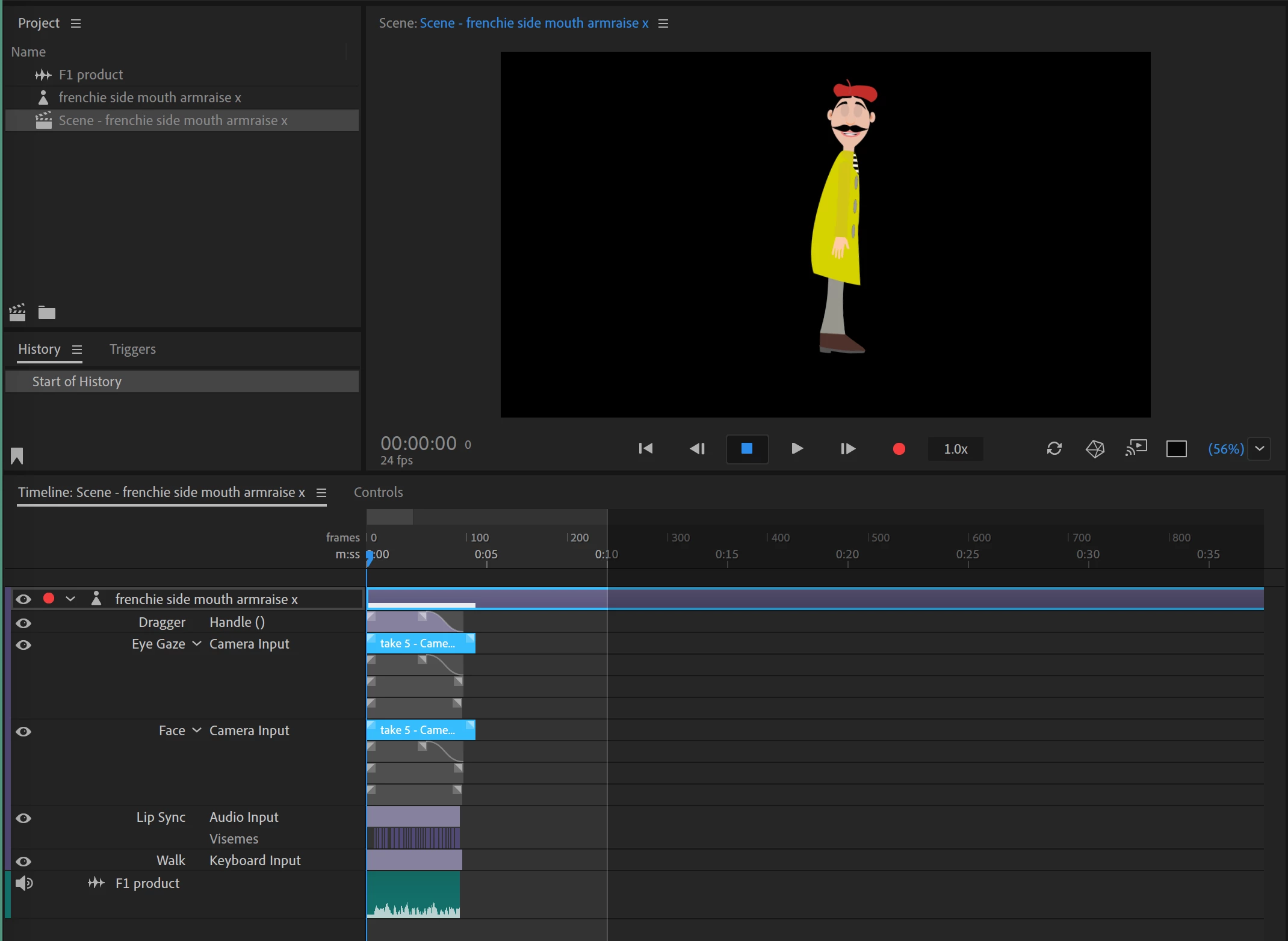
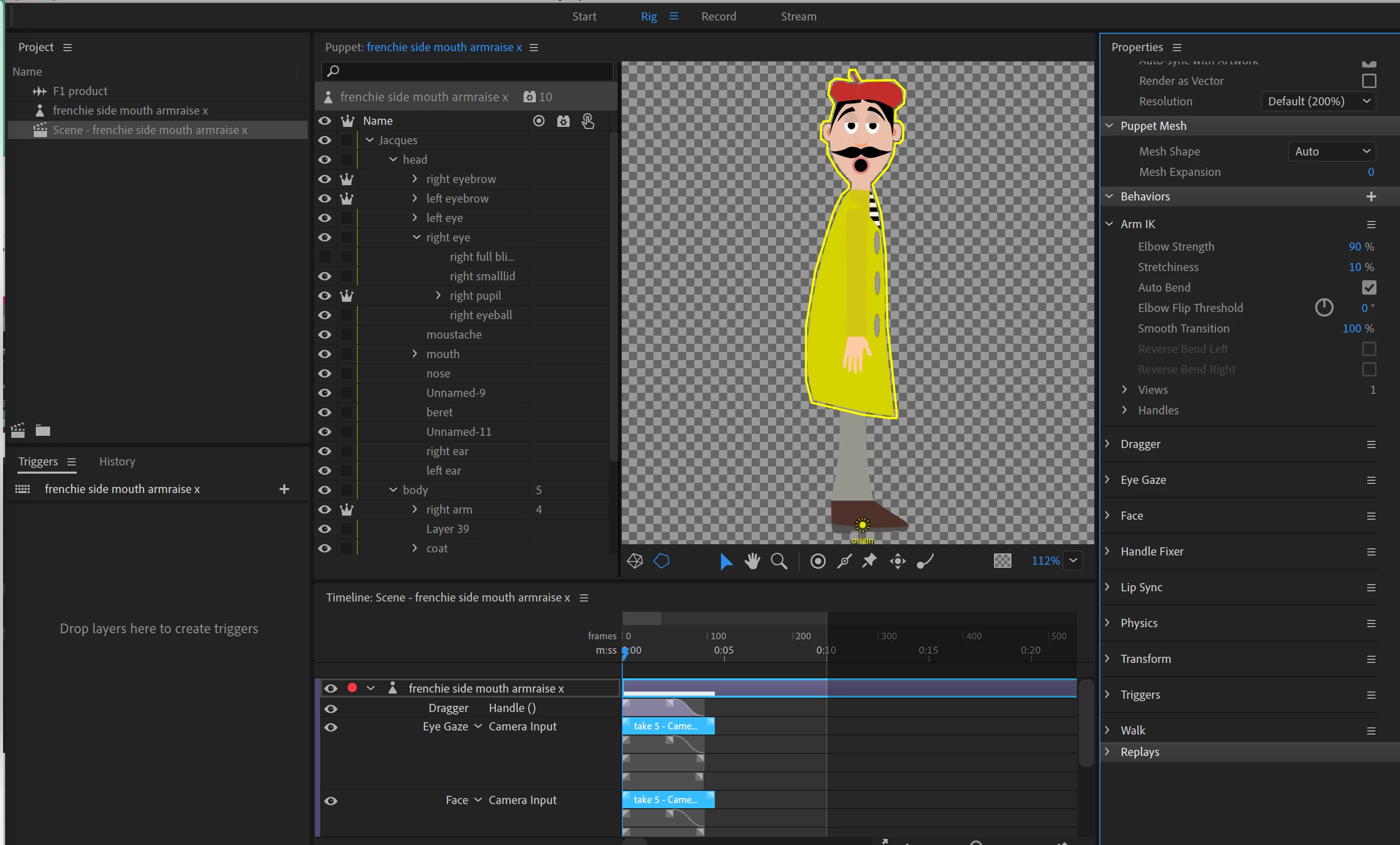
I have created two walking puppet scenes in Ch and imported them into Ae. The first is the Bavarian shown in the bottom right hand corner of the Ae screenshot. The second one, the Frenchman, completed in Ch in the same manner as t the Bavarian, has been transformed into the corrupted image on the left hand side of the Ae screen shot. No matter how many times I have tried to import it, whether in the above Ae project or into a new project, it always ends up deformed. If someone could suggest why it is being imported incorrectly I would be very grateful.
    This topic is closed to new replies. Start a new post to keep the conversation going.

    2 replies

    alank99101739
    Legend
    August 16, 2019

    I don’t know the answer to the problem, but that “test pattern” like display is normally caused when the file holding the artwork cannot be opened. E.g. the “Path” property of the puppet is wrong because a file was moved, there was insufficient file permissions, etc. Relinking the Path property normally fixes it.

    But I am not sure that is the problem in your case. Why would it work in CH and not via dynamic link? No idea!

    Known Participant
    August 19, 2019

    Thanks for your reply. The problem seems to have been resolved (temporarily?) when I clicked on Save as, gave it another file name and imported it into the Ae project. I am voting for GREXIT - gremlins exit.