


Question
Character Animator Screen too Dark
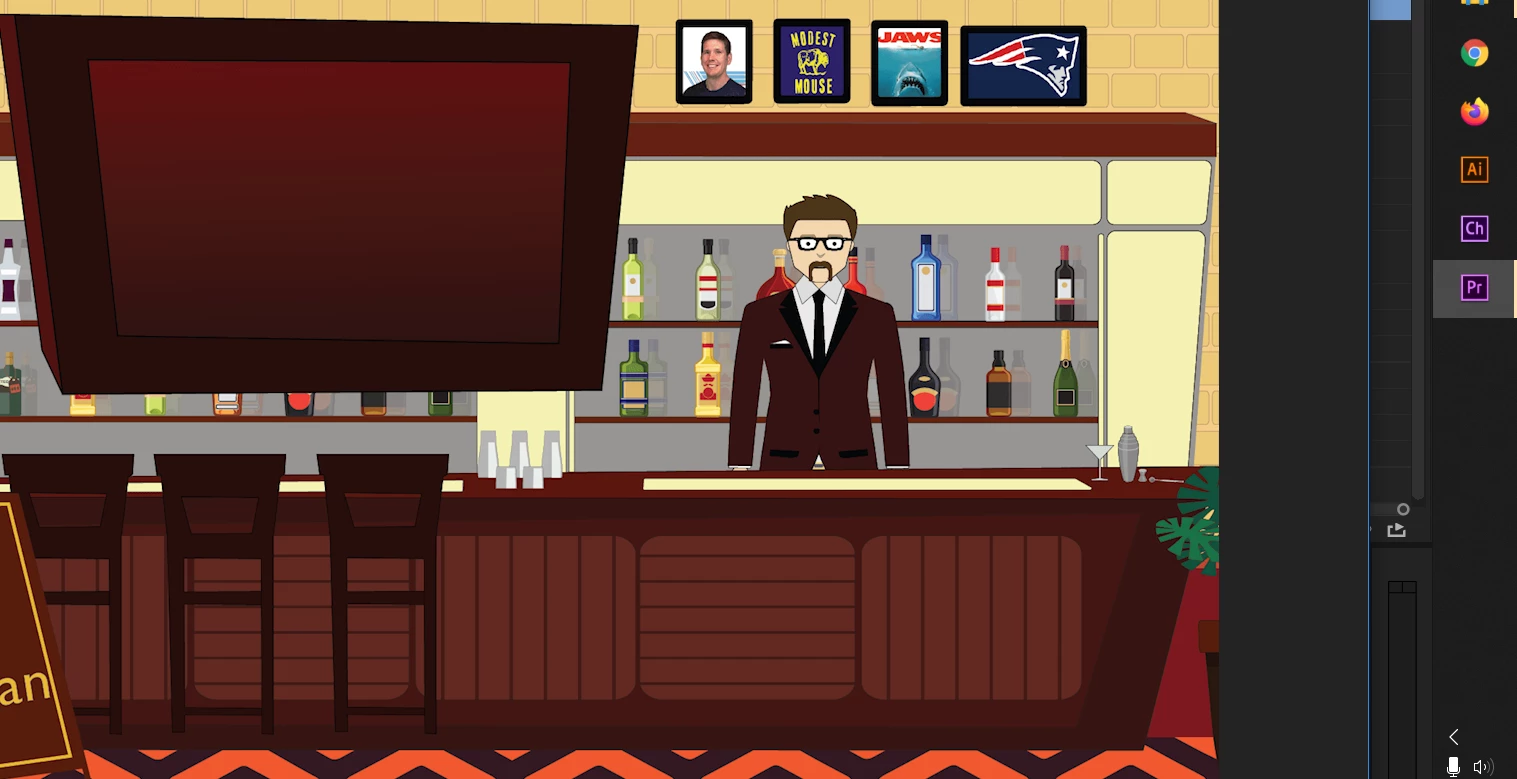
When I import an Adobe Illustrator (Ai) file to Character Animator (Ch) the file is automatically darker. Is there a way to adjust this? I know it's specific to Ch because when I use the Ai files in Premiere Pro (Pr) (as exported PNGs) they look normal. The Ch is first and the Pr is second: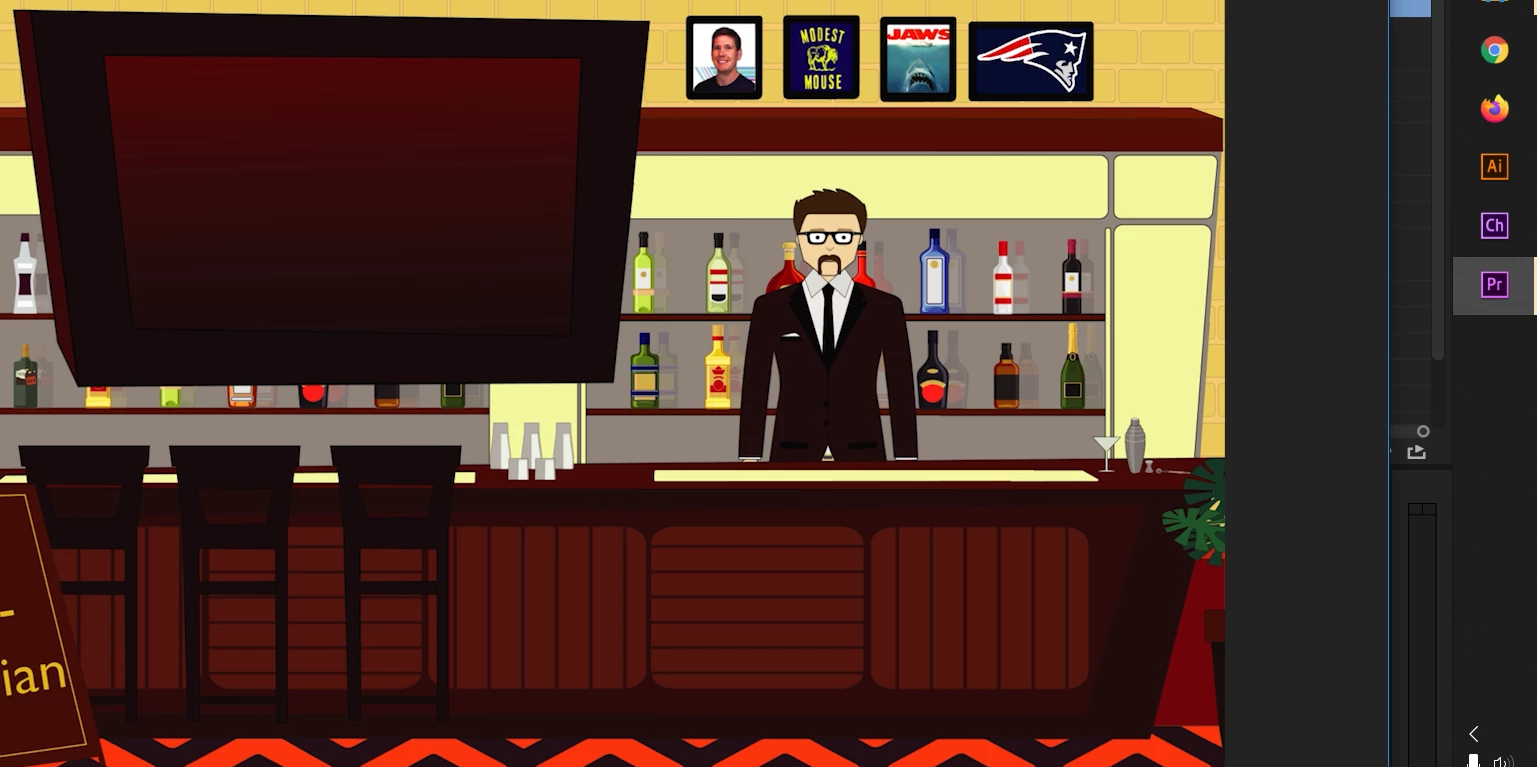
 AdChoices