
Kaye S
Inspiring
July 12, 2018
Answered

Character CC - 2nd view group of eyebrows and eyes are not responding

  • July 12, 2018
  • 1 reply
  • 414 views

Hi,

I hope that I can get help here.

The eyes and eyebrows aren't moving in "Left Quarter" view layers. They only move on keyboard triggers. It works perfectly fine for the "Frontal" view layer. Now if I swap the portion of the Frontal group and the Left Quarter group, then it will only work in the Left Quarter view. So, whichever group is on top works, and the group that is 2nd does not. I am at a loss here.
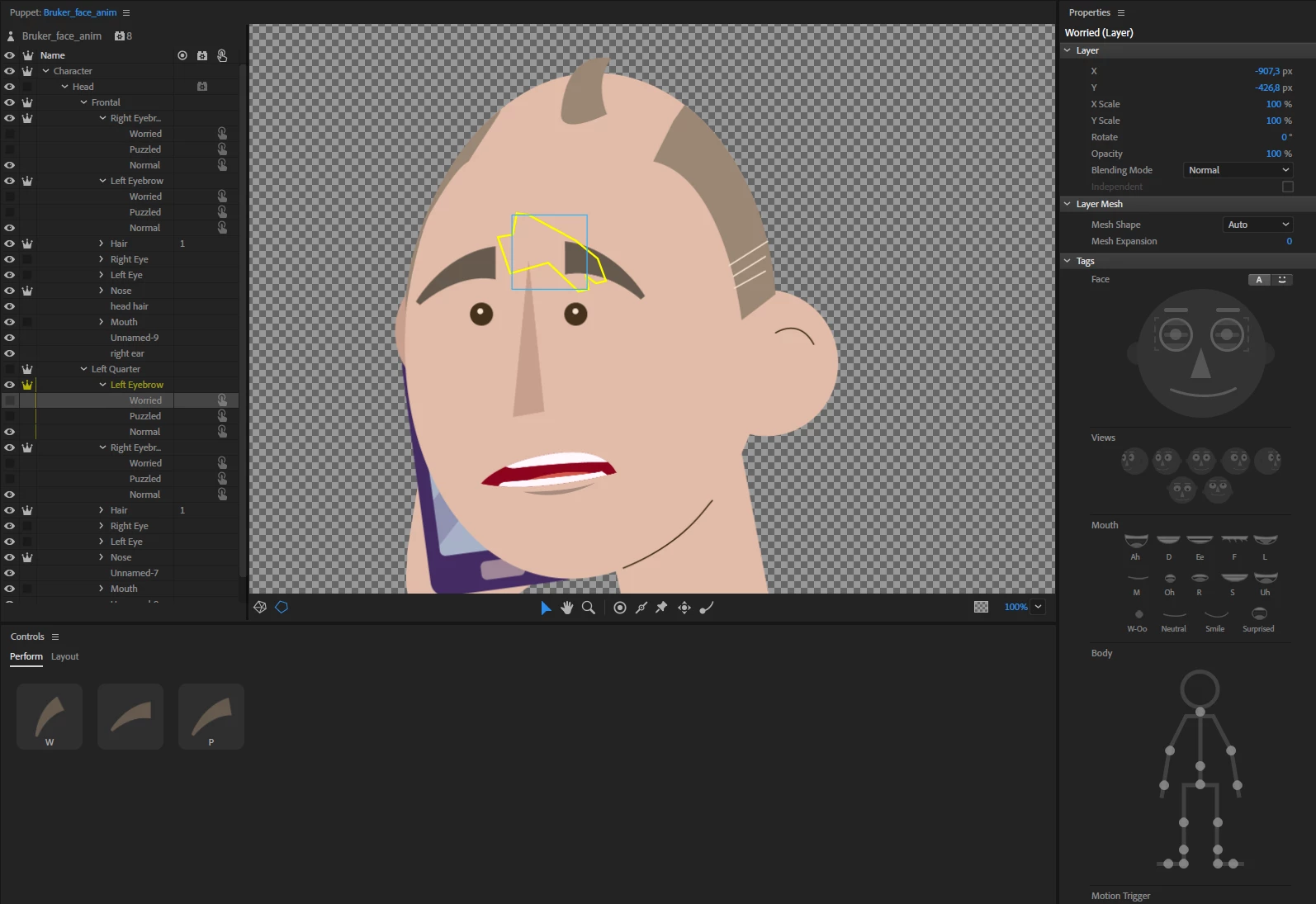
Here is a link to my puppet: Adobe Creative Cloud

    This topic has been closed for replies.
    Correct answer alank99101739

    A few people have reported this recently. I think what you need to do is repeat the behaviors controlling the eyes and eyebrows (e.g. Face and Eye Gaze behaviors) per profile. Puppets get a default set on the root of the puppet, but they look for the first face and use that - so whatever appears first is used. By adding the behavior per profile, each behavior finds one face and adjusts that.

    See also https://extra-ordinary.tv/2018/07/08/adobe-character-animator-behaviors/  for a bit extra Discussion that might be useful.

    1 reply

    alank99101739
    alank99101739Correct answer
    Legend
    July 12, 2018

    A few people have reported this recently. I think what you need to do is repeat the behaviors controlling the eyes and eyebrows (e.g. Face and Eye Gaze behaviors) per profile. Puppets get a default set on the root of the puppet, but they look for the first face and use that - so whatever appears first is used. By adding the behavior per profile, each behavior finds one face and adjusts that.

    See also https://extra-ordinary.tv/2018/07/08/adobe-character-animator-behaviors/  for a bit extra Discussion that might be useful.