



Question
Character doesn't show correctly on MacBook after being created on a PC.
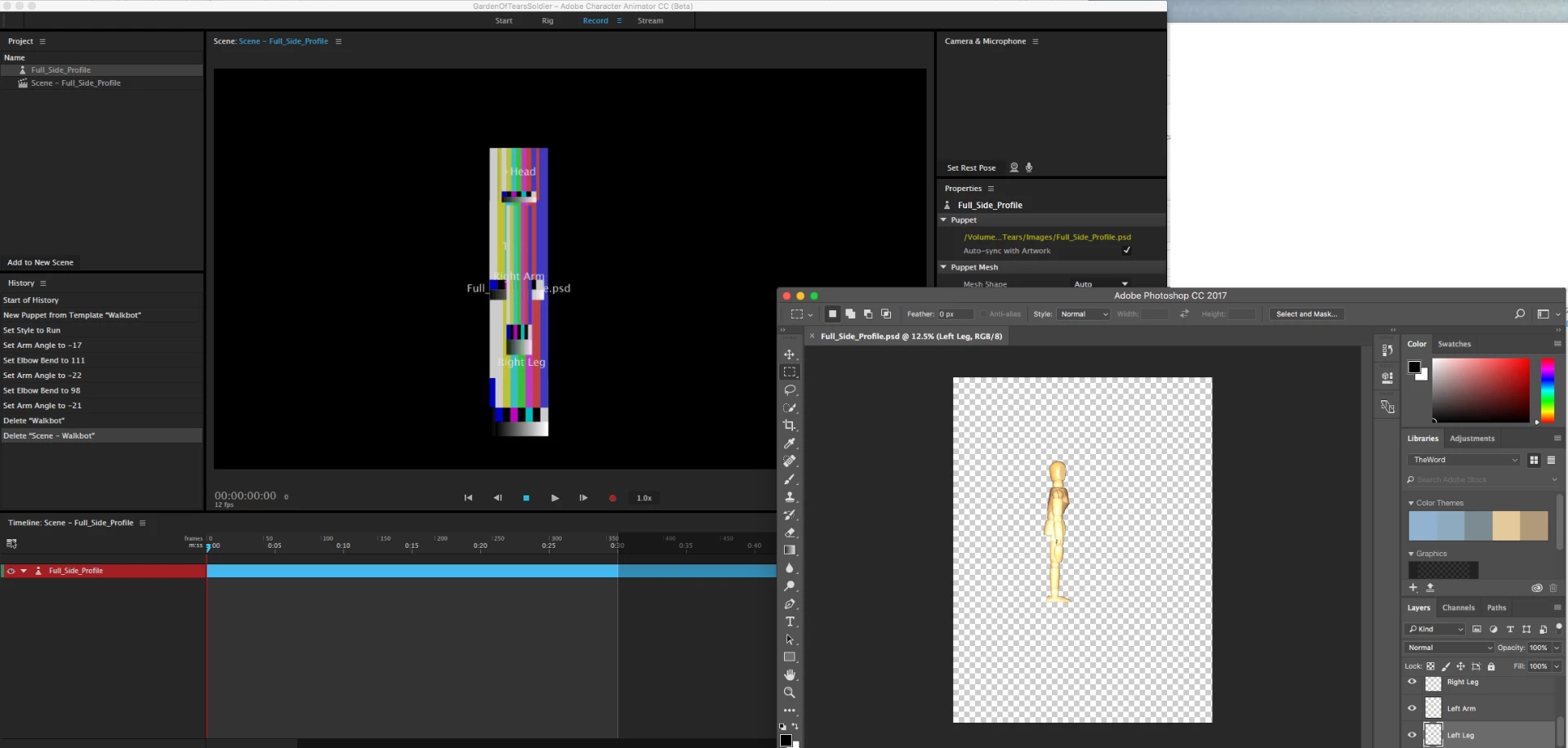
I started a project on my Windows PC and did the character in Photoshop after which I imported the psd into Character Animator. I could see the character properly then. I save all my files in my Creative Cloud Files folder. Then today I opened up my macbook and opened the creative cloud files folder and opened up the Character Animator project and what I see are those color bars instead of my actual image. As you can see above in the image attached the psd file ( thats linked into Character Animator ) shows the image correctly on the mac.
Thanks!
 AdChoices