You can get your artwork back by following these steps from the adobe page:
"Relink or replace a puppet's source artwork
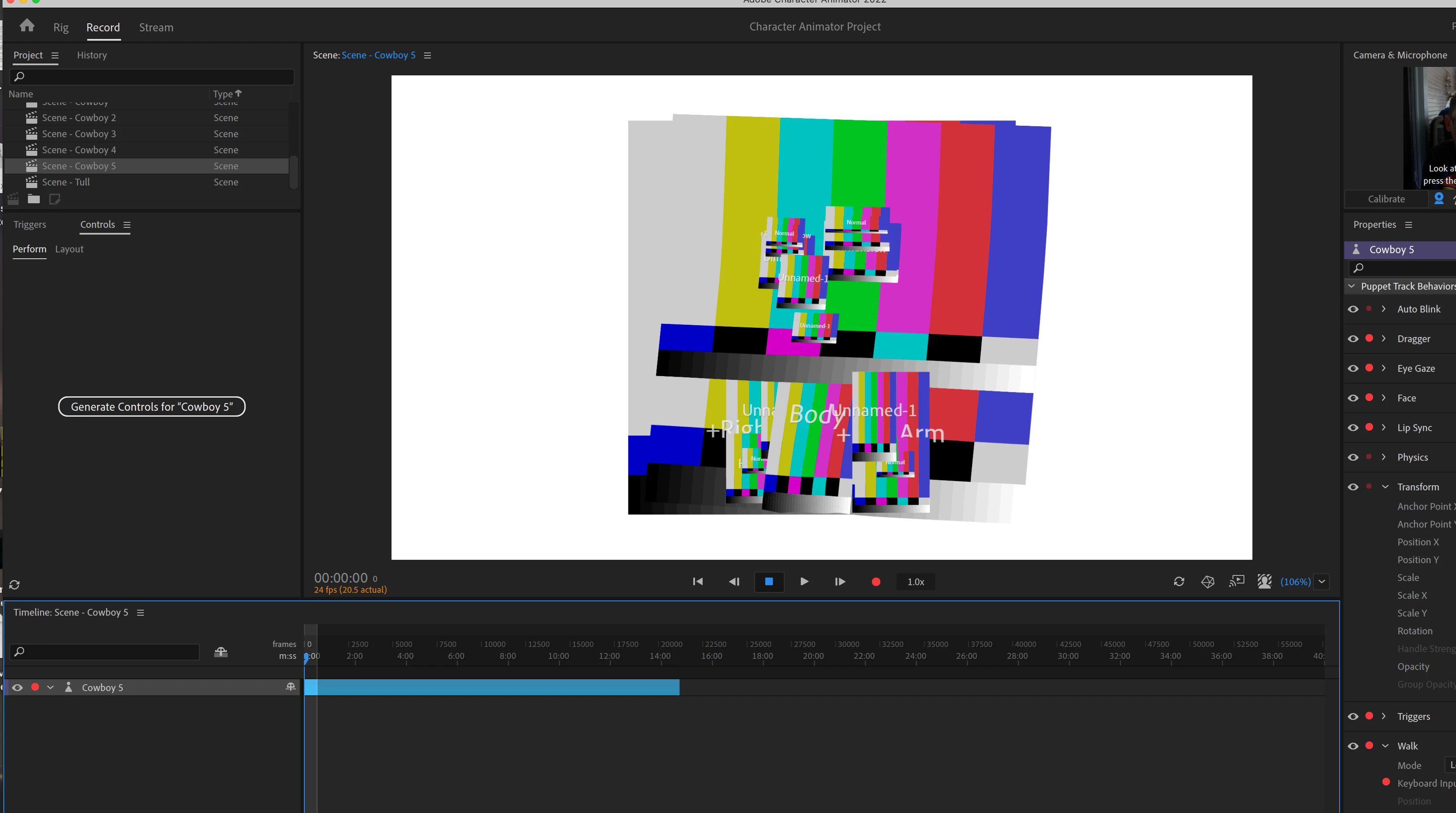
When a puppet is selected in the Project or opened in the Puppet panel, the Puppet section of the Properties panel shows the path for the source artwork and the tooltip shows the full path. If the artwork file cannot be found, the file name appears in yellow, with the tooltip prefix withMissing.
To relink or replace the source artwork, click the file name in the Properties panel, then select the artwork file to use."



 AdChoices