


nadiaa90553092
Participant
October 19, 2017
Question

Character looks stretched during recording, but not before

  • October 19, 2017
  • 7 replies
  • 499 views

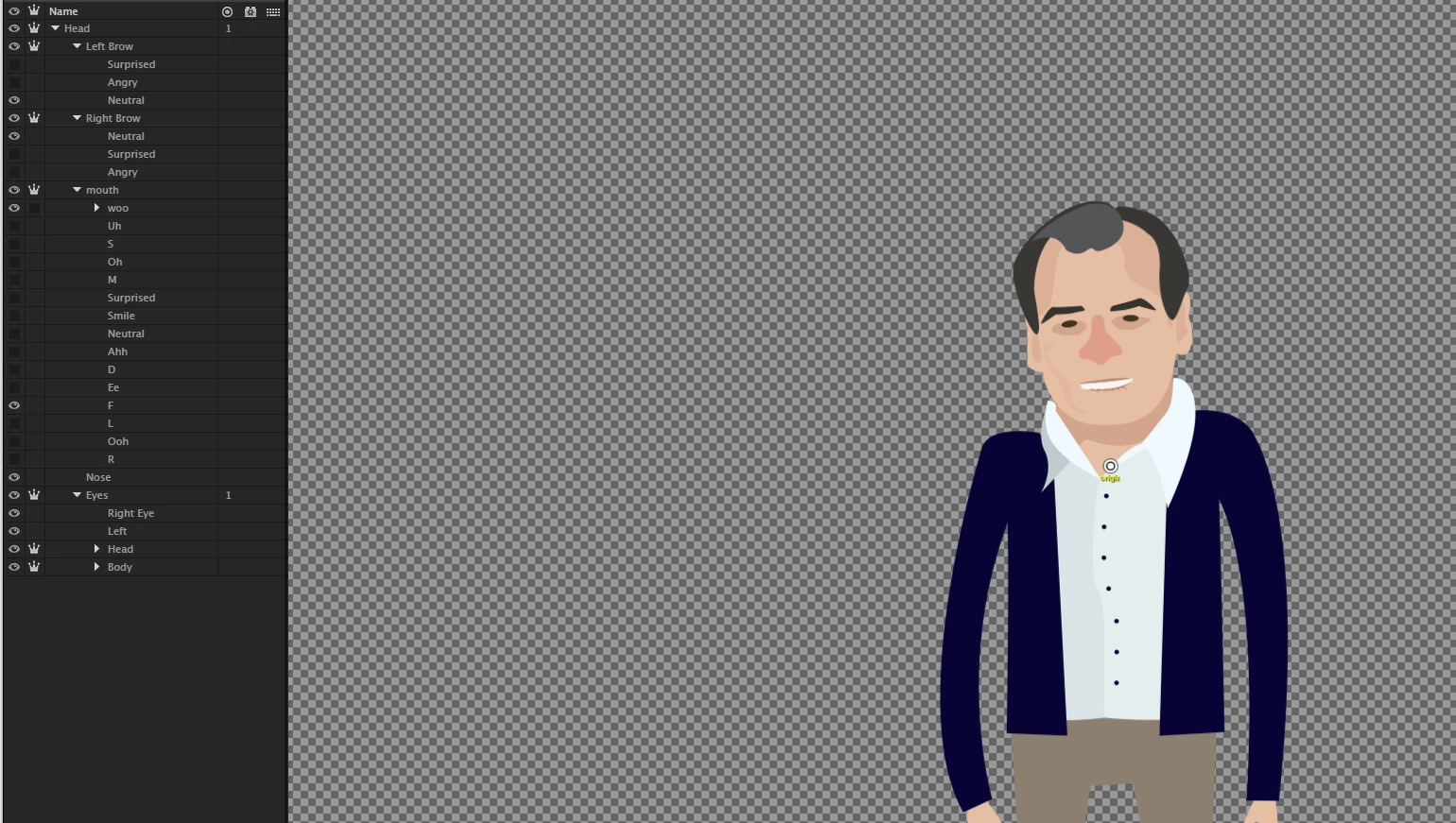
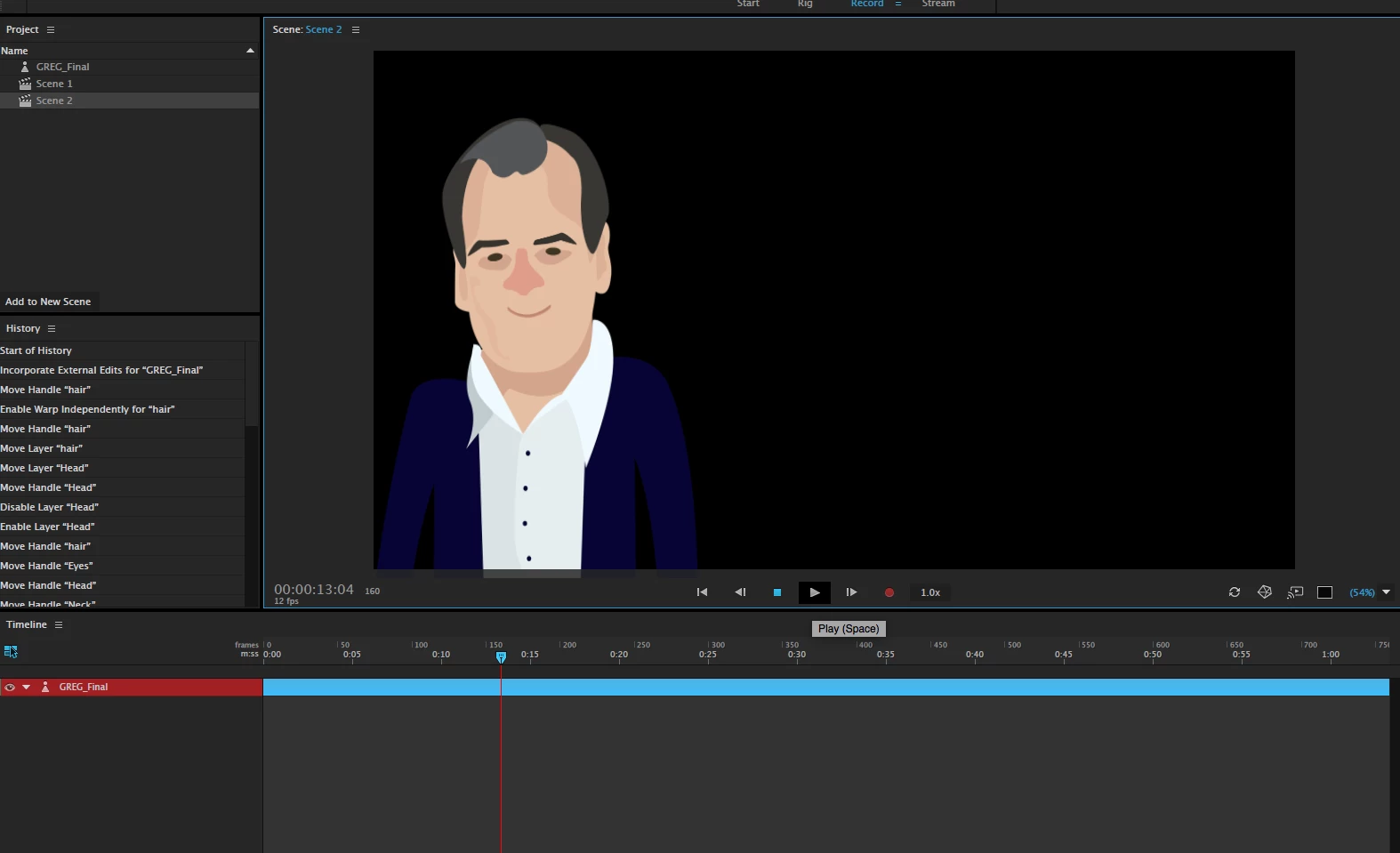
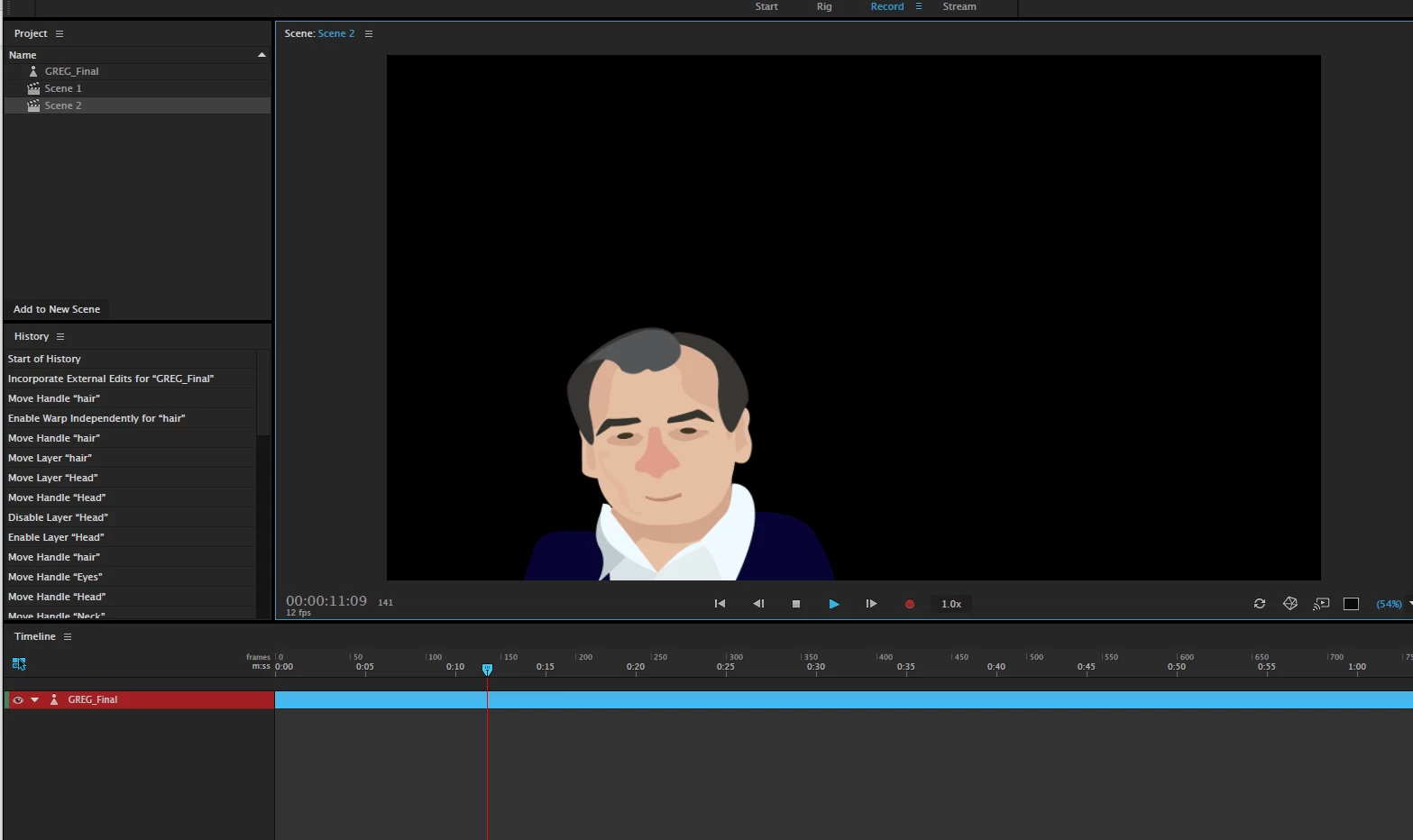
I am unsure how to troubleshoot this problem. I am trying to do a recording that involves lip syncing with pre-existing voiceover, but my character looks strangely stretched out when I begin.


Attached are screenshots showing the before and after as well as my rigging set up. Any advice would be appreciated.
This topic is closed to new replies. Start a new post to keep the conversation going.

7 replies

Jeff Almasol
Adobe Employee
Adobe Employee
October 23, 2017

Has the rest pose been set?

nadiaa90553092
Participant
October 23, 2017

Hmm. I thought I set the rest pose when bringing the character into the scene. Do I set the rest pose when building the rig? And if so, how?

Jeff Almasol
Adobe Employee
Adobe Employee
October 23, 2017

Try looking at your character in the Scene panel then clicking the Set Rest Pose button in the Camera & Microphone panel or pressing Cmd+P (Mac) or Ctrl+P (Windows).