


Participant
January 23, 2019
Answered

Character Not the right size in Stream mode

  • January 23, 2019
  • 1 reply
  • 231 views

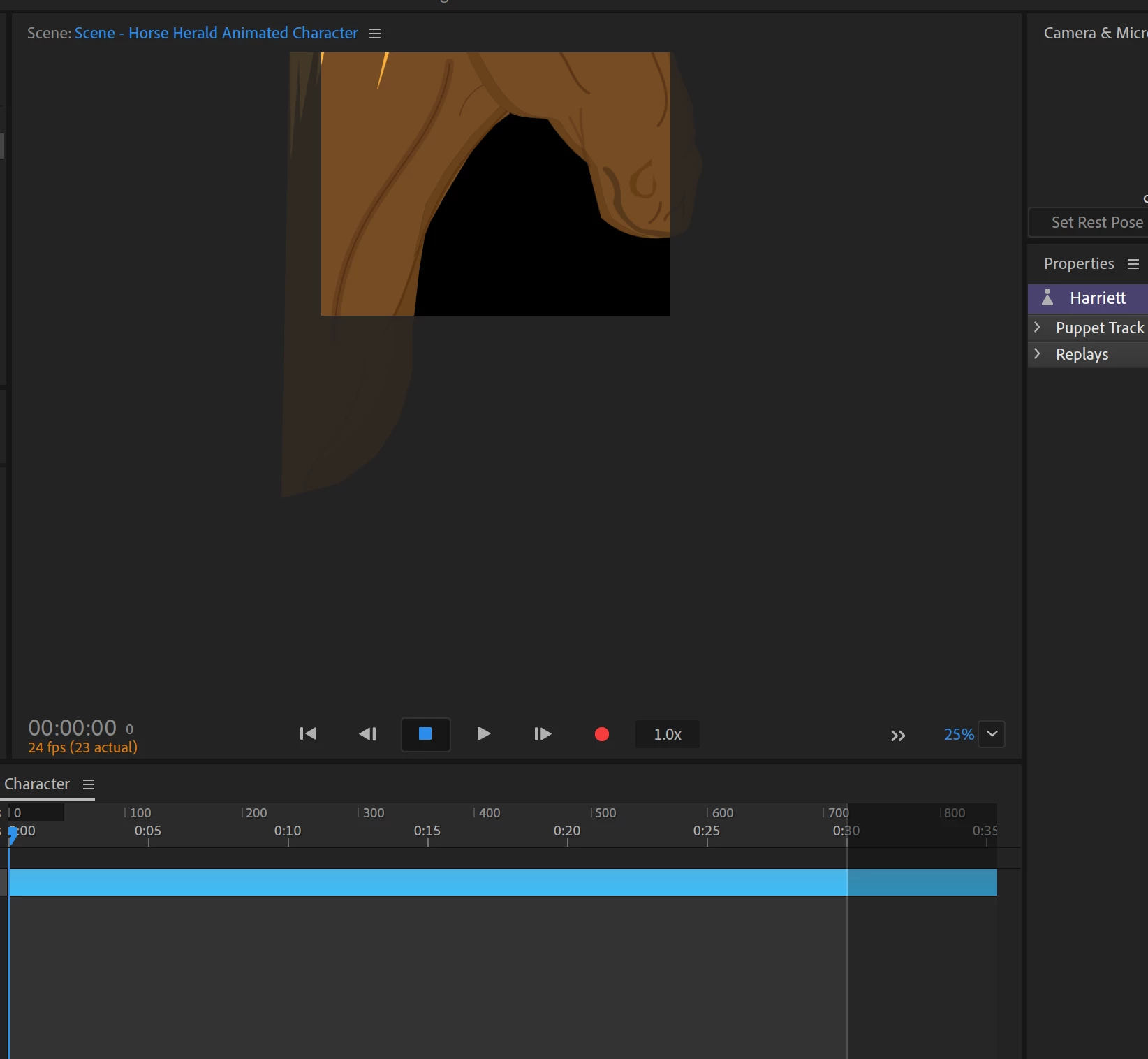
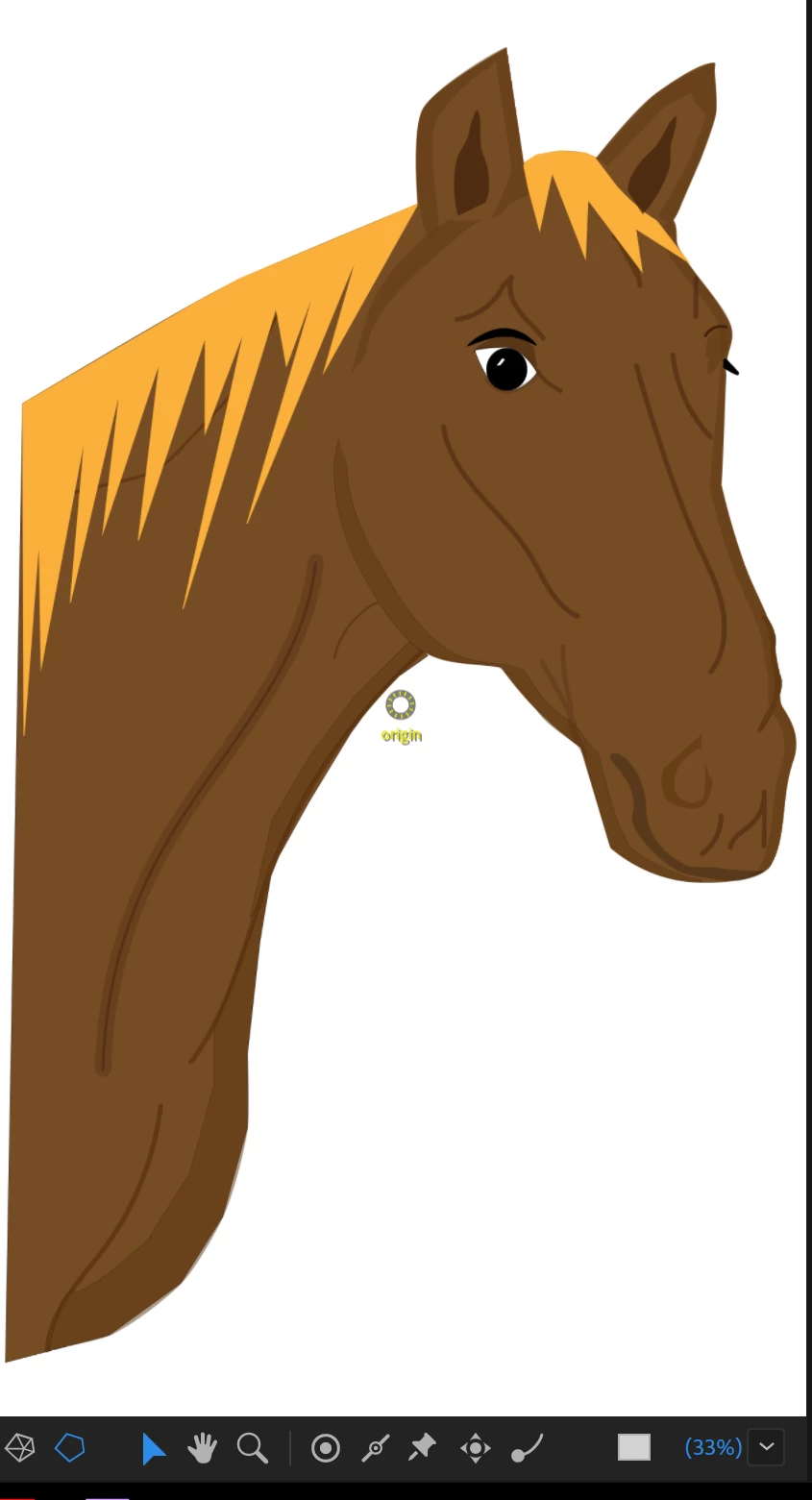
I built a horse head/neck character. Seems like a lot of the times I go into Record mode to check my rigging or record a quick test sound byte the character is oversized (as in it will only show the horses cheek) and zooming in or out does nothing to change this aspect.

What am I doing wrong? It happens most of the time, even after no changes were made between it working the last time and the new time. Here are two photos, one of the horse in the rigging, and the associated record screen

This topic is closed to new replies. Start a new post to keep the conversation going.
Correct answer alank99101739

When you drop a puppet in a scene, there is a Transform behavior added by default. If you expand that in the Puppet properties panel, there is a Scale property. Try setting it to 20% or similar and see if the puppet fits better then.

1 reply

alank99101739
alank99101739Correct answer
Legend
January 24, 2019

When you drop a puppet in a scene, there is a Transform behavior added by default. If you expand that in the Puppet properties panel, there is a Scale property. Try setting it to 20% or similar and see if the puppet fits better then.