Participant
December 30, 2021
Question

Character Scene Timeline

  • December 30, 2021
  • 1 reply
  • 142 views

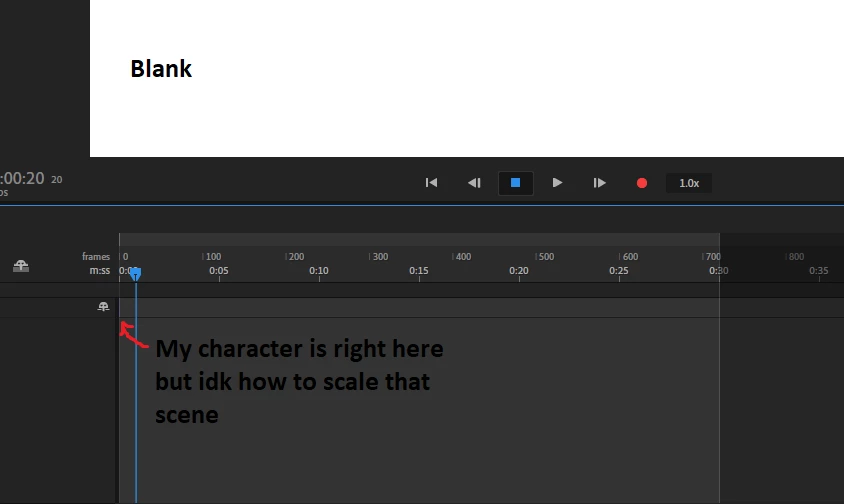
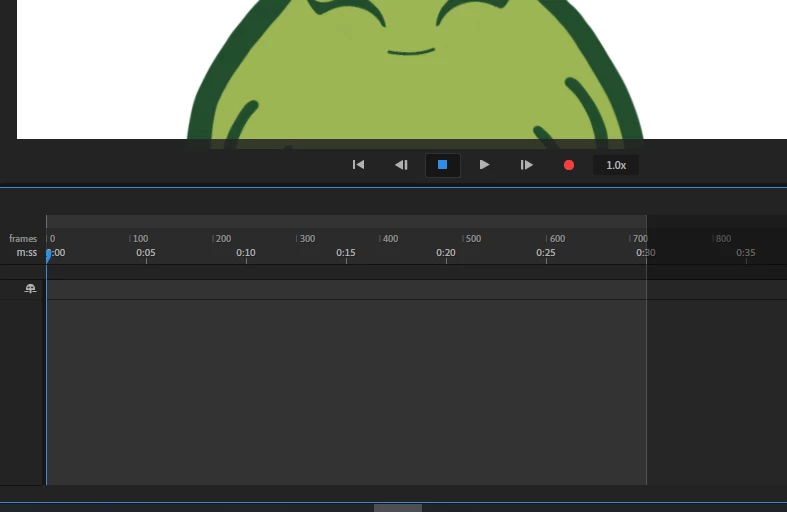
How do I increase my timeline for my character scene? It's very short and I can't scale it like I could in premiere. So anytime I hit record my character will disappear because the scene doesn't take up much space in the timeline. Any tips would be appreciated! 
This topic has been closed for replies.

1 reply

TheOriginalGC
Community Expert
Community Expert
December 30, 2021

In Windows, hold the ctrl key and use the mouse wheel to zoom in and out on the timeline. Holding the shift key and moving the wheel will shuttle the timeline forward or backwards. Right click on the timeline for more options.

Participant
December 30, 2021

Ahh thanks so much! 🙂