Participant
Jun 23, 2023 9:22 PM UTC
Question

Character skin become transparent without reason?
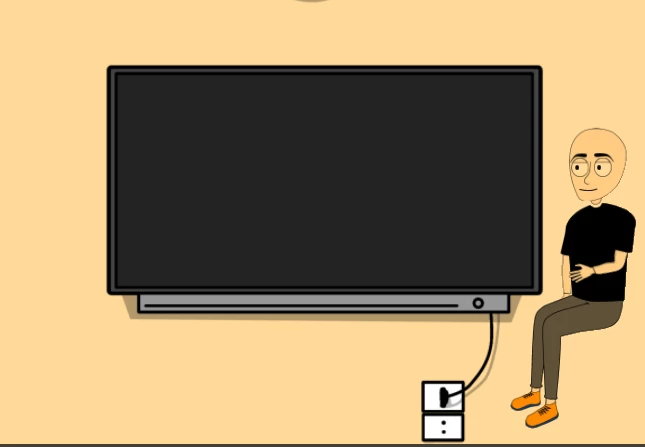
I tried to change the background but it is gave the same result.

This topic is closed to new replies. Start a new post to keep the conversation going.

1 reply

Inspiring
Jul 6, 2023 4:20 PM UTC

Does your character have a white background in Photoshop or Illustrator? If not, then you need to add one. If this is an Illustrator puppet and it looks like there's a white background, hit Ctrl/Cmd+Shift+D to show the transparency grid and hide the background of the artboard. This will show you what your art really looks like. If you see the checkered square behind your character, then you either need to select those shapes and add a fill or draw a solid shape of your desired color behind the body parts.

Translate