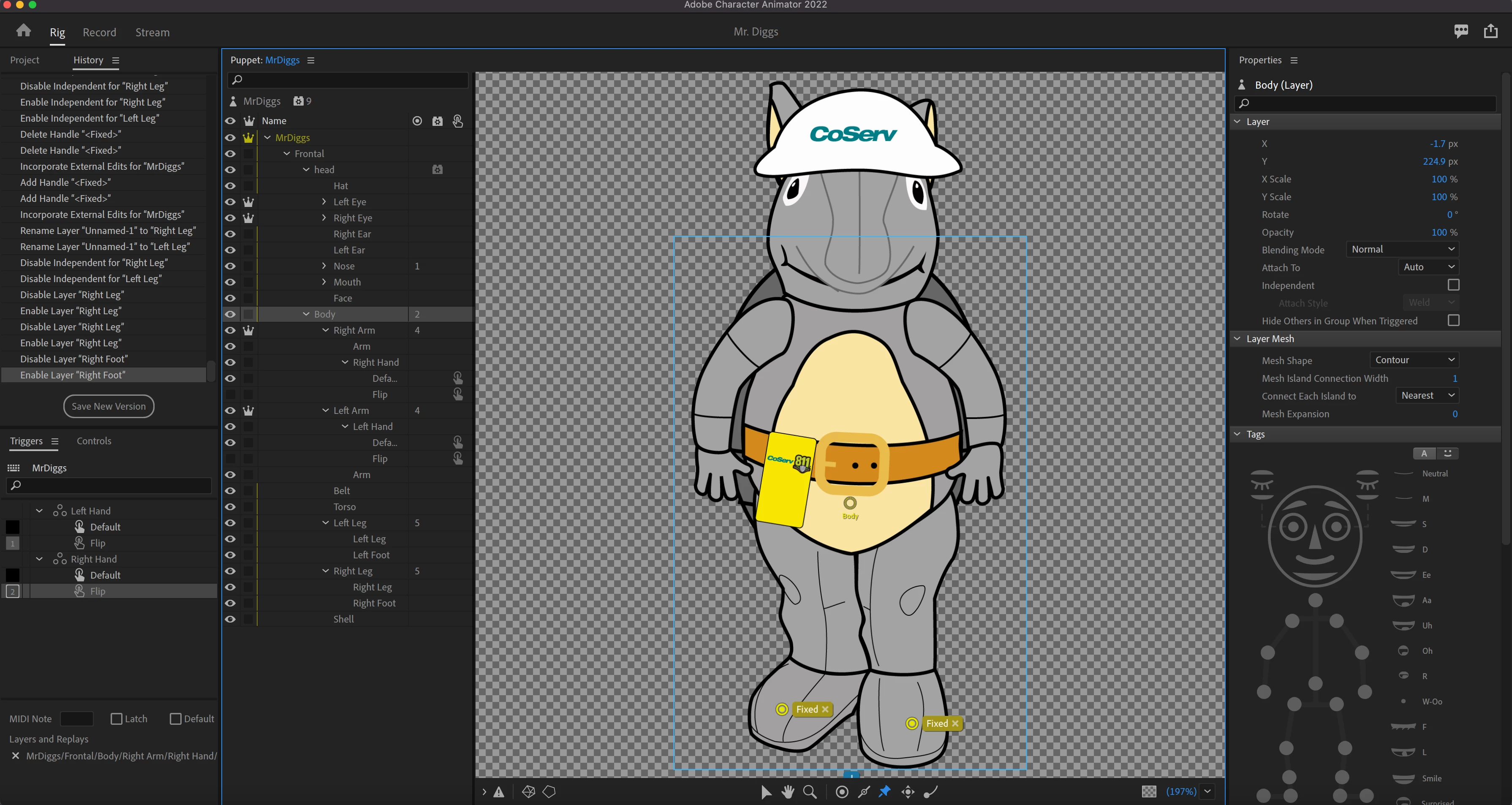
Thanks. A few comments (none will fix your problem). As @TheOriginalGC mentioned, the knee and toe etc tags are only for the walk behavior, which only works with character profiles, so there is not much point putting them on the frontal view. The warnings are because you have not added a Walk behavior to the puppet. In this case, if frontal only, I would not bother with the tags.
But if using LimbIK to control limb movements, I think you want the hip tags on the body, not the leg. It tells limbik where on the body it should attach the leg to.
I would still suggest putting the Fixed handles on the MrDiggs layer (the root layer) instead of Body to see if that helps. When there are conflicting signals, Ch picks one - typically the first one it sees. So putting at the root of the puppet (the MrDiggs layer) instead of on the Body layer, if that works, may mean there is some conflicting behavior that is winning at the moment.
Note: if you do want walk profiles later, there is a mode (cannot remember where just now - might be in the Walk behavior) that tells the puppet to stay still on Frontal, but move (walk) on non-frontal modes. If you put "fixed" on the root of the puppet and want walking, they won't play well together later. If you want side profile walk behaviors, I would just skip the Fixed pins since they wont be a long term solution anyway. Have a look a Walk behavior properties (sorry, at work, gotta run!)
Taking Alan's advice, I put the fixed tag in the root, MrDiggs layer - it had to cross the torso or it wouldn't work. I suppose if the legs weren't independent, I could put the fixed tag lower. Here is the result: 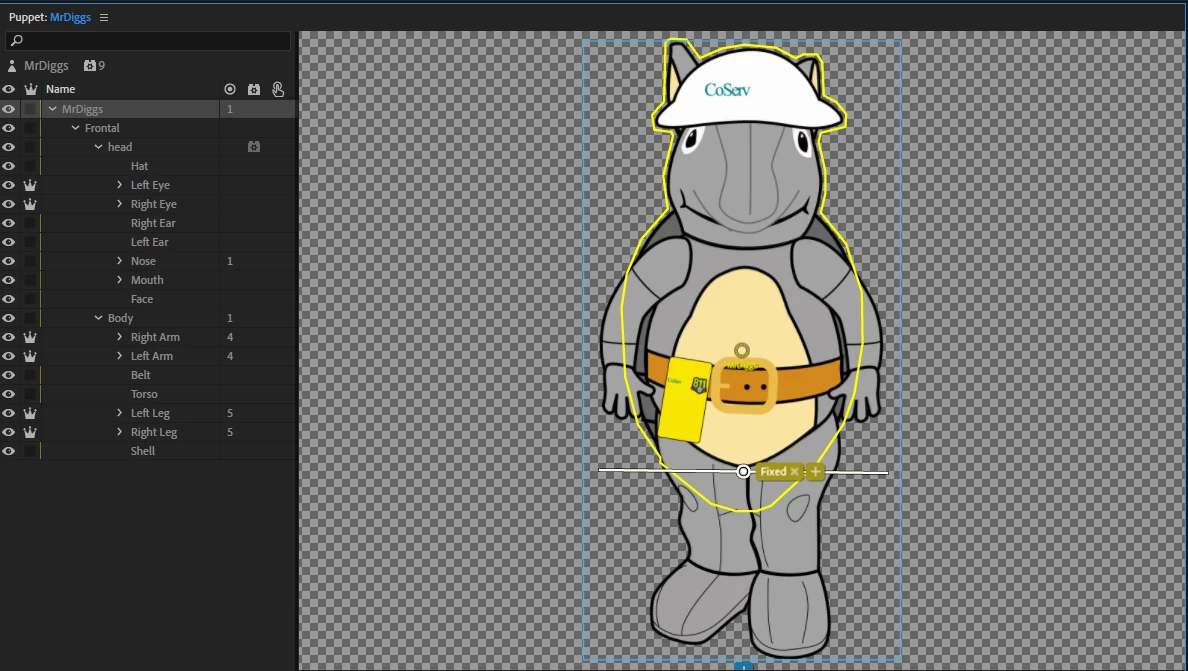



 AdChoices