
Question
Clipping Masks for semi-transparent layers
Hi Character Animator Team!
I love the new features and I really like to work with this software.
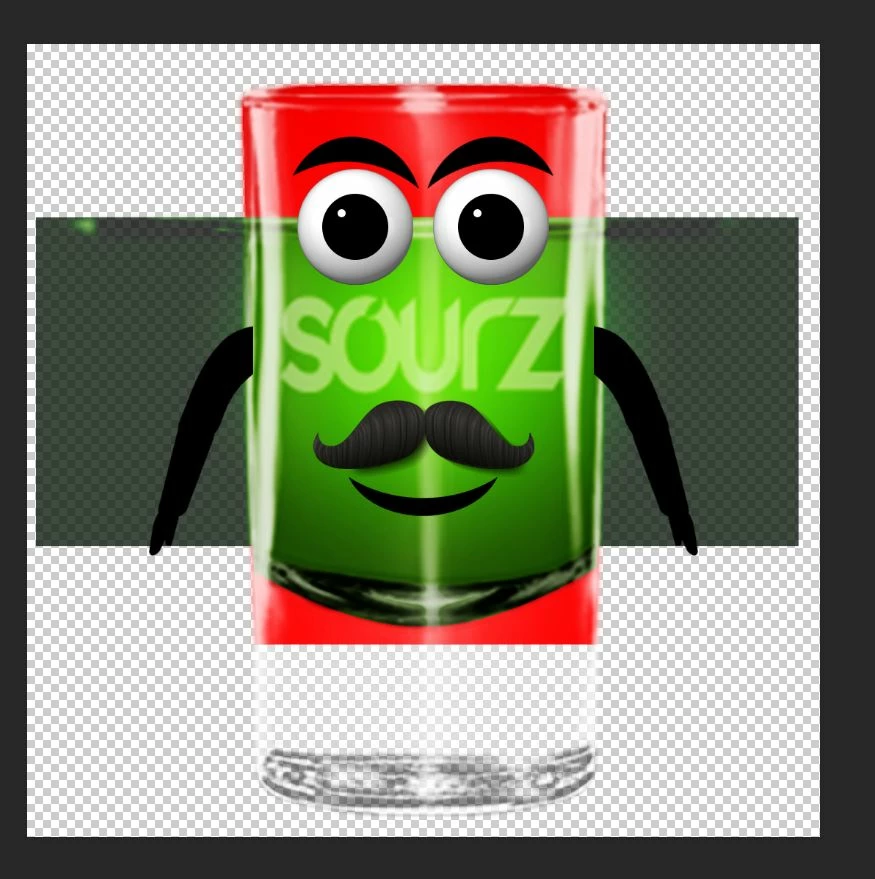
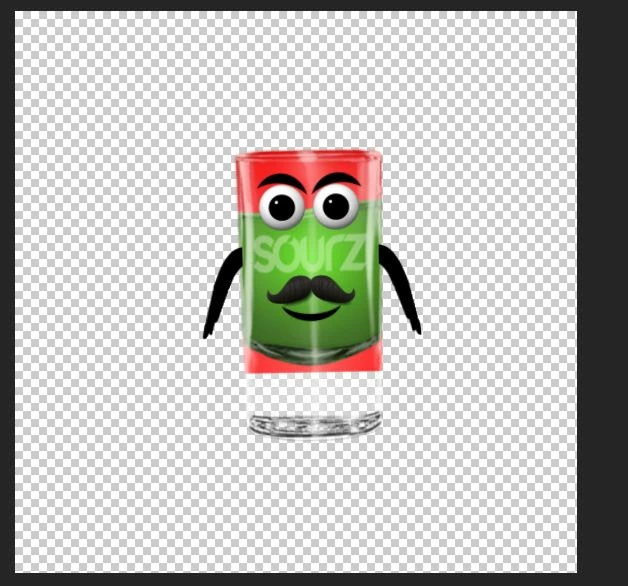
I have a new project: I want to animate a group of dringking glasses , they will dance to music. The glasses are the heads and they have liquid inside. I applied a dangle behavior to the liquid, so the liquid can bounce around inside the glass when it moves. I also appiled a clipping mask to the liquid, so it only is visible inside the glass. But the glass ist semi-transparent, so the mask is visible behind the glass-layer. Any idea to solve this problem?
RED is the clipping mask
GREEN is the liquid
PSD file:
CH puppet:

recorder window: (I want the red mask to be invisible)
Kind regards!
Christian


 AdChoices