davids56375427
Participant
Oct 21, 2018 10:24 PM UTC
Answered

Collision box ends up square instead of contoured.

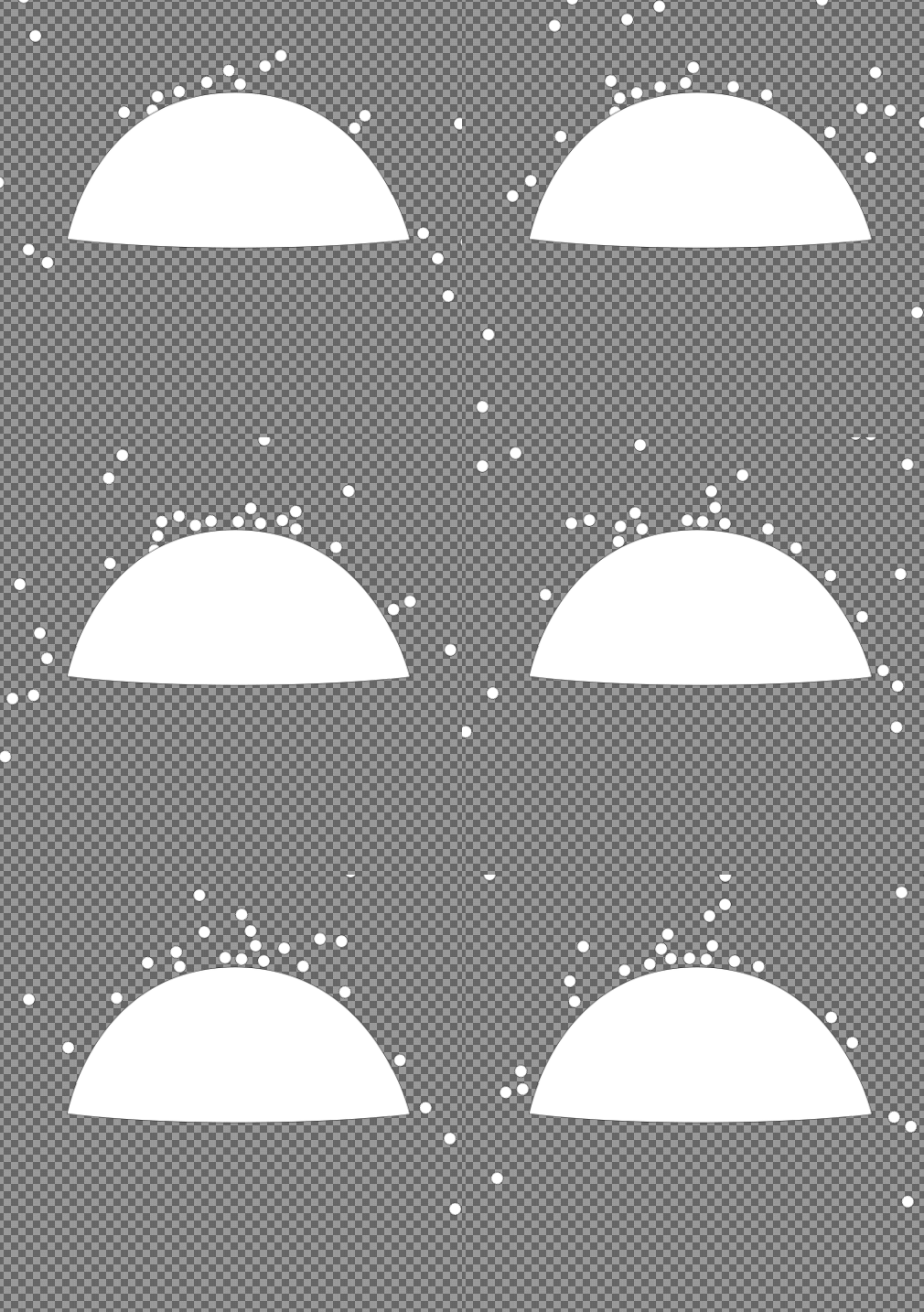
I'm trying to make a particle system of hail bouncing off an umbrella.

I have the collision tag on the umbrella. And a Particle behavior with collision turned on on the hail ball
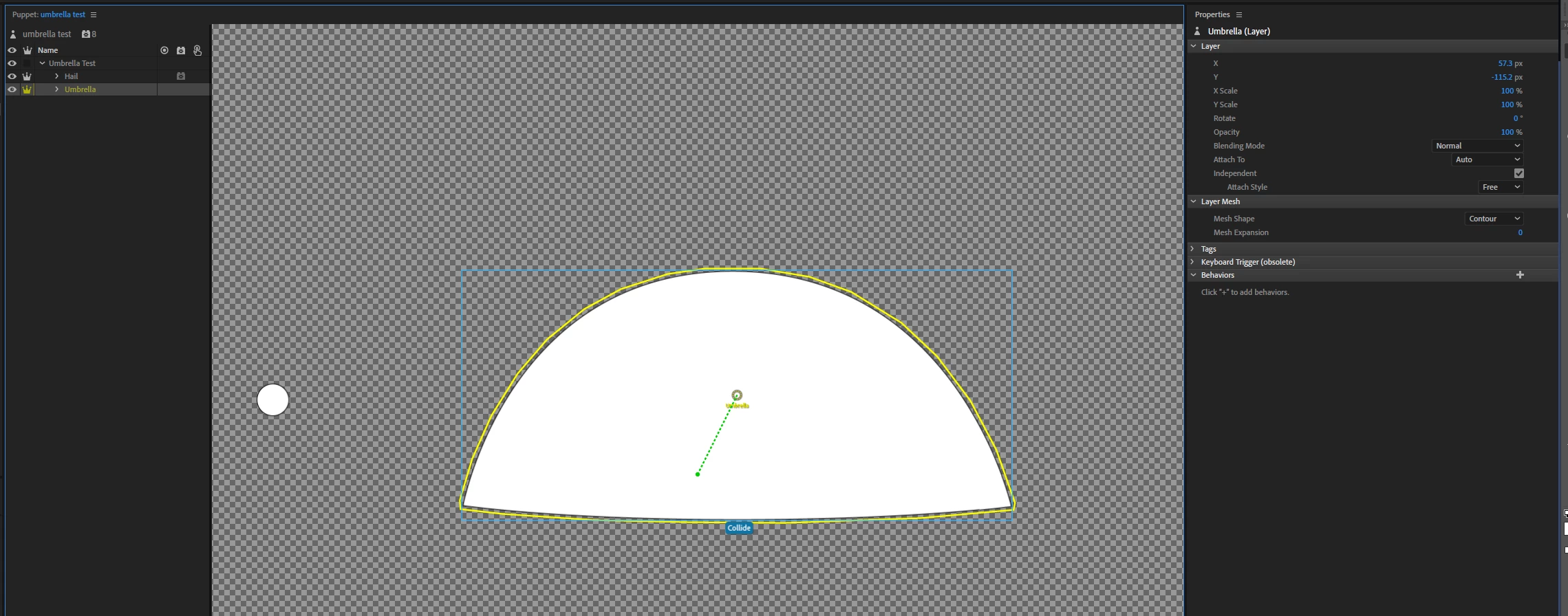
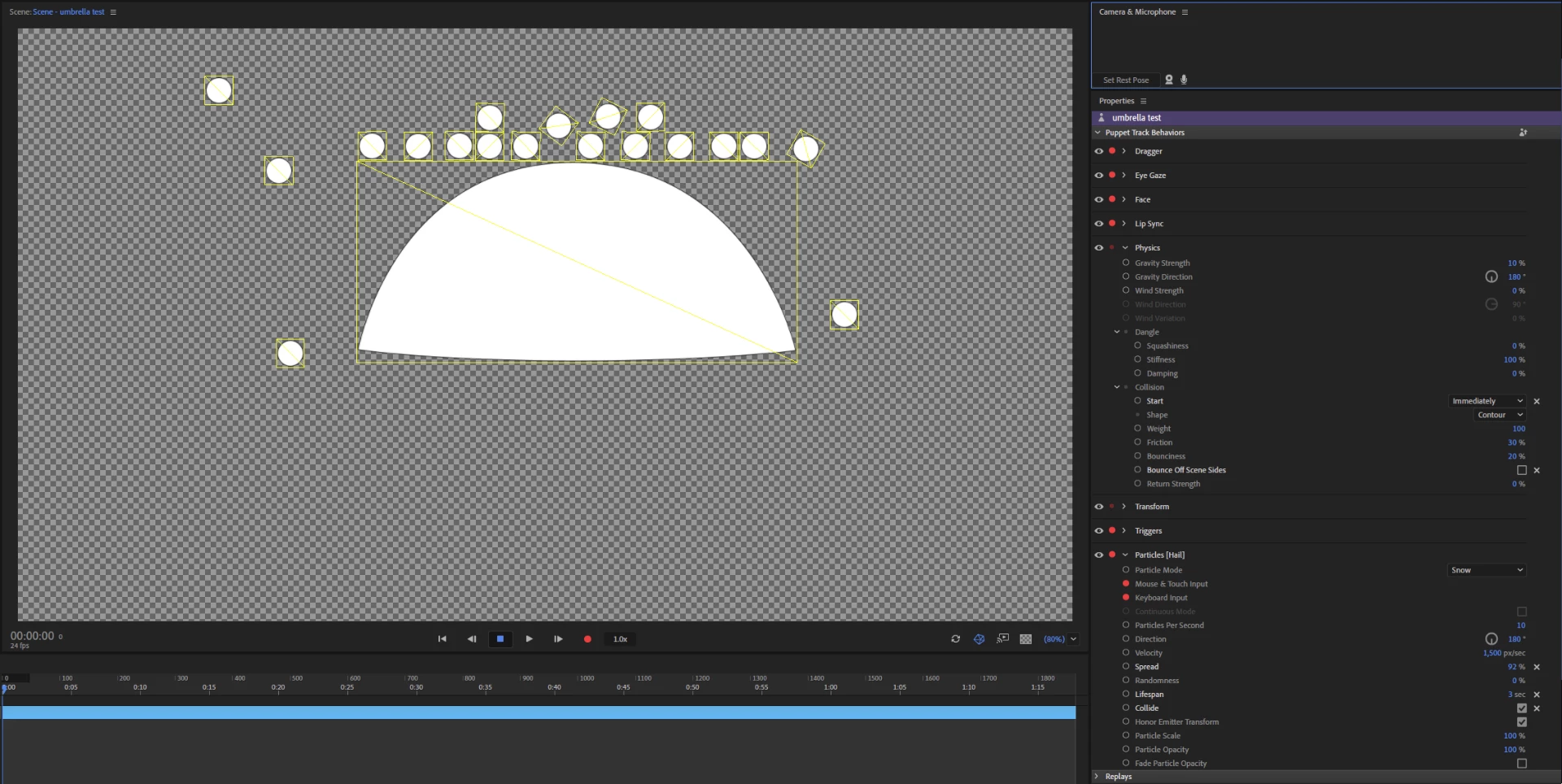
When I run the scene, the hail falls and things collide but the umbrella has a rectangular collision box.

The collision settings on the Physics behavior are set to "contour" for shape, but the collision box isn't countoured.
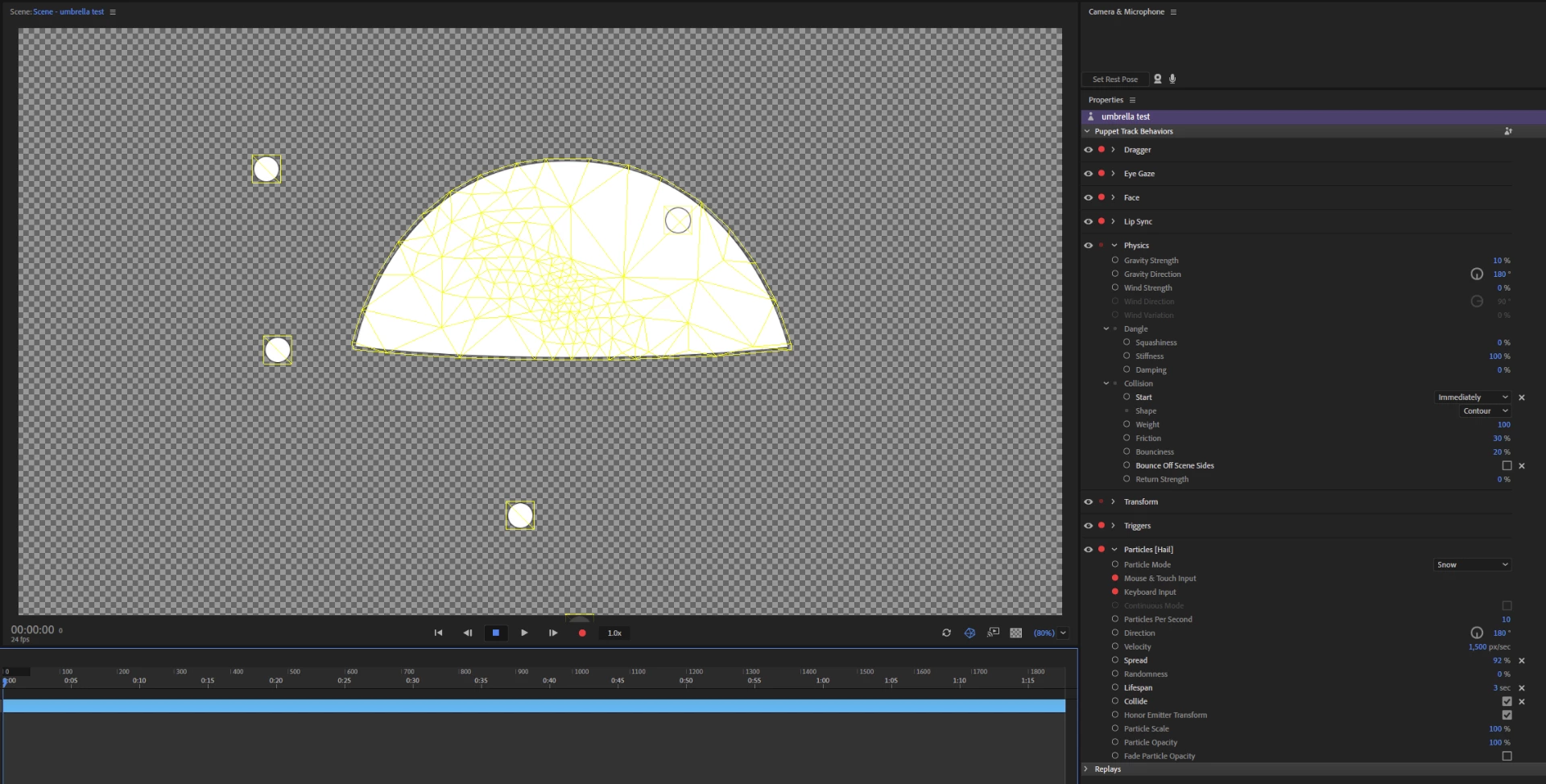
If I make the umbrell not independent I can see the countoured mesh, but then the collision doesn't work.
I could sware I was able to get this working previously but I don't know how. Is there a way to make a contoured collision box work?
This topic is closed to new replies. Start a new post to keep the conversation going.
KJerryK
KJerryKCorrect answer
Legend
Oct 22, 2018 4:07 PM UTC

Okay, got it. I've something I have to do right now, but will get to it in a couple hours. In the meantime, I did a test with both in the same puppet and I see the same thing you're seeing. So right now it's a mystery.


Oh, I took a quick look, and made this one change in the rigging, and this is what I get

9 replies

KJerryK
Legend
Oct 21, 2018 11:16 PM UTC

The only way I've tried it so far is to have the snow and object in separate files. Here's what that looks like.

Translate
davids56375427
Participant
Oct 22, 2018 6:15 AM UTC

Thanks. I tried it with the hail in a sepparate puppet but the problem is the same. Could this have something to do with the last update Oct 2019?

I looked at the physics playground example puppet here:Character Animator Examples and it seems like all the balls in that scene have square collision boxes.

Translate
KJerryK
Legend
Oct 22, 2018 1:59 PM UTC

The example I posted is done in the latest update, using puppet files from earlier CH releases. The umbrella seems to be causing the problem. If you post a link to your project I could take a closer look.

Translate