Participating Frequently
January 22, 2017
Answered

Connect and drag arms to a stick

  • January 22, 2017
  • 2 replies
  • 416 views

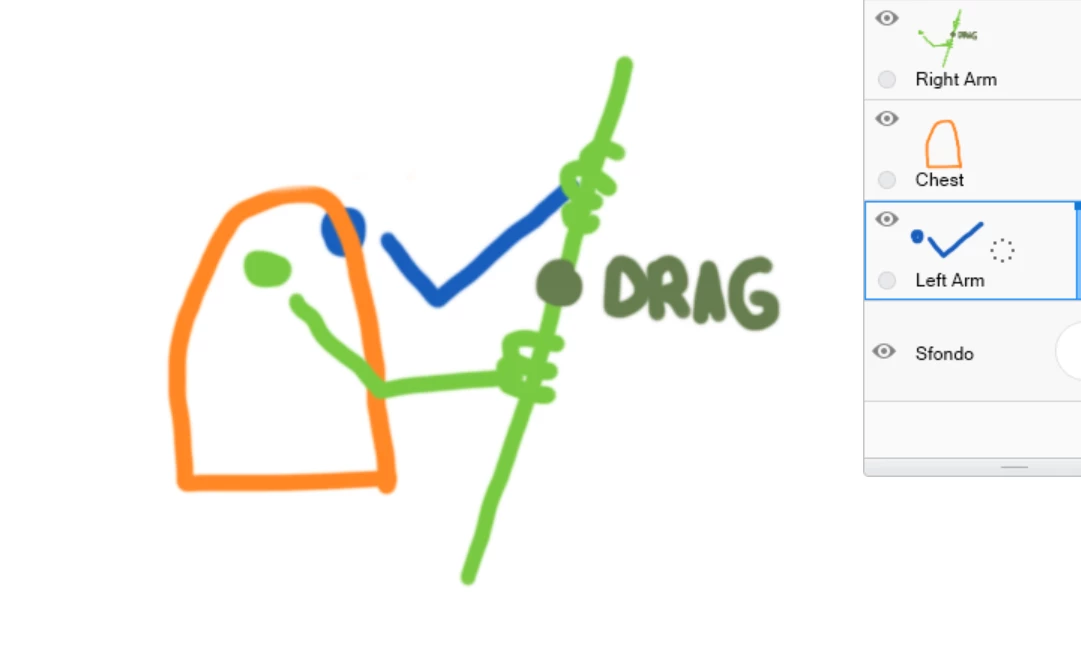
I am having trouble connecting the two arms to stick. the stick is in the upper level of the right arm and it works. (One point drag in hinge mode). The left arm is connected well to the chest but I can not fix it with the left hand in the level of the right arm. I attach an explanatory drawing.

This topic is closed to new replies. Start a new post to keep the conversation going.
Correct answer oksamurai

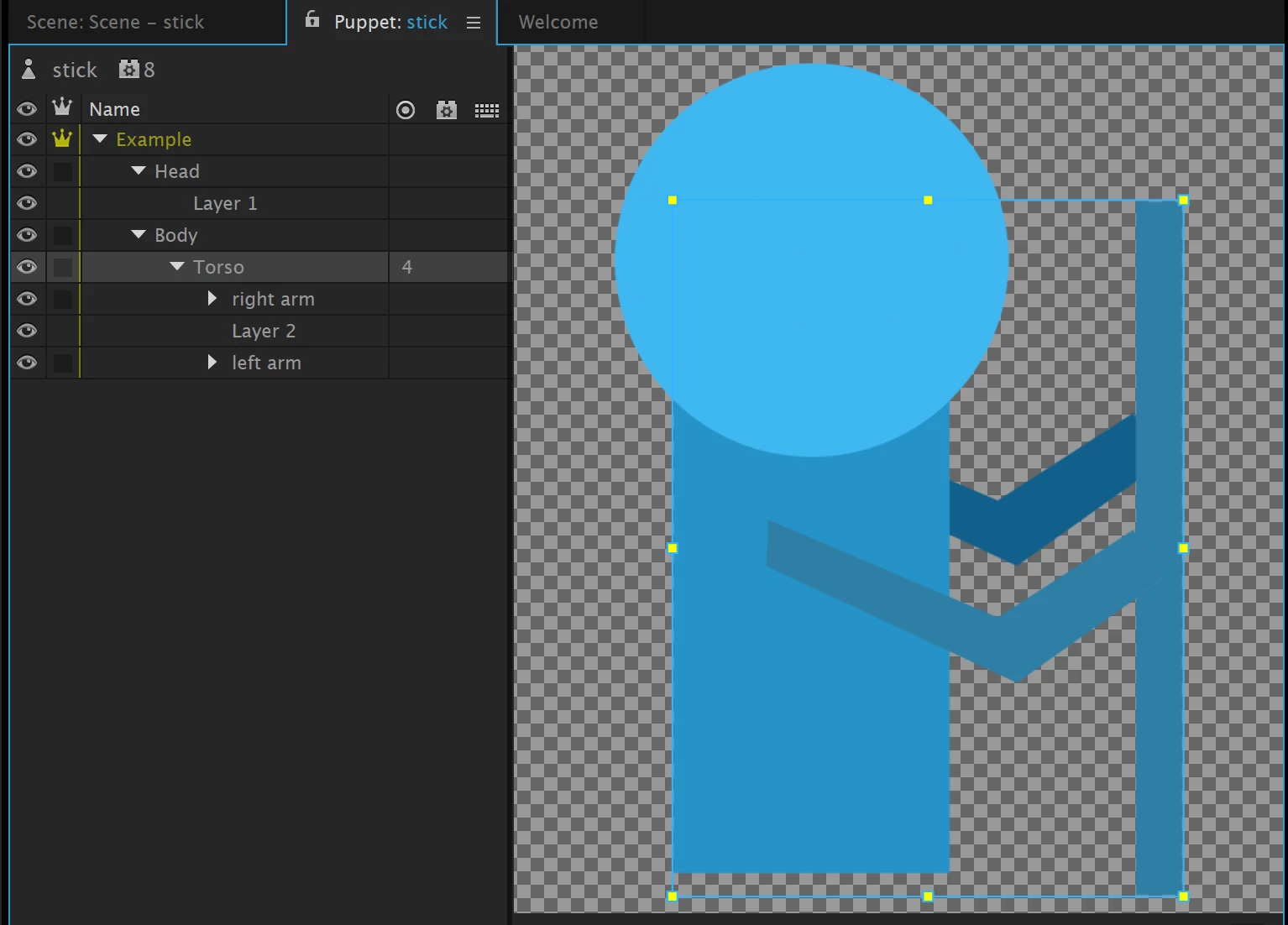
Unfortunately this is kinda tricky in the current setup. Here's the best I could do, making everything not independent: Adobe Creative Cloud

The arms don't pivot and move independently in this setup though. If you made the Torso group independent it would work with independent stapled arms, but the problem then becomes that all of those detach from the Head. There is probably a way to do this but I can't figure out how exactly...

2 replies

oksamurai
oksamuraiCorrect answer
Legend
January 23, 2017

Unfortunately this is kinda tricky in the current setup. Here's the best I could do, making everything not independent: Adobe Creative Cloud

The arms don't pivot and move independently in this setup though. If you made the Torso group independent it would work with independent stapled arms, but the problem then becomes that all of those detach from the Head. There is probably a way to do this but I can't figure out how exactly...

Participating Frequently
January 23, 2017

Yes! I created one group containing everything except the head. I just fixed the arm behind maintaining instead the one in front with the pivot. As in your puppet, i left the body independent and attacked to a fix point. unfortunately I can not attach the puppet that I'm working but here is a shareable version: persona.tmp.zip - Google Drive

Thank u!