
default pose and animation work flow
Hello there...
I am a newbie in this, so I am sure i have not figure out the correct workflow. If someone know that's great way to do pose to pose animation in Ch, please share video.
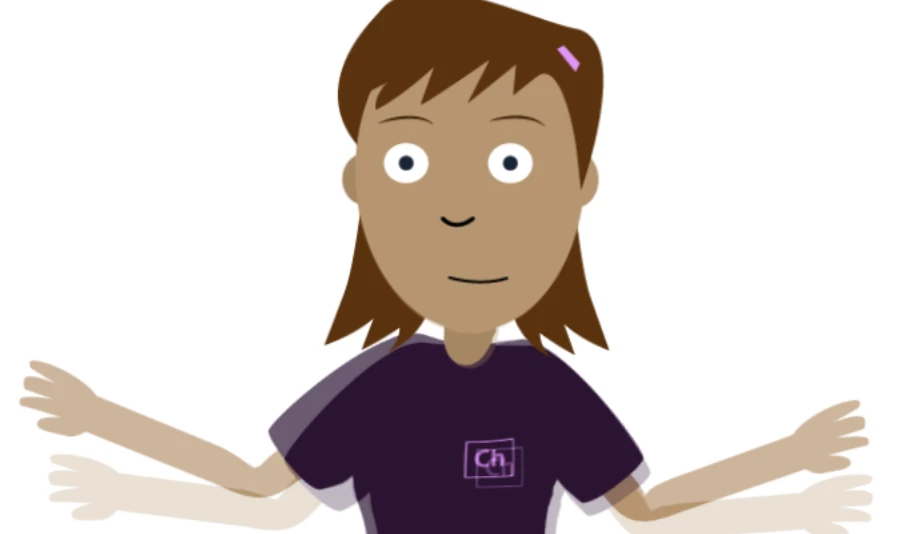
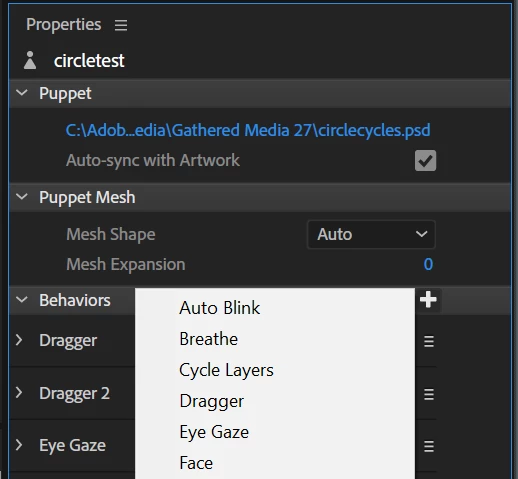
So first thing: For the frontal view, I always have the arms open up at a 45 degree angle. but most of the default post I want to use is either standing or sitting down, so i need have the arm either bend or just hanging by the side. turn on the dragger/After move hold on a kind of let me hold the arm in the right place.
I added audio file to the Characters, then go timeline compute lip sync from audio file.
Then turn off the mic, record the facial expression from the video capture.
Then I turn off my video cam, since I already have facial data + lip syn data i want on the timeline.
So far so good, so the next logical step is to add dragger moment to timeline.
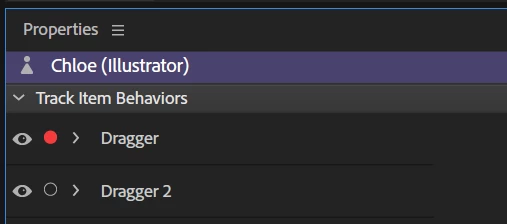
in the dragger layer, i moved the Characters hand to a pose i liked and start recording for 30 sec. (basic layer)
I also moved to specific audio and start to record again, (arms move back to 45 angle, it should be the default pose at basic layer. This is really annoying.... Because I need to re drag it back to the default pose. I am having hard time recording arm movement speed with mouse drag, some time also the arm doesn't bend the way you want it do be, so I can only retake since i can't figure out re-edit. Also arms alway snap back to 45 degree, I can't reuse refine the old data.
Even with the Mic off, my track is still capturing example take 25-Audio, I have to go back and clean up. Is a way to disable this behavior? I already turn off the mic on the upper right corner.


 AdChoices