Participant
September 3, 2022
Answered

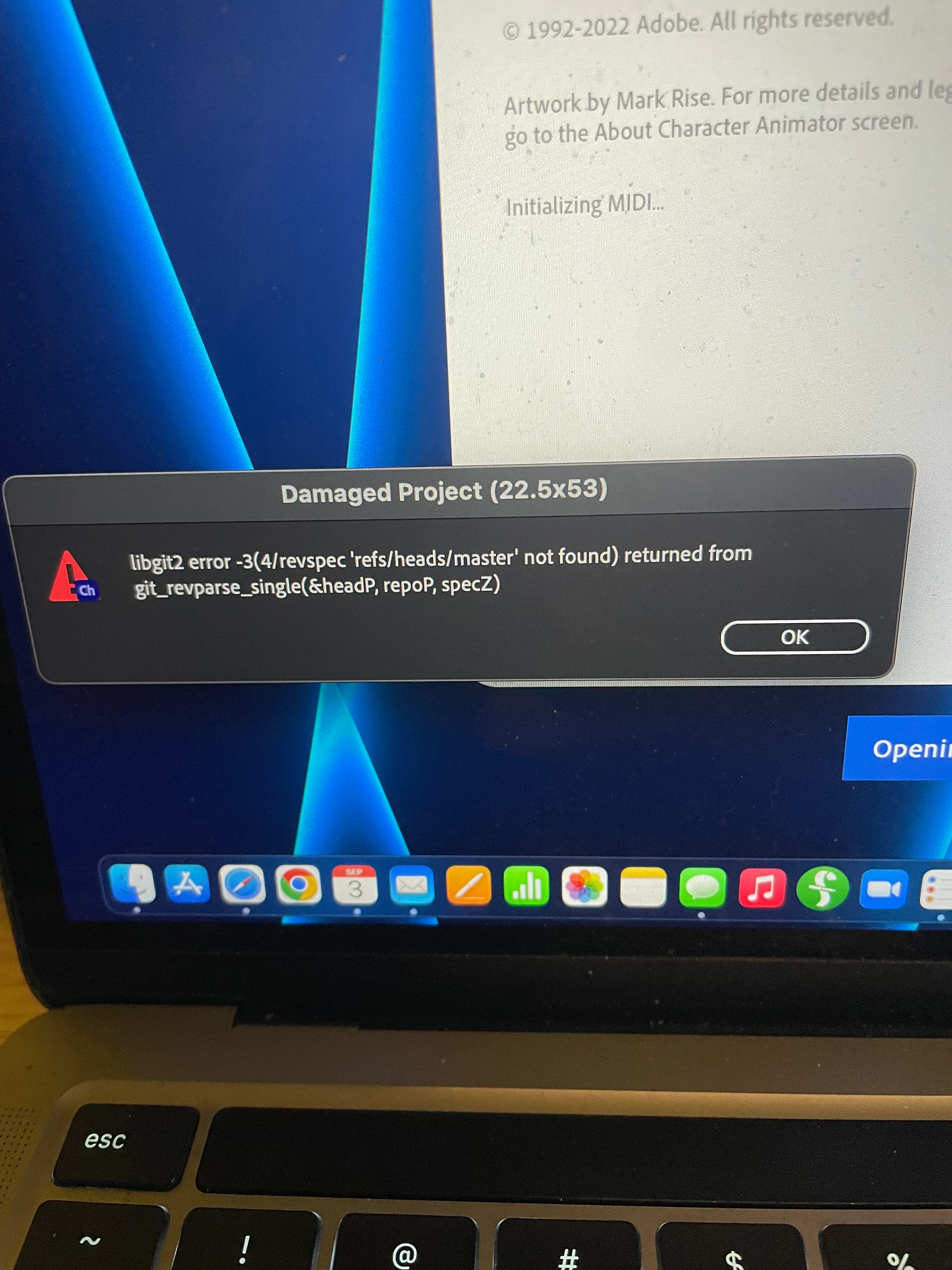
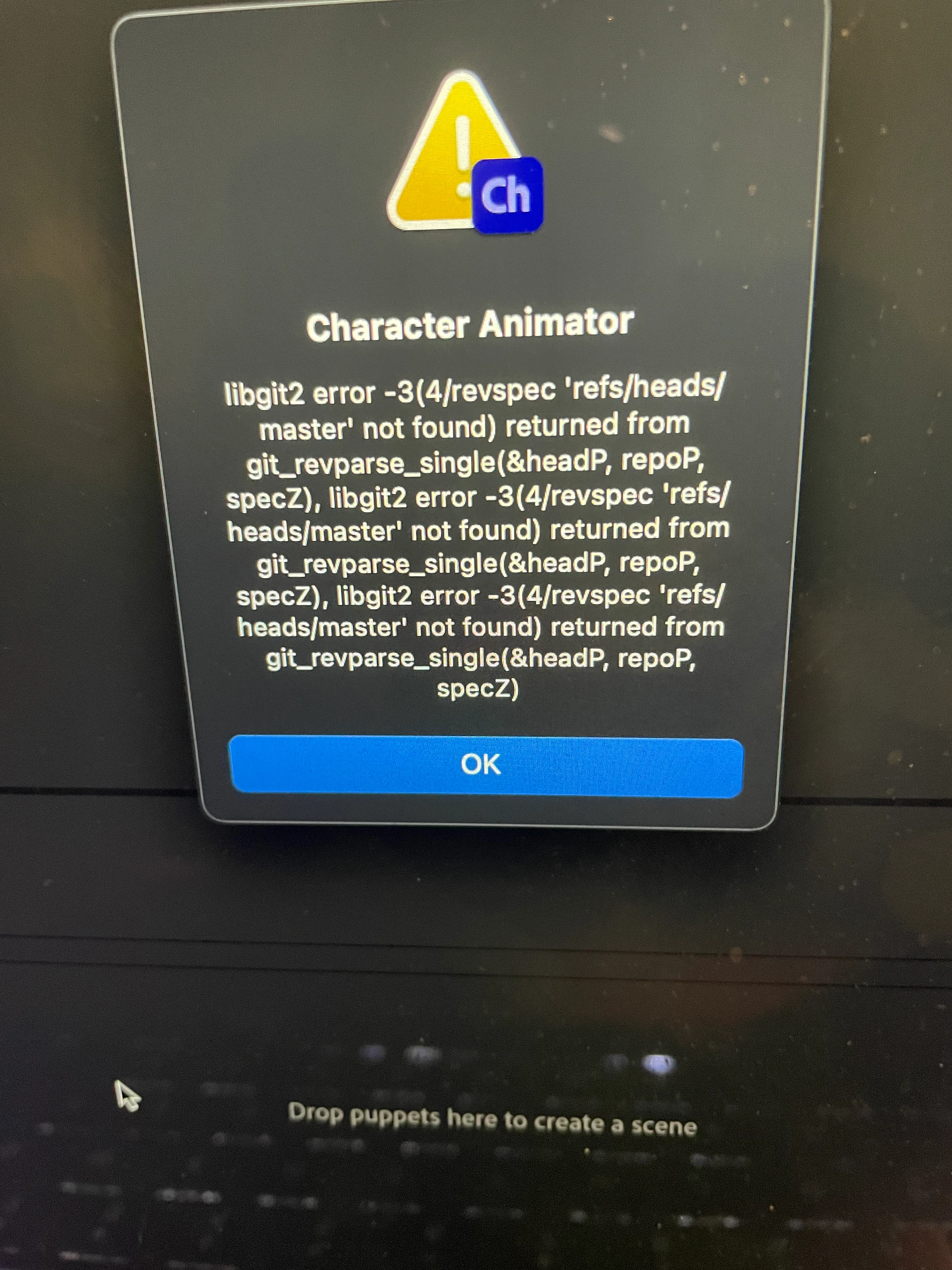
Error Messages When Launching Ch
  • September 3, 2022
  • 1 reply
  • 676 views

 Not sure what this is all about. Went to launch the app and got these two. The smaller one first, and the bigger on afterward. Clicking the blue OK just closes it. Last session all I did was export a Scene. It all was normal. I've rebooted the machine and got the same. Thoughts? Thanks. 

This topic has been closed for replies.
Correct answer oksamurai

Try holding down alt (win) or option (mac) and keep it held while clicking the app to open, which should open with a fresh blank project. Does this remove the error?


If so, something in the project got out of sync. Make sure a) you're storing all your files on a local non-cloud drive, and b) if you go to the history panel in the project you can try to go back several steps and see if it makes the isue go away.

1 reply

oksamurai
Community Manager
oksamuraiCommunity ManagerCorrect answer
Community Manager
September 6, 2022

Try holding down alt (win) or option (mac) and keep it held while clicking the app to open, which should open with a fresh blank project. Does this remove the error?


If so, something in the project got out of sync. Make sure a) you're storing all your files on a local non-cloud drive, and b) if you go to the history panel in the project you can try to go back several steps and see if it makes the isue go away.

Fh1138Author
Participant
September 6, 2022

Thank you for the response. I did some searching and found the project in question was in the cloud. Once it was synced, all was fine. I appreciate yur help.