D.U.I.
Known Participant
July 25, 2023
Answered

Exporting And Audio Issues

  • July 25, 2023
  • 2 replies
  • 966 views

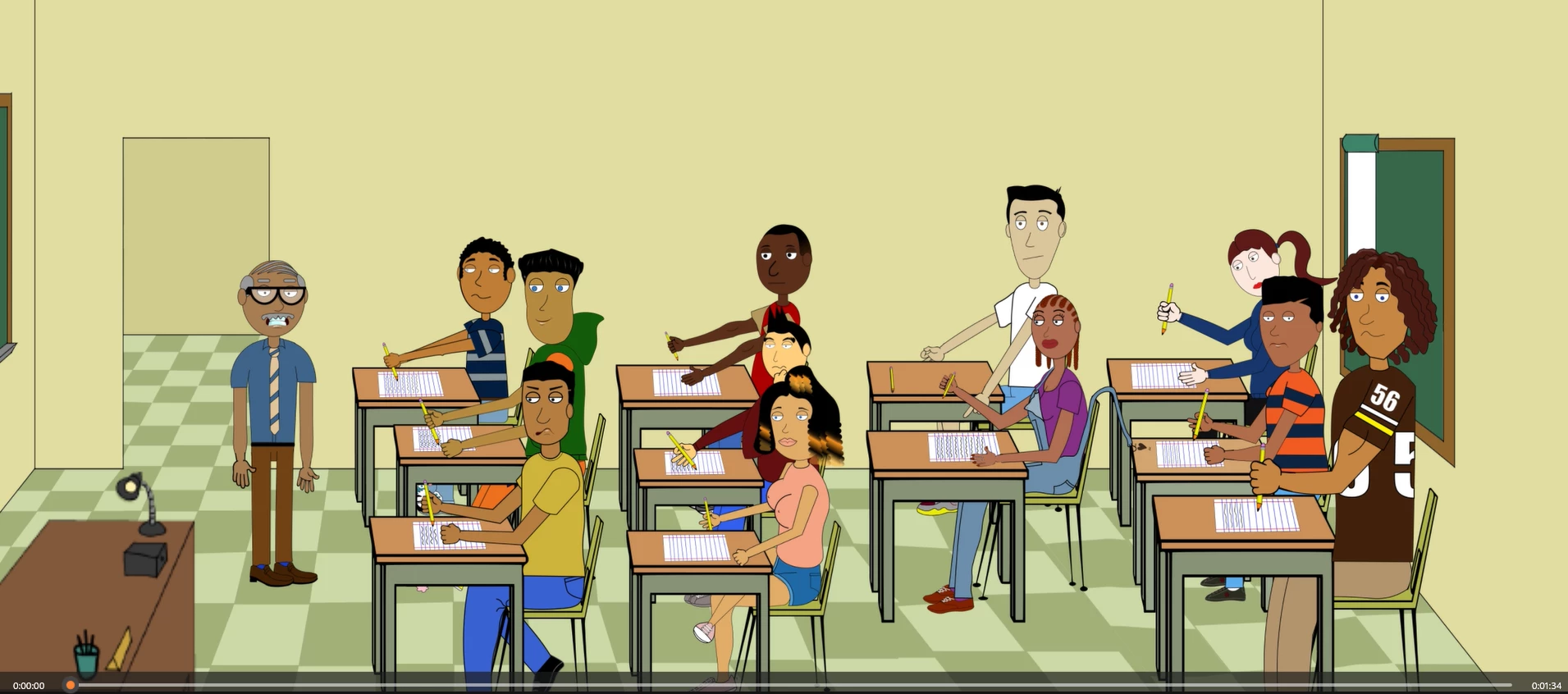
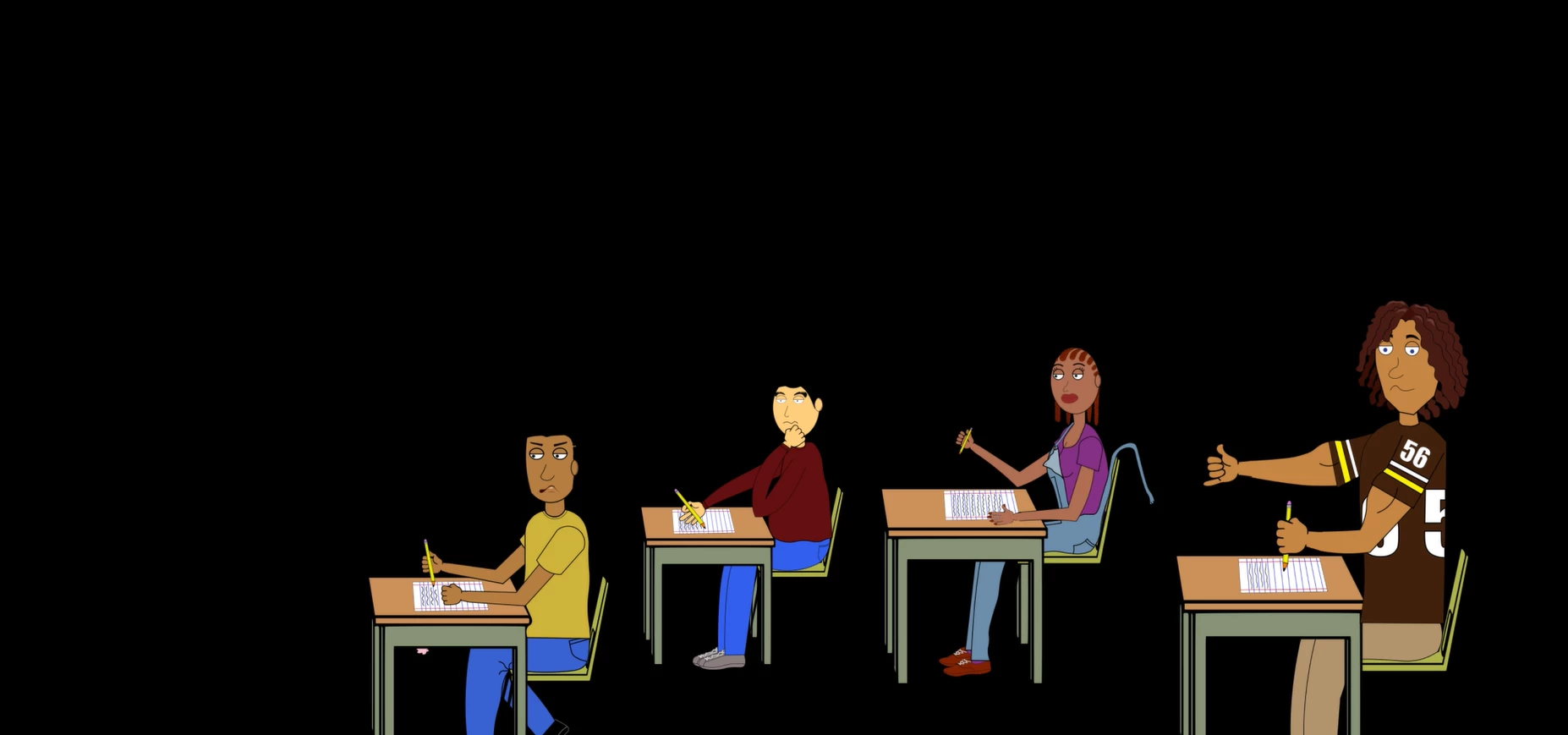
So I finished my first scene and for whatever reason it starts correct then I lose characters and then finally an all black screen. And on top of that I dont have any audio to go along with my edit. Whats going on here ? By 10 sec all my artwork  is gone so I don't know what the problem is HELP!!
This topic has been closed for replies.
Correct answer Jeff Almasol

Everything is strung out to about a minute and a half I double and triple checked. I dont  understand what I doing wrong I just checked the duration that might of been it i set it to 95 sec but now encoder is crashing so ill try again later tonight. I hope that works.


Hmm, if the scene's Duration is also 95 sec, the export should be that long, as long as you don't have the work area bar enabled.


Curious if you use the Quick Export feature (to bypass Adobe Media Encoder) -- File > Export > Quick Export or click the Quick Export button in the upper-right corner -- produces a different result.

2 replies

D.U.I.
D.U.I.Author
Known Participant
July 25, 2023

Yes all that should be and is correct but I maybe missig something here is my time line snap shots the clip is a minute and a half so everything is stretch out to be that long.Maybe it is something minor I am missing.

k_oshiro
Community Expert
Community Expert
July 25, 2023

Is the background layer extended all the way to the end?
Is it broken in the middle?

k_oshiro(AdobeCommunityExpert)
Jeff Almasol
Adobe Employee
Adobe Employee
July 25, 2023

Is the scene's duration the expected length? Select the scene in the Project panel, then look at the Duration value in the Properties panel. The Timeline panel will show this duration in a shaded gray.

Are your puppet tracks long enough to match this scene duration or do they end early?

If everything is looking correct, can you post a screenshot of your Timeline panel? Thanks.