Participant
Sep 28, 2019 5:09 PM UTC
Question

Eye Rigging

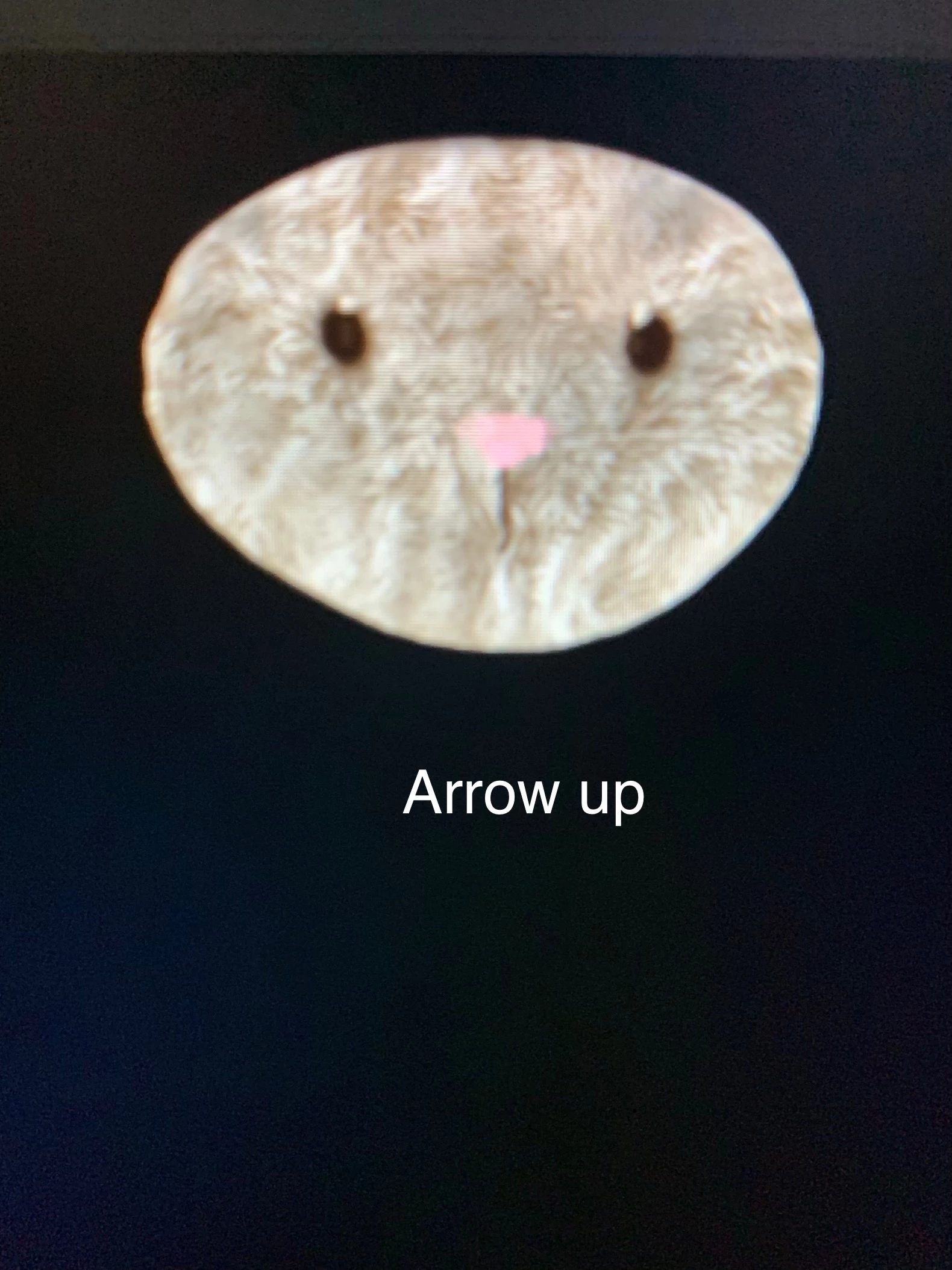
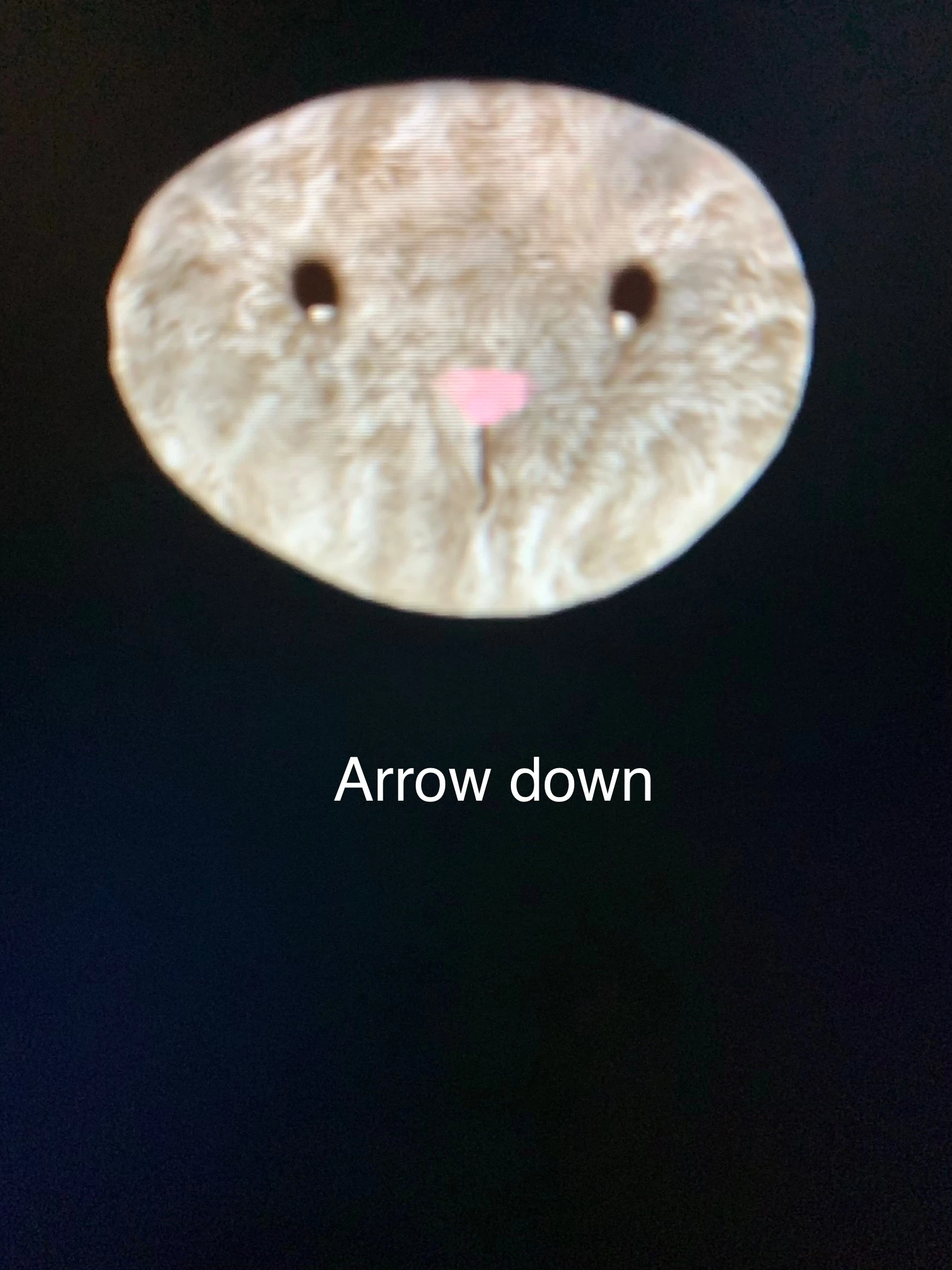
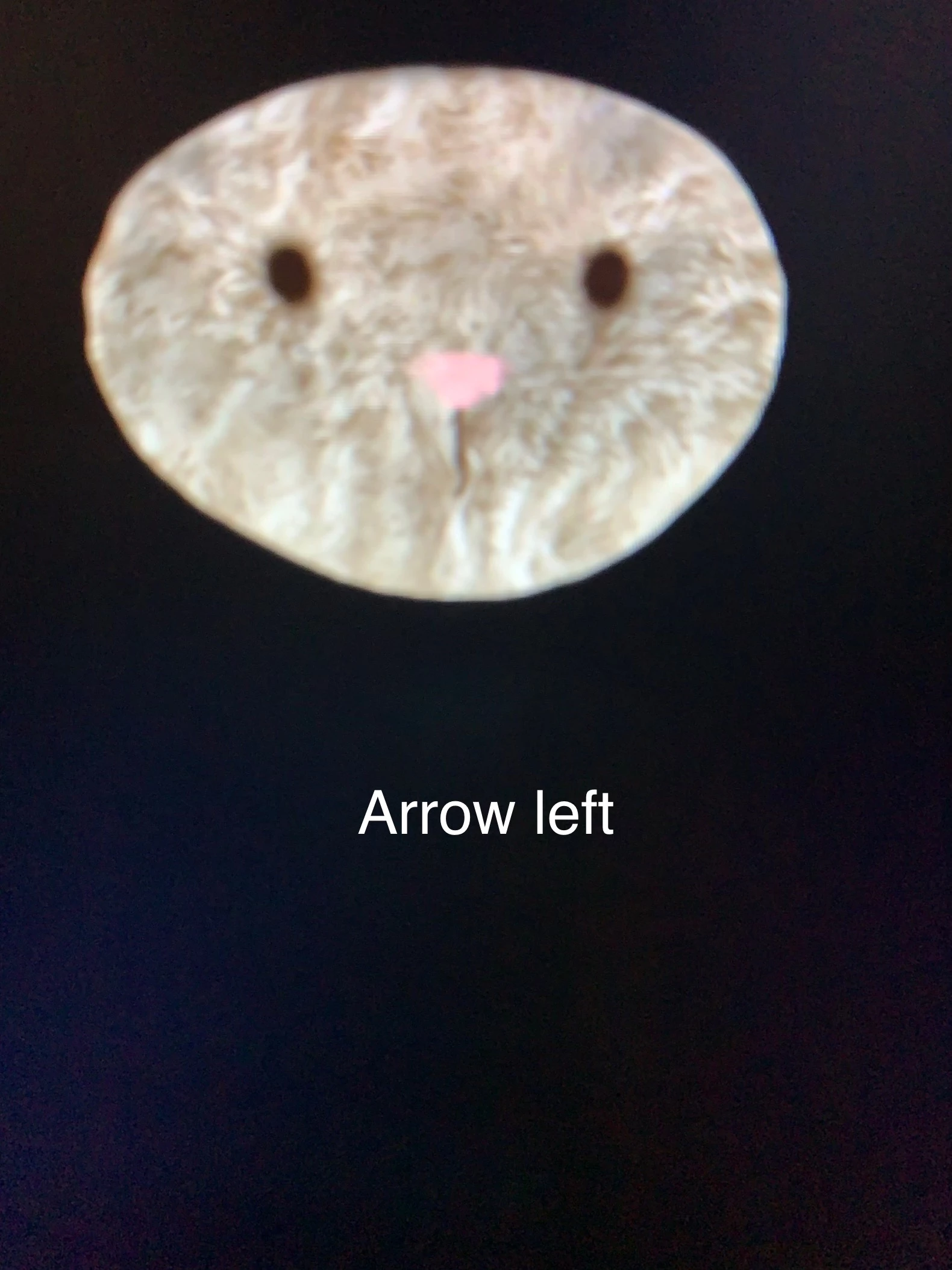
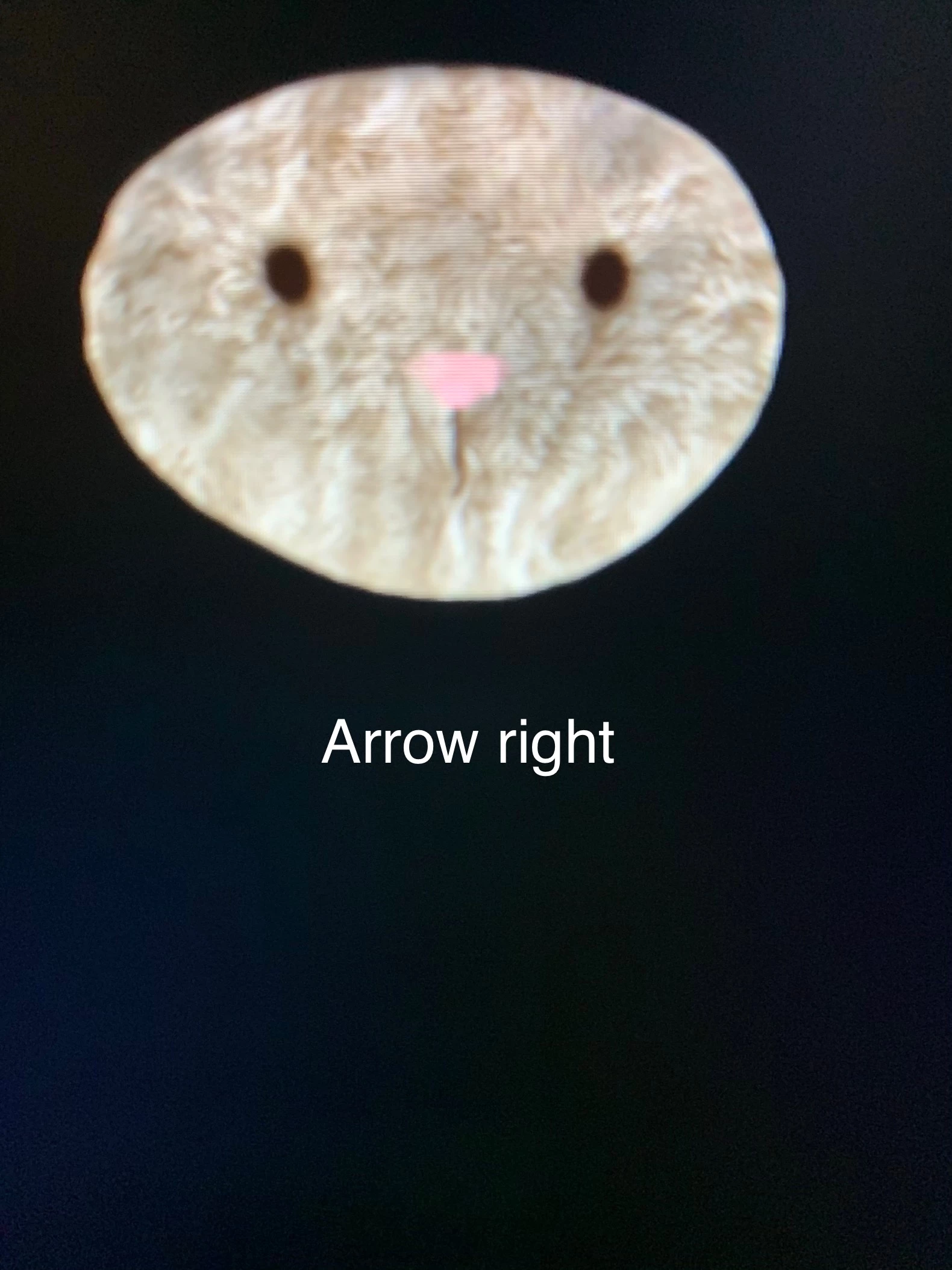
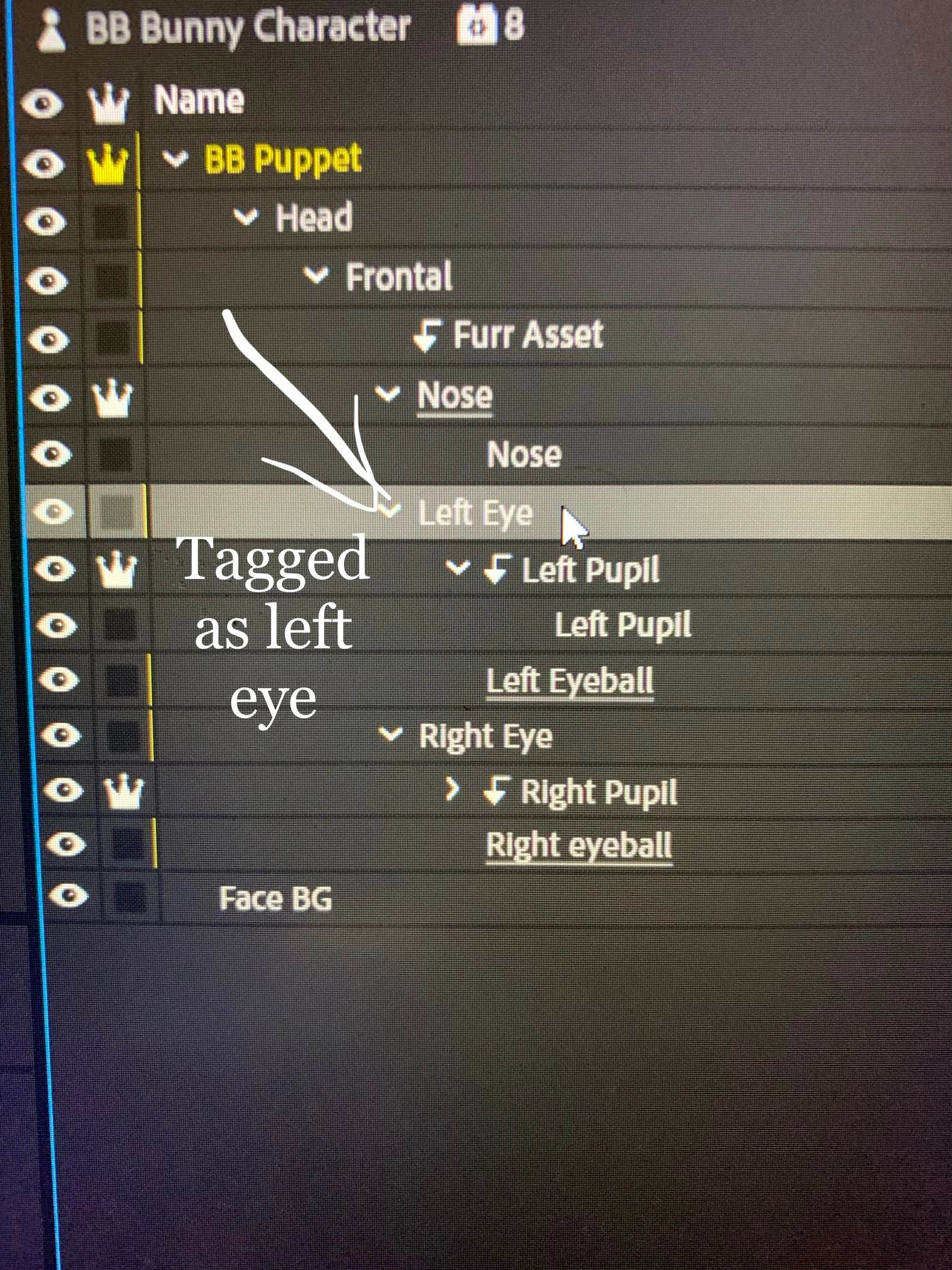
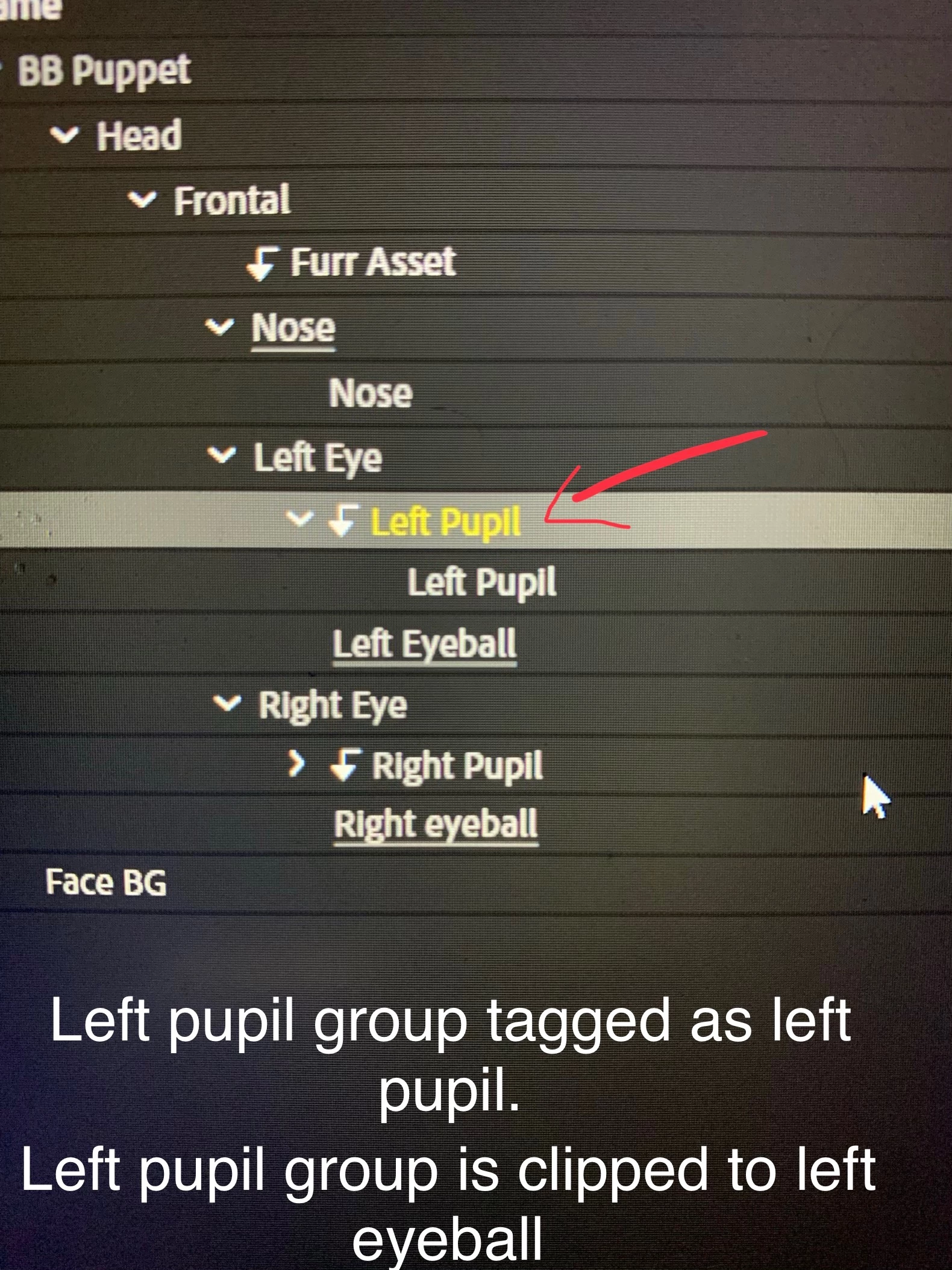
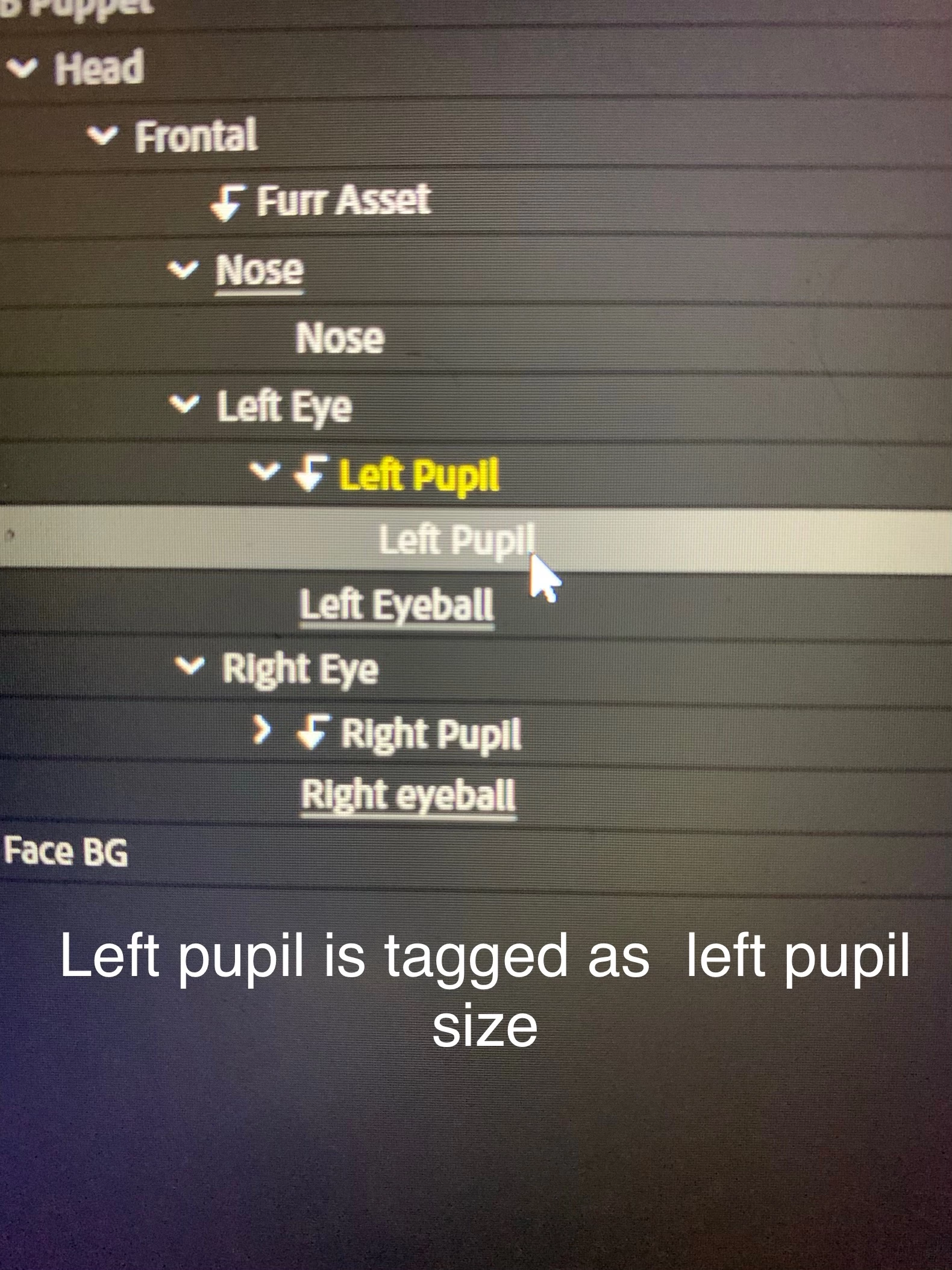
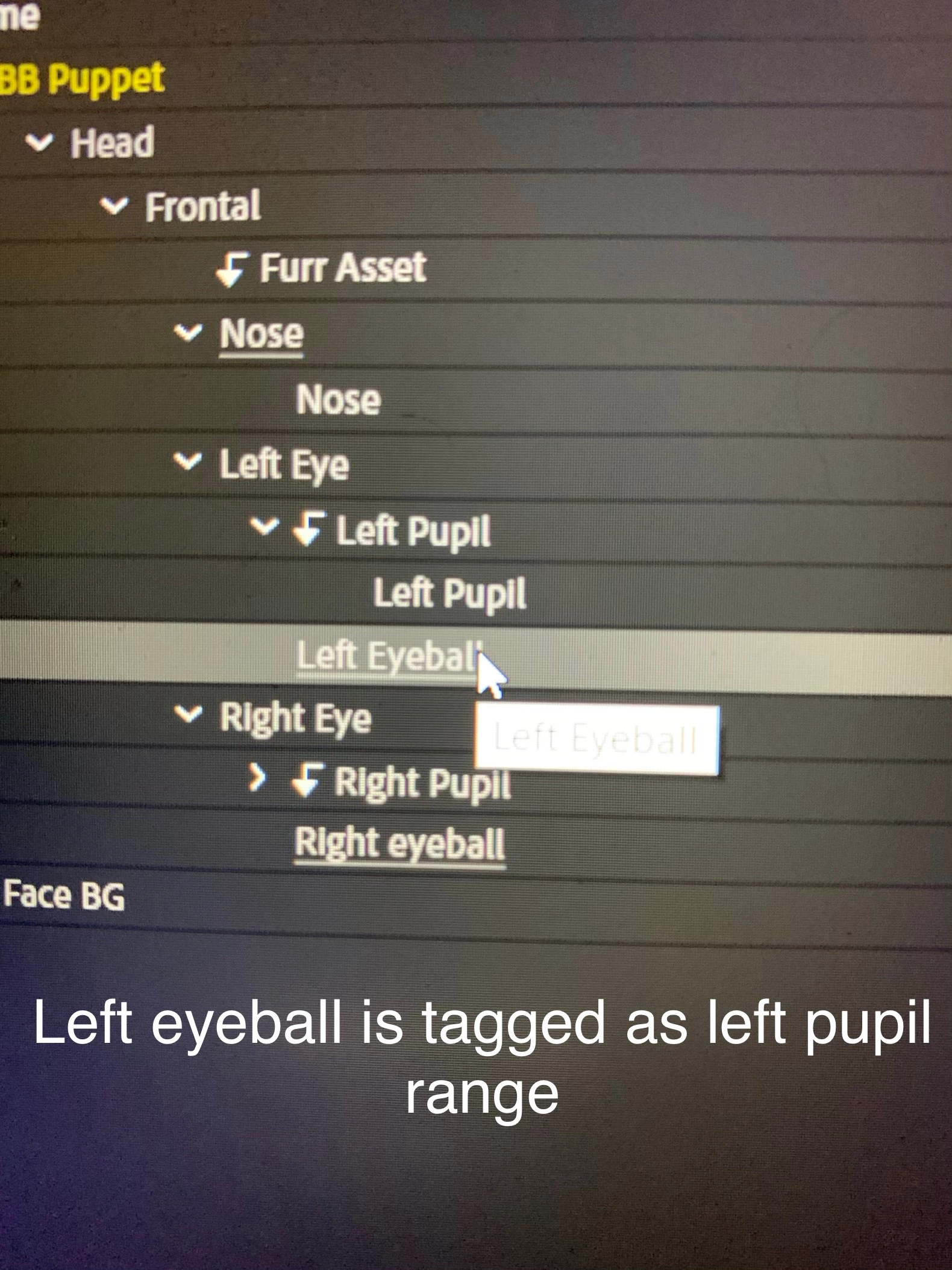
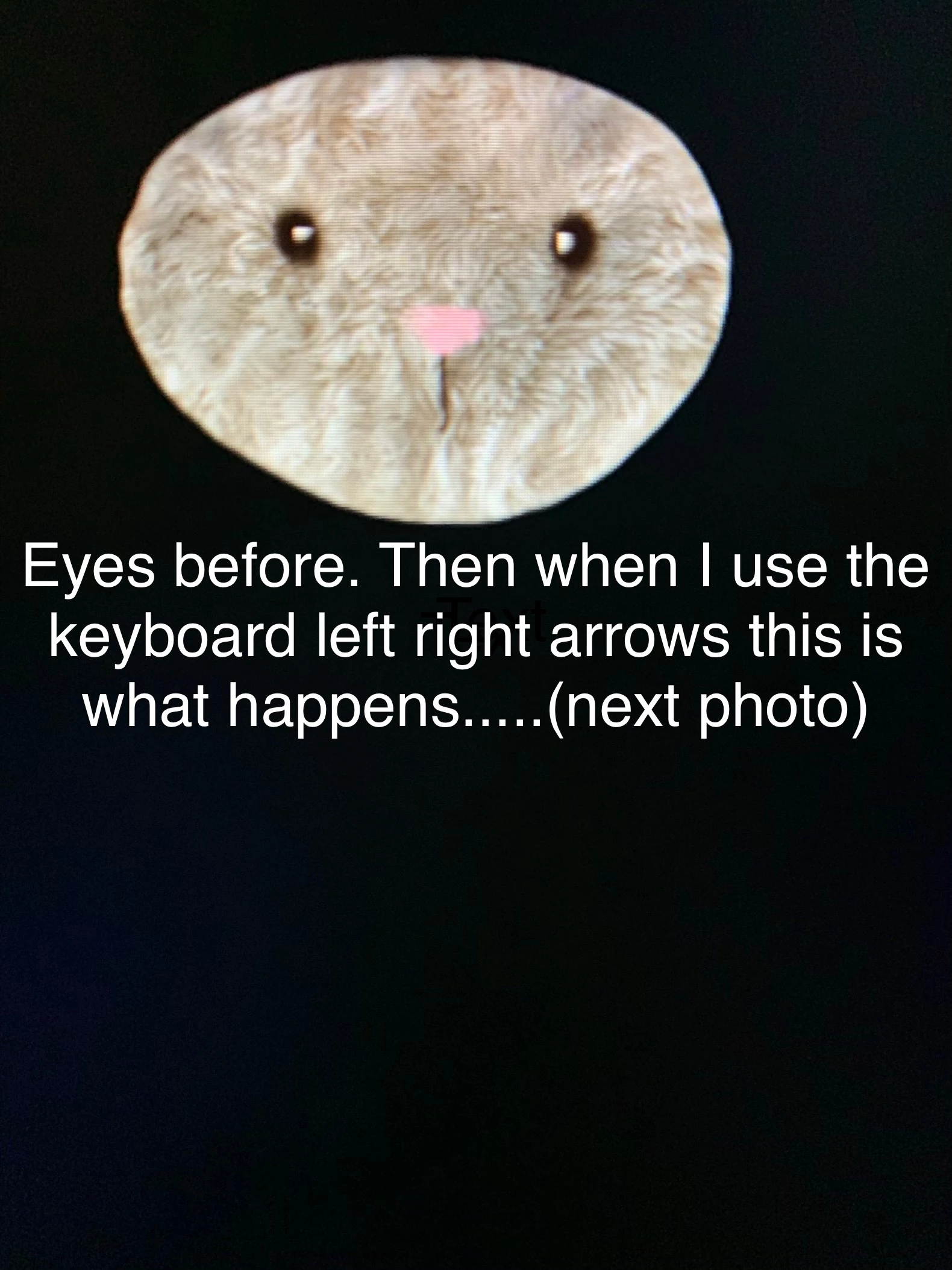
Hello! I was wondering if I could get some help with this puppet.  I have only done his head so far because I'd like to practice with character animator.  Right now, I am having issues with his pupils not staying within the parameters of his eye balls.  Please help!  I am new to character animator!!


Please see photos below.  Could it be the design of the character's eyes? Possibly his pupil size?
 

This topic is closed to new replies. Start a new post to keep the conversation going.

2 replies

alank99101739
Legend
Sep 28, 2019 7:50 PM UTC

One suggestion is to turn off snap for the eye movements (there is an eye gaze property) and then turn on the mouse controls so you can use the mouse to control the eye locations. What this will allow you to see is the range the eyes move it - because you can do percentages. (Arrow keys go full only.) Then you can fiddle with the Strength settings to control how far things move.


The other thing you can do is to create a new layer called “Left Pupil Range”. Make it an oval, make it semi transparent during debugging if you like. The position and size should control how far the eyes move. You might need to remove stags from the eyeball layer. The idea is it gives you better control over how far the pupils move. It is an alternative to using Strength (and gives you better control, but requires a bit more messing around). Once working, you can make the layer invisible (turn off the eyeball). It will still restrict range.


Also possibly useful (possibly overkill) https://extra-ordinary.tv/2018/04/21/debugging-character-animator-eyess/ 

Translate
Participant
Sep 29, 2019 8:44 PM UTC
Thank you so much! that helped a lot!
Translate