shirleyl41183719
Known Participant
November 29, 2019
Question

Face Distortion

  • November 29, 2019
  • 1 reply
  • 5111 views

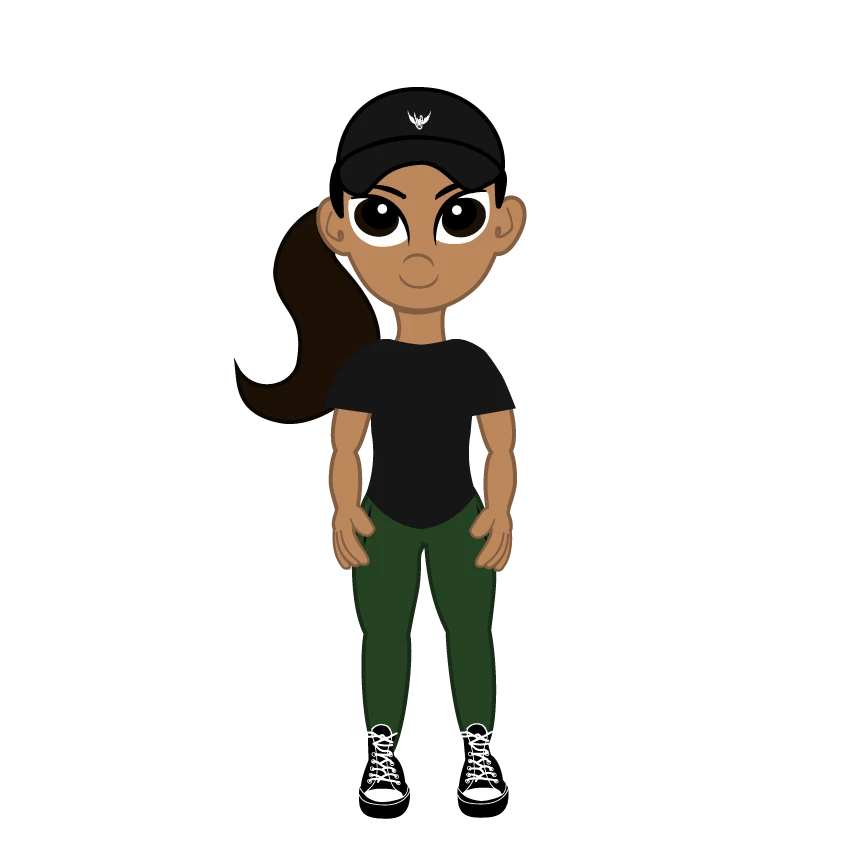
My puppet was working just fine the other day but I did add a ton of different layers, although I don't remember editing the face specifically.


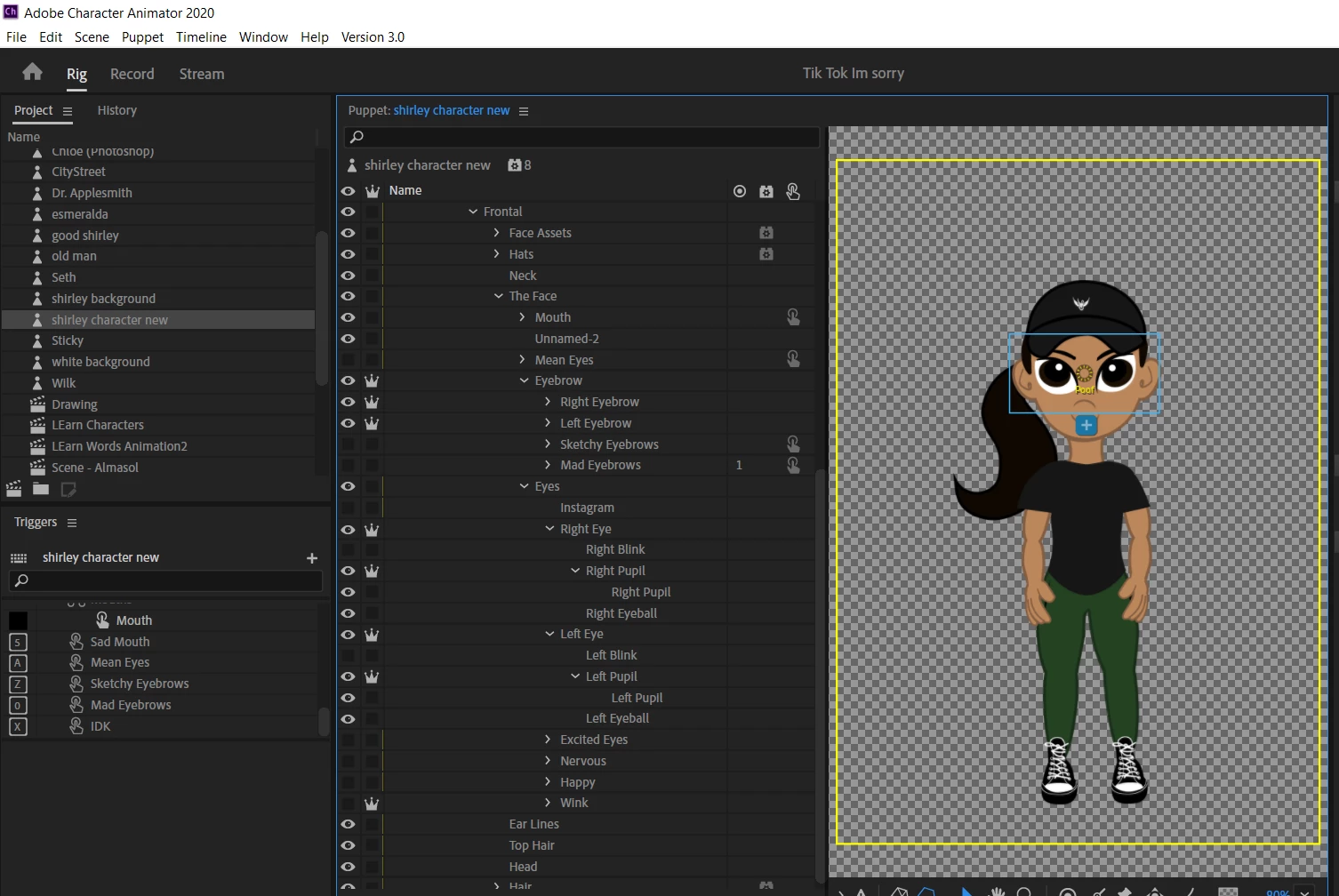
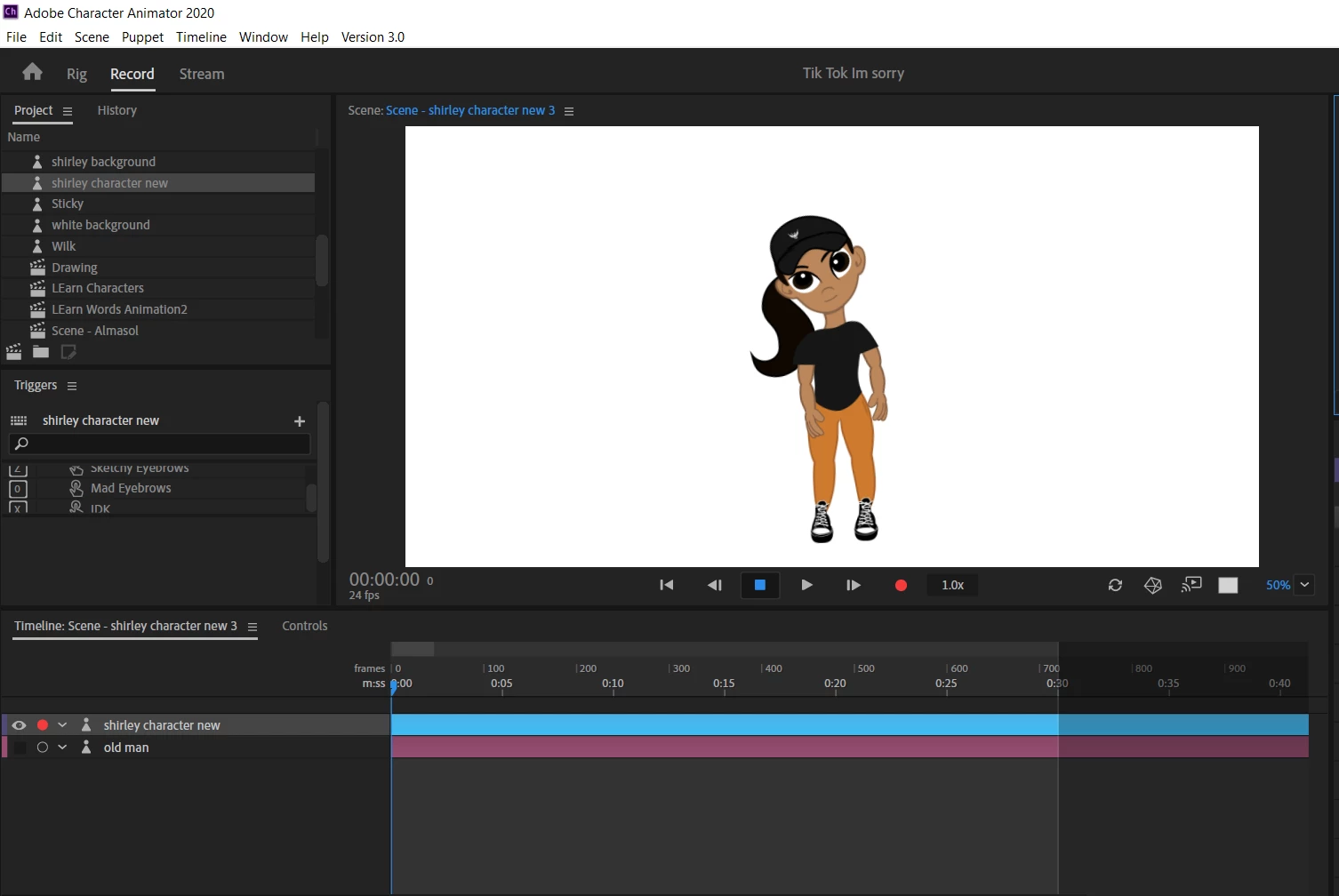
Now when I try to turn my face left or right the puppet's face distorts, I have the image attached.


I've checked the hierarchy and everything seems right and I don't think I made any changes there when I added the new layers. 


This topic has been closed for replies.

1 reply

alank99101739
Legend
December 1, 2019

One suggestion - in the scene window turn on the yellow mesh icon (at bottom of the scene panel). It might help you identify the spot in the artwork that is "stuck". It could be things like tags, or behaviors picking up different layers to control causing parts of the face to behave differently. Sometimes I export the puppet, import it (making an independent copy), then start deleting parts of the puppet to try and see what part I deleted to make it work better.

shirleyl41183719
Known Participant
December 7, 2019

Thanks for the reply and sorry for the delay in response. Ok great, I'll try that out and see if I can find something 🙂 When you say export, where are you exporting it to? Do you mean to make a copy of the puppet, rename it as a test puppet, and begin deleting? 

alank99101739
Legend
December 7, 2019

If you copy and paste the puppet inside CH, I am not sure it makes a copy of the artwork. I think both puppets will share the same artwork file wwhich can get confusing. (They did however improve things here - maybe it works know.)


The way I know works is to select "Export Puppet" from the menus and it will write a file to disk. If you then import the saved file it makes a new copy of everything (rigging, artwork etc) so you can edit with confidence you are not messing up the original.