


Participant
May 4, 2020 5:26 PM UTC
Question

Failing to incorporate edits - Internal error code: (457558034:248+18)

Please help me figure this out so I can save my project file!


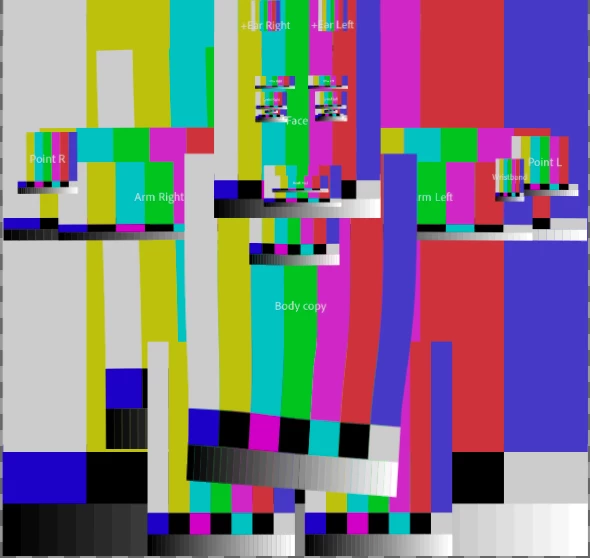
While adding some finishing touches to my rig, randomly, the images from the .psd files began showing up like this inside of character animator: 
I keep receiving this error: 
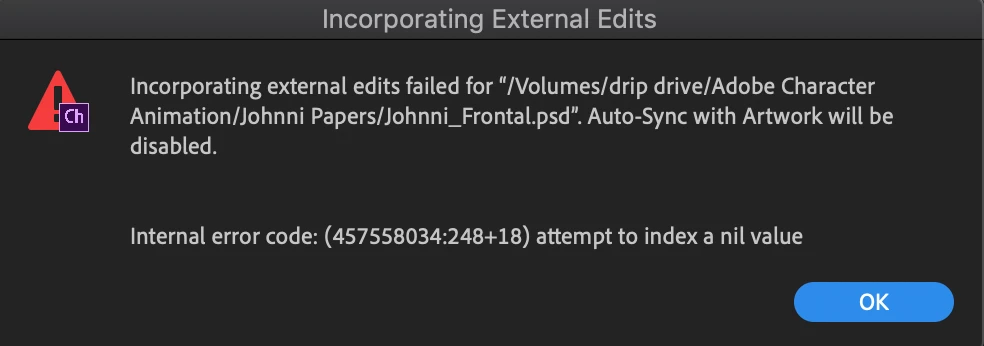
Internal error code: (457558034:248+18)

I don't understand what "attempt to index a nil value" means nor do I know how to fix it, and I don't believe it is a memory issue, but here is what it looks like:
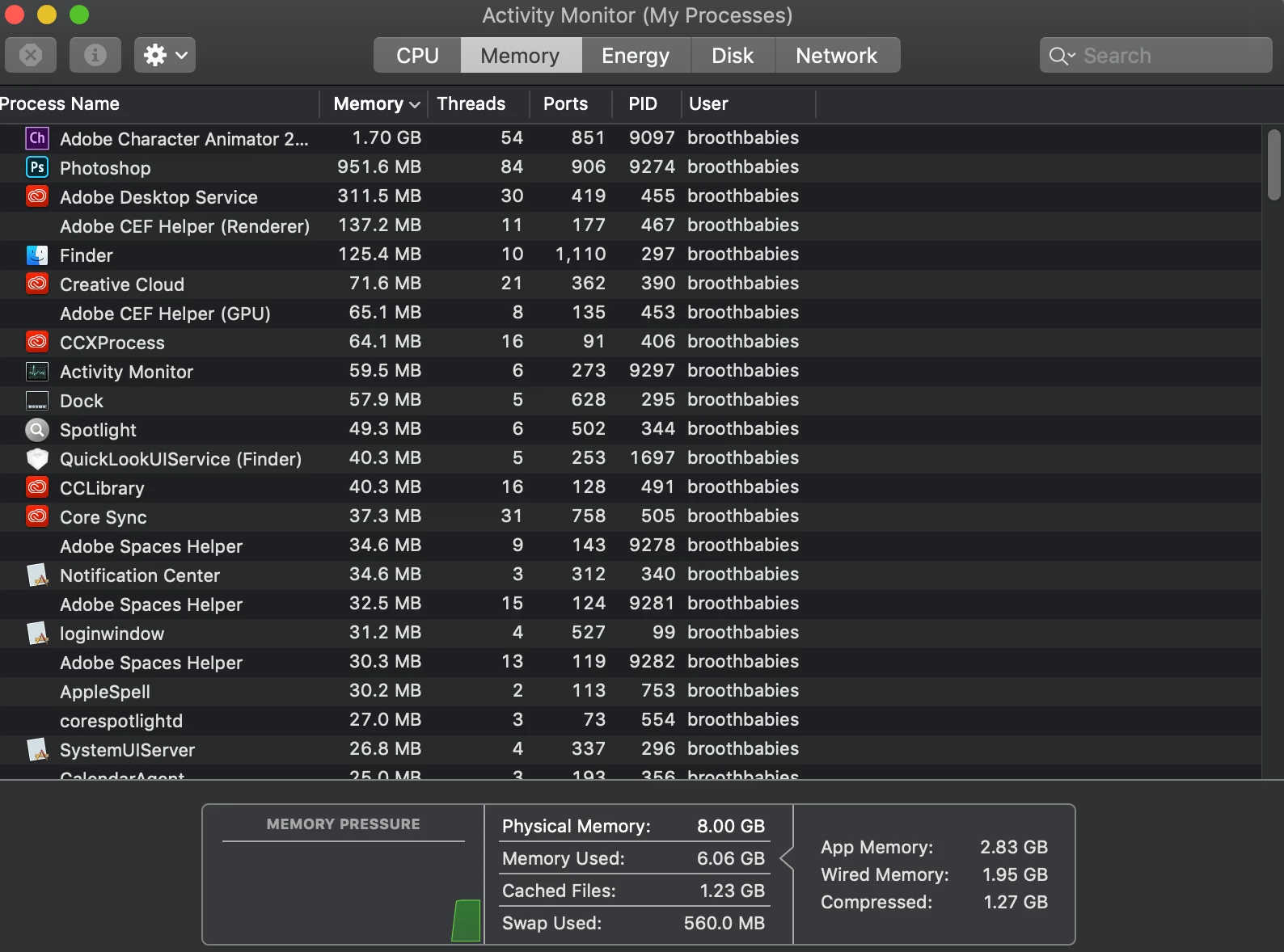
My photoshop document is only 3.4MB.

Here is a link to my project file.


Please help me figure this out so I can save my project file!


P.S. - Besides this problem, this program rules! You guys have done wonders for me, and I'm grateful!


-Ryan Hayes

Imaginal Studios


This topic is closed to new replies. Start a new post to keep the conversation going.

4 replies

keiko.yamada
Community Manager
Community Manager
May 4, 2020 6:28 PM UTC

Your project seems to be “save-as” version? I could not find Photoshop file or history of the project. Can you archive the original project and post it again?

Translate
Participant
May 4, 2020 6:53 PM UTC

That may be my issue. I began saving different versions through my process. I was doing a character profile and saving for each one. I am still trying to figure out where the last workable saving point is.

Translate
keiko.yamada
Community Manager
Community Manager
May 4, 2020 7:16 PM UTC

You can go back to the history in History panel to find the last working version (the point before this error starts).

Translate
Participant
May 4, 2020 6:20 PM UTC

The problem is becoming worse and beginning to affect the other character rigs I had in the project panel.

Translate