


Forearm in front of body, shoulder behind (is it possible?!)
Ok lets see if I can even explain this lol!
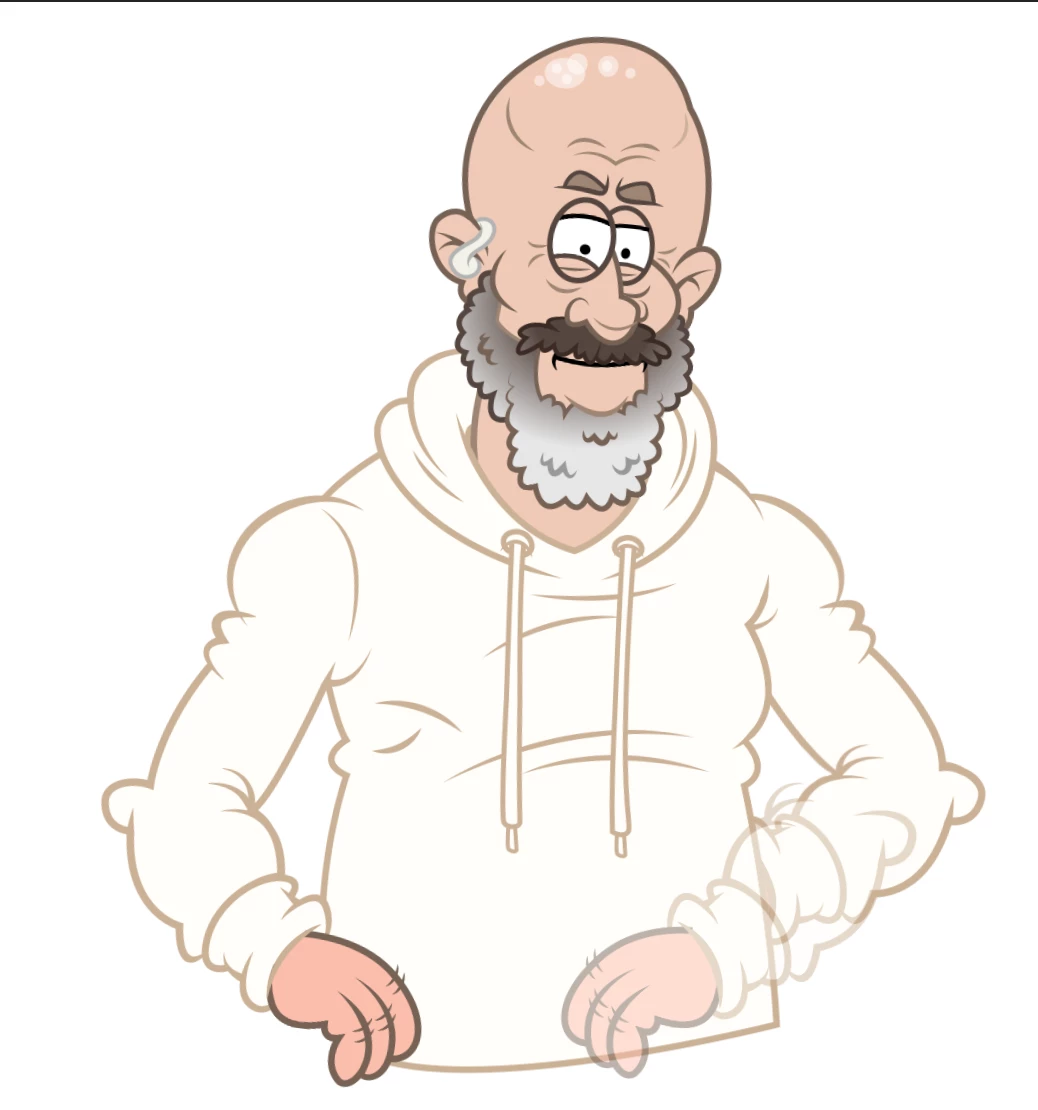
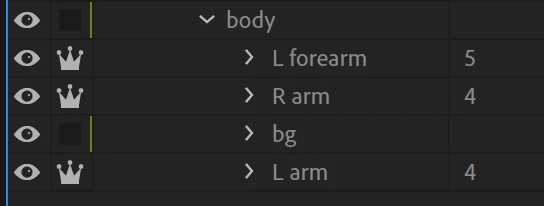
The "L forearm" (lower opacity) is the exact same as the "L arm" ( I even copy and pasted the joint points) with the intention of copying any movement I make with one to the other and then lower opacity of the forearm to 0% in 1 and the shoulder/bicep to 0% on the other.
The million dollar question: (drum roll...) is there any way to copy and paste the movement in the timeline??? (remember, both layers are identical!)
I get stuck because when I remove the red dot next to the Dragger in Puppet Track Behaviors (on the left) it resets the movement I made (as per the screen shot I shared) so I cant even duplicate it by eye...
I dont think its possible but any Ch geniuses out there that can shed some light?
much love,
Chris!
(My Podcast Family on YT)
 AdChoices