Participant
June 15, 2020
Answered

Hand swap trigger ending problem

  • June 15, 2020
  • 1 reply
  • 711 views

Hi, 


I need a help with this problem:

My puppet raises its hand above head. In a middle of movement it swaps hand to point (attention). When I set hand to swap it back to default in the middle of movement down, it flips hand to default before I press the trigger. If I set flip layer end in timeline to whole movement end, it swaps at the beginning of movement down. I just cannot find the way, how to set it up and down alike and reverse.


Thank you for your replies, Me2D
This topic has been closed for replies.
Correct answer keiko.yamada

How about selecting Left Hand trigger take and move to another time where you want flipping hand in Timeline?


After Q: Hand flips.

Move Triggers -> Left Hand -> Left Hand recorded take in Timeline

I see Left Hand is default shape while the recorded take (flip) is not under the playhead. It is flipped when the playhead hits the recored take (flip) at new time.


By the way, "Q" (Hip) and "W" (Wave) are associated to the replays. If you'd like to swap Hand(s) only, you can also use "1" (Left Hand/Flip) or "3" (Right Hand/Flip). 

1 reply

keiko.yamada
Community Manager
Community Manager
June 16, 2020

I'm not sure if I can understane the problem correctly, but can you check the outpoint of the trigger take to show “point” hand in Timeline?


Here is the example using Chloe template.

When the playhead is over the recorded trigger take, Right Hand point trigger is used.

When the playhead is beyond the outpoint of the recorded trigger take, Right Hand trigger goes back to default.

Participant
June 17, 2020

Yes, correct. I will try to explain it in another way...


I used Chloe puppet and recorded movement sequence Wave (W) - Hips (Q).


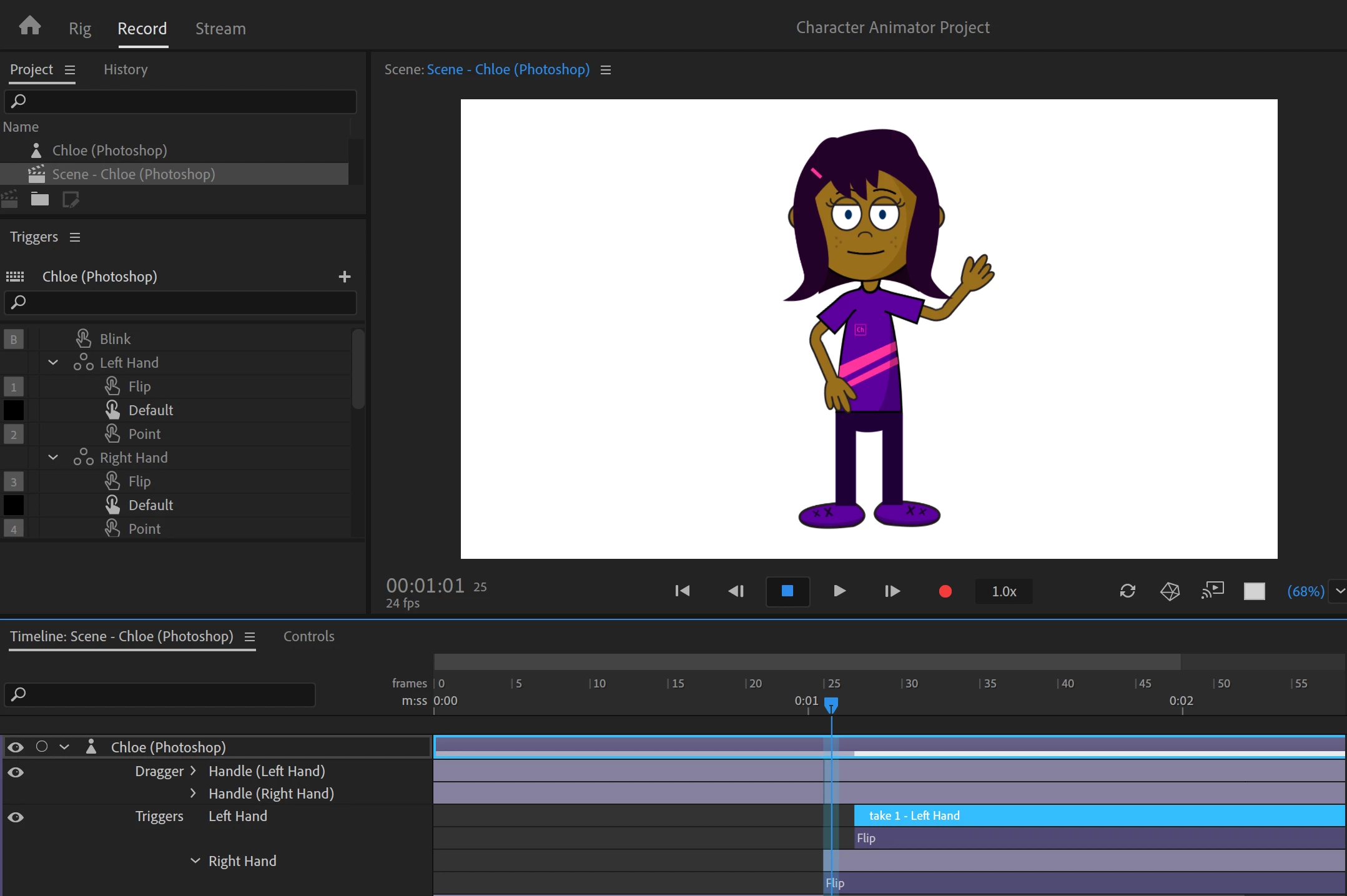
Just before (Q) her hand looks like this


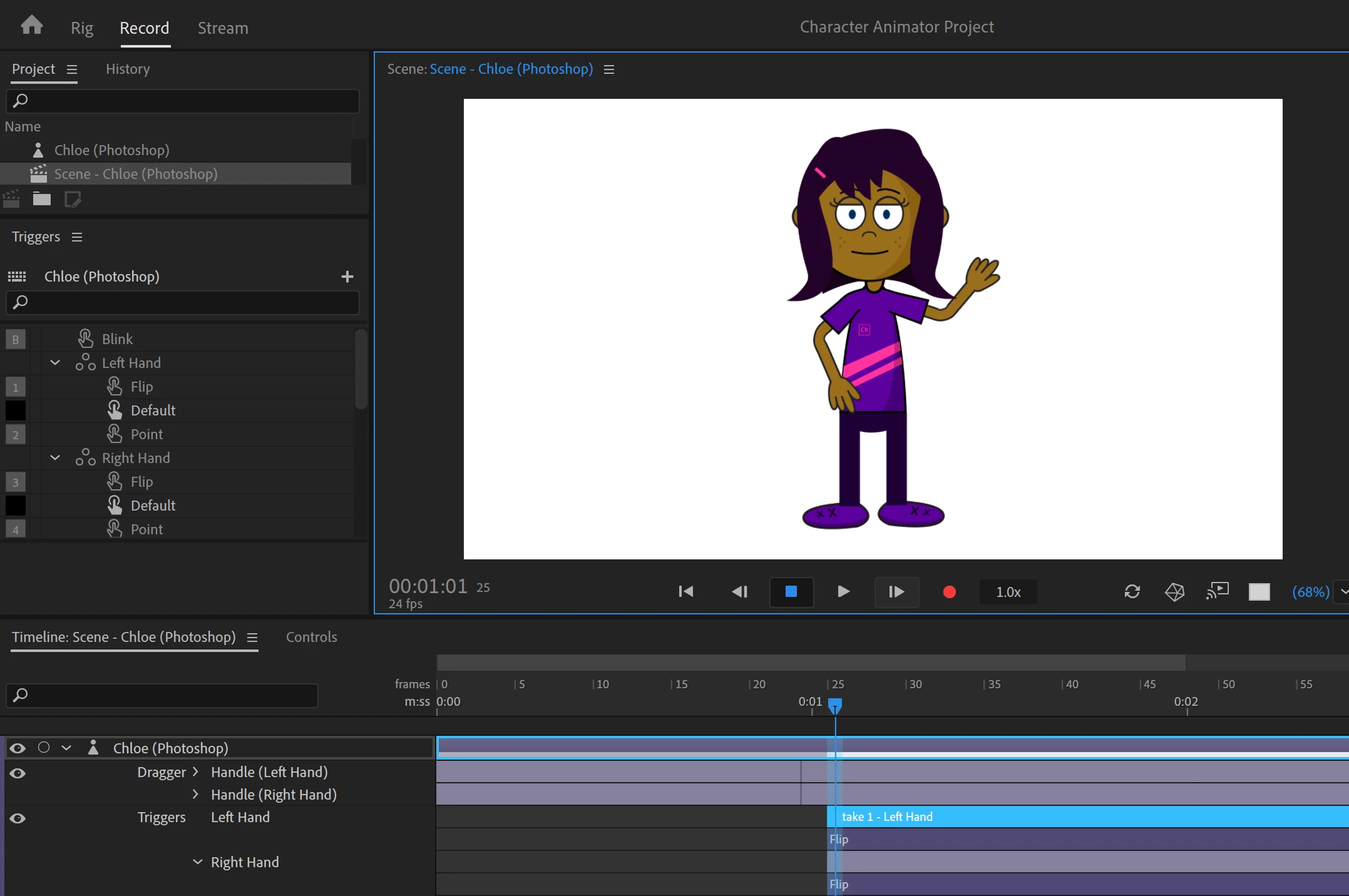
Just after (Q) look like this


My intension is learn Chloe to swap her hand from default to flip after some time, not at the start of hips trigger. Lets say in the middle of the movement.

alank99101739
Legend
June 17, 2020

Have you tried grabbing the right edge of the bottom take with the mouse and dragging it over to the right so it overlaps with the other two takes above it in the timeline? (I am not sure what the takes are of as that is clipped off the edge of the screen.) Takes can overlap - just move them or trim the edges as required.