
Participant
March 6, 2018
Answered

head infant of body is not moving

  • March 6, 2018
  • 1 reply
  • 901 views

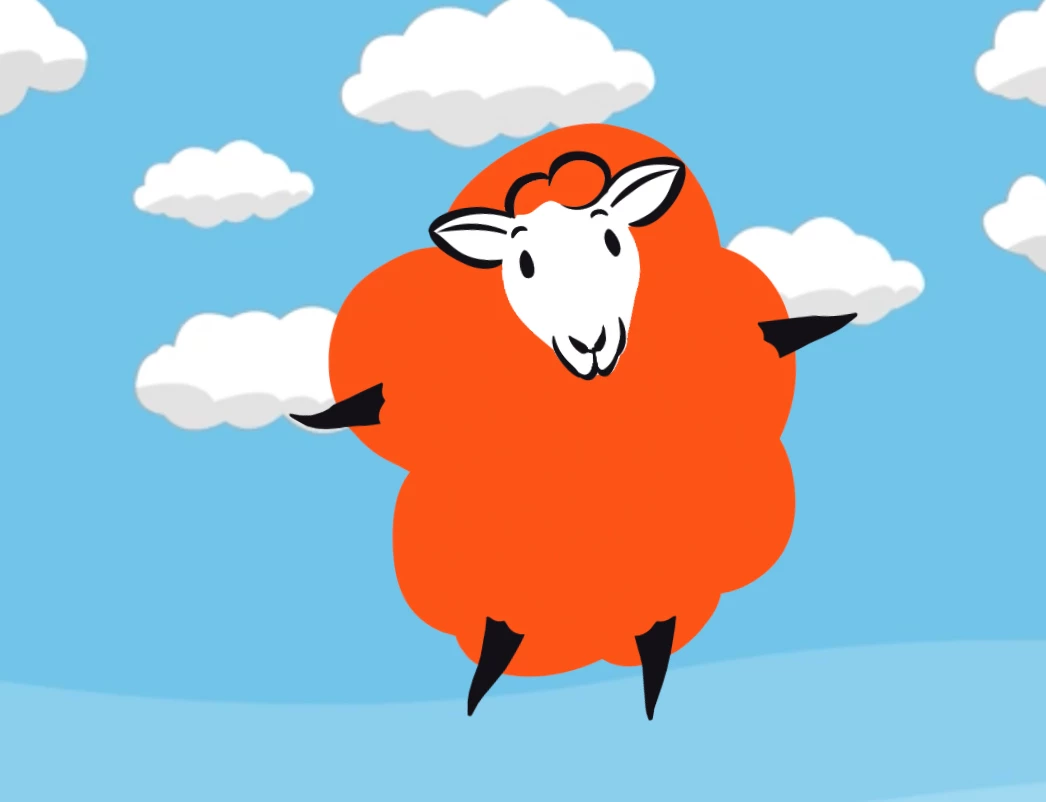
Hi there, this is my first attempt at a puppet, so apologies.  I'm trying to animate a sheep.    It's head is not sitting on a neck, and I think that's what's causing me problems.    The head seems to be fixed to the body, there is no independent movement at all.   Any clues?
Message was edited by: Paul Long

    This topic has been closed for replies.
    Correct answer alank99101739

    Sorry it's tricky to explain.  If you look at this short clip sheep demo on Vimeo   initially my feet are anchored, but when I move the head it is fixed to the body, so they all move together.   When I go in and give the head independent, you see I then get movement in the head, but loose all movement in the body.

    What i'm trying to do, is have both the body and head move, but the head need a little independence form the body, so that it doesn't look totally fixed as it does now.


    I think what would be most normal is to

    1. Make the head independent
    2. Set the “Head Movement Strength” property to zero (less than 100% anyway) to stop the head moving away from the body too much.
    3. Put draggers on the puppet and record dragging to move the body - or you might be able to experiment with a second head movement behaviour with a reduced camera strenght (so the camera moves the head and body a little bit). But draggers is more normal. E.g. put one on the belly button and drag that around to move the body of the sheep. You might want to put draggers on the hands too for example, so you can control where the arms move to.

    1 reply

    alank99101739
    Legend
    March 7, 2018

    You probably need to look at a full tutorial, but I think what you want to look into is “idenepence”. E.g. try namint the Head group “+Head” so it automatically makes that group independent (the little crown next to the group is then selected).  I am guessing you want the head to move (e.g. Tilt side to side) independent to the body which is what “inpdenence” is for.

    It gets a bit more tricky if you want multiple head turns etc - but my step 1 suggestion is to try clicking the crown icon next to the Head group and see if that gets you a step further. Then read up on independence.

    And no reason to apologize. Everyone here started with a first puppet! I find once you get the first puppet going, the next ones are much faster. But head movements, facial expressions, arms and legs are stages of progress. Then suddenly life is good!

    Good luck with it!

    PACHDALOAuthor
    Participant
    March 7, 2018

    Thanks for the help.  If I make the head independent, it moves, but the body stays still.  If i remove the independence, the head and body moves, but the head is "fixed" to the body, and has no independent movement.   I'm sure i've done something wrong, but just can't work out what.

    I keep working through the youtube tutorials, but nothing is jumping out as wrong.

    alank99101739
    Legend
    March 8, 2018

    Sorry, its not very clear what behavior you are after. Do you want the head to move, but be attached to the body so it stretches with it perhaps?  My initial guess would have been set independence on the head, but set the head strength property (in Face) to a small value (or zero) so it does not float away from the body. If that is not what you want, maybe try to explain in a bit more detail what behavior you are after?