yusufuh34621887
Known Participant
January 26, 2019
Question

Head Warping

  • January 26, 2019
  • 1 reply
  • 491 views

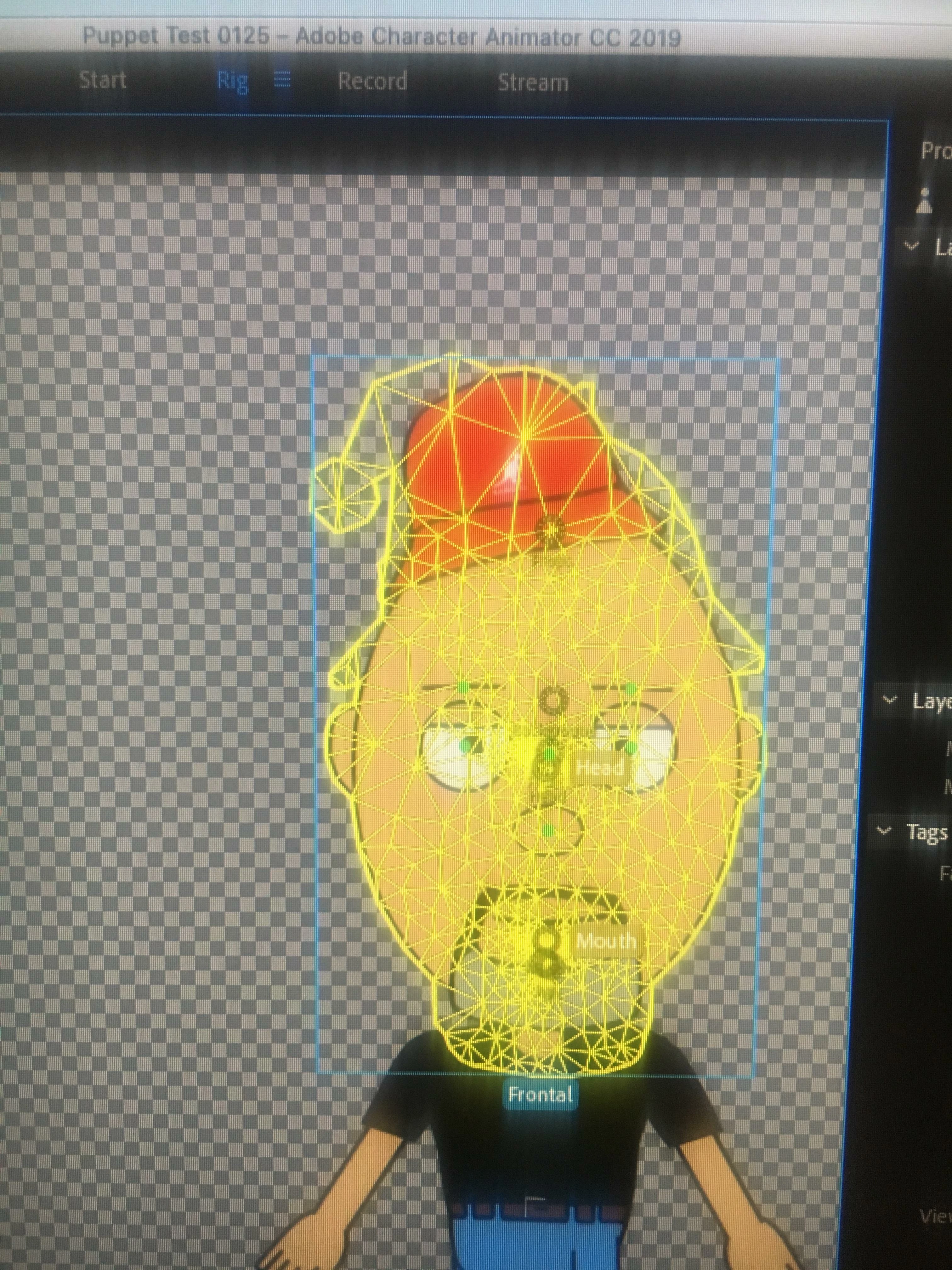
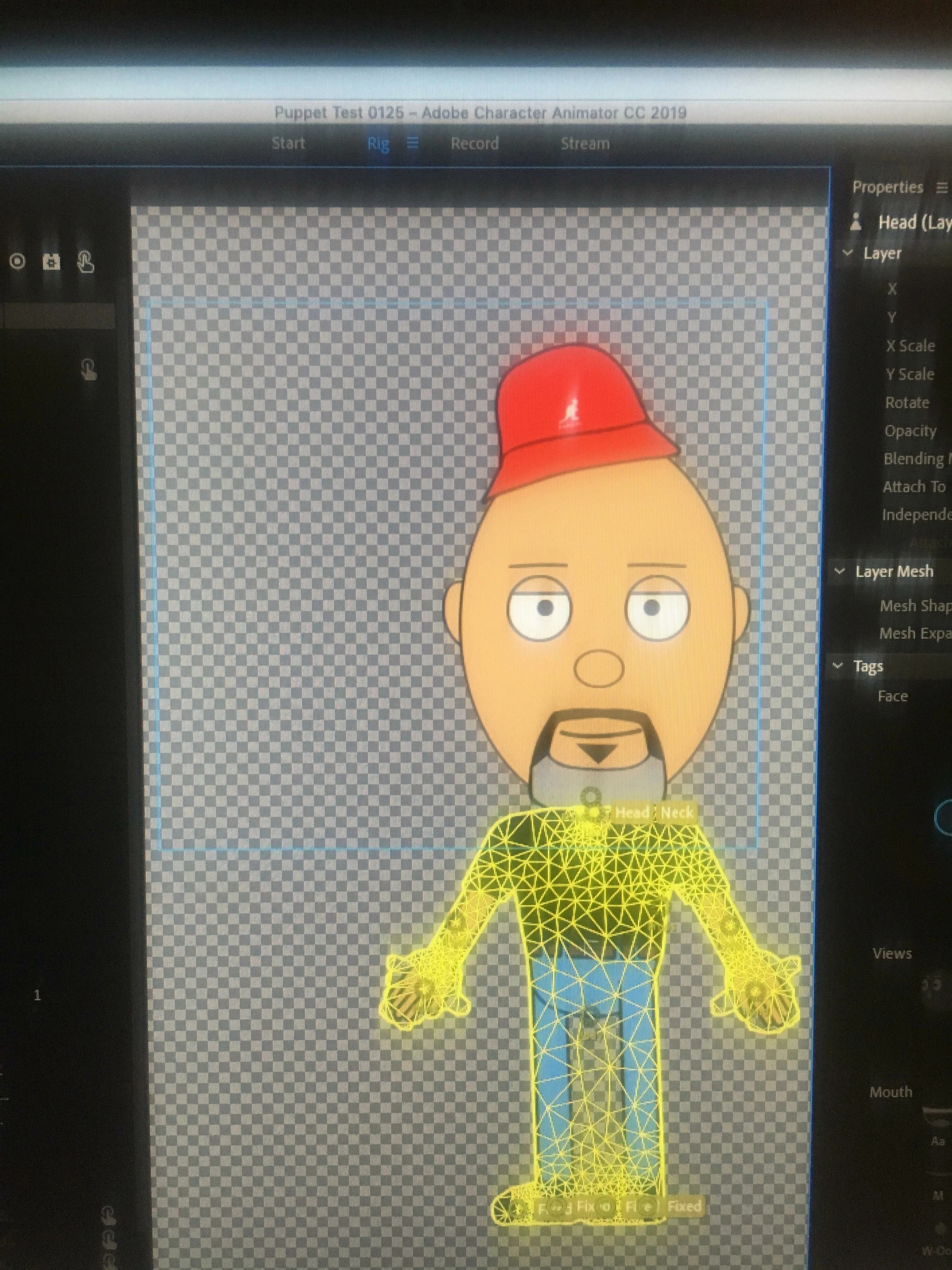
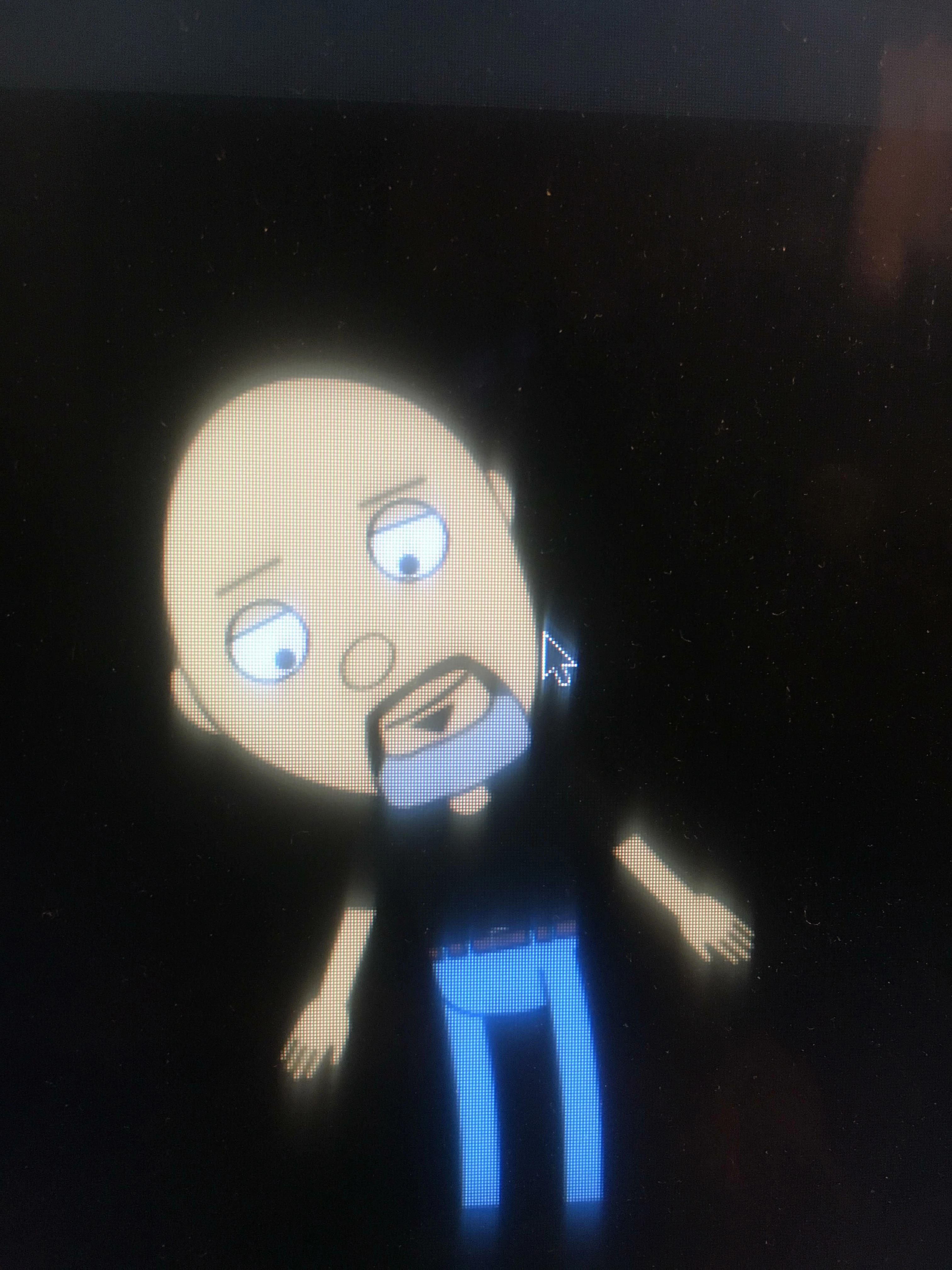
I'm having challenges with my character's head. It continues to warp. I've tried at "The Mesh", but I didn't know what I am looking for.... PLEASE HELP!

Please see attachments for "Head" and "Frontal" in "Show Mesh"... Plus, a screenshot of my character's head warping.
    This topic is closed to new replies. Start a new post to keep the conversation going.

    1 reply

    alank99101739
    Legend
    January 26, 2019

    What you are looking for first is to see if the mesh follows the outline of the head, which it does. The alternative is a big rectangle that does not match the head. (Notice between the legs the mesh is joined? That means moving one leg is likely to move the other leg. If that is not wanted, that would be one thing to look into.)

    What is warping in a way you do not want? Sometimes a point gets fixed (does not move) causing warping. Using the mesh and watching the head move what you are looking for is a point in the mesh that is not moving. The part that is not moving causes warping. E.g. is the mouth not moving with the rest of the head?

    The other thing that can be helpful is to get a screenshot of the rigging panel. Rather than taking a photo, you can hold down something like shift-comannd then press ‘4’ and drag out a rectangle to capture part of the screen. How to take a screenshot on your Mac - Apple Support  You can then upload that. It avoids blurryness from photos of the screen.