


House of Sugars
Inspiring
June 21, 2017
Question

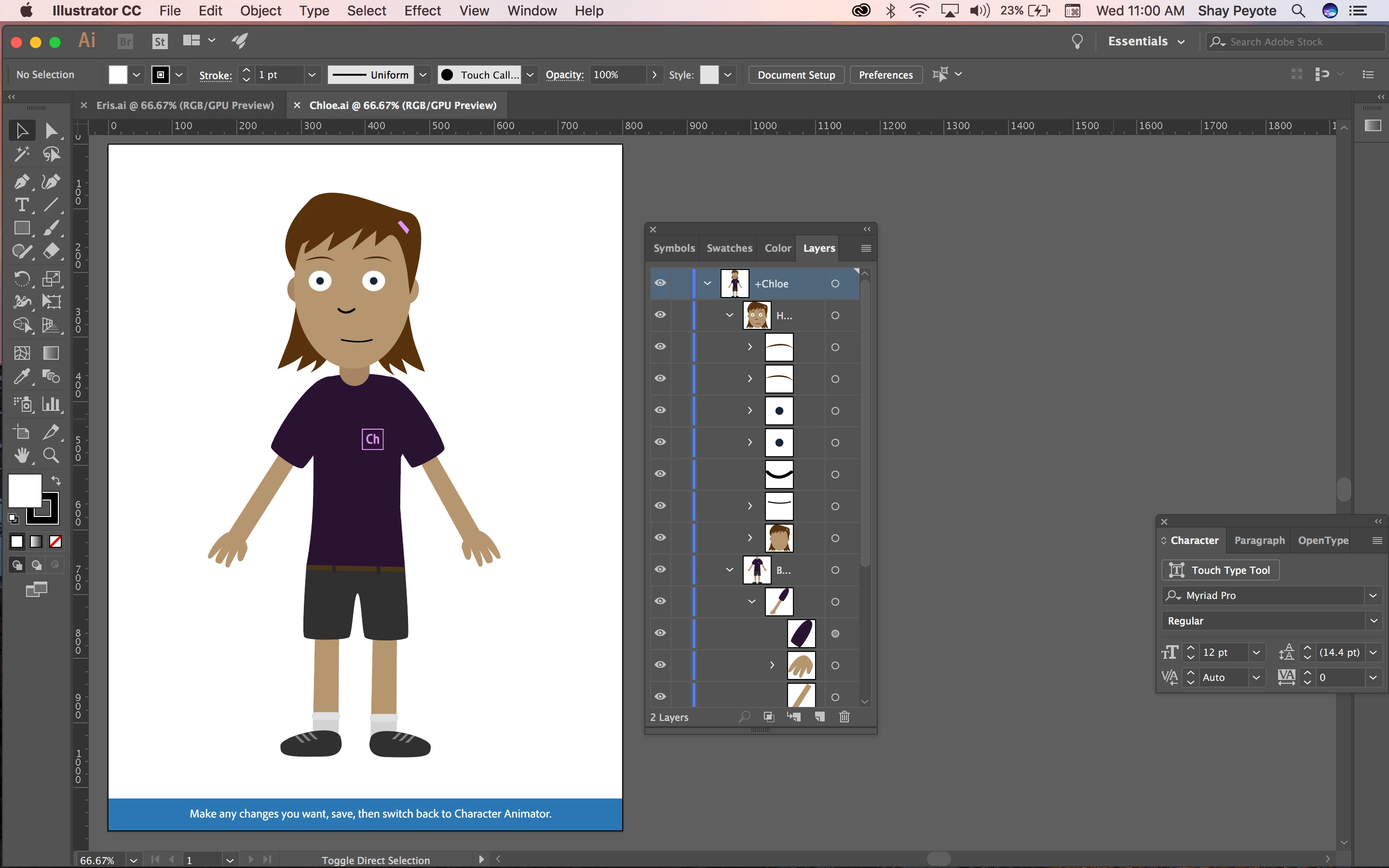
Hello! I'm trying to follow the tutorial using the 'Chloe' Illustrator template,

  • June 21, 2017
  • 3 replies
  • 567 views

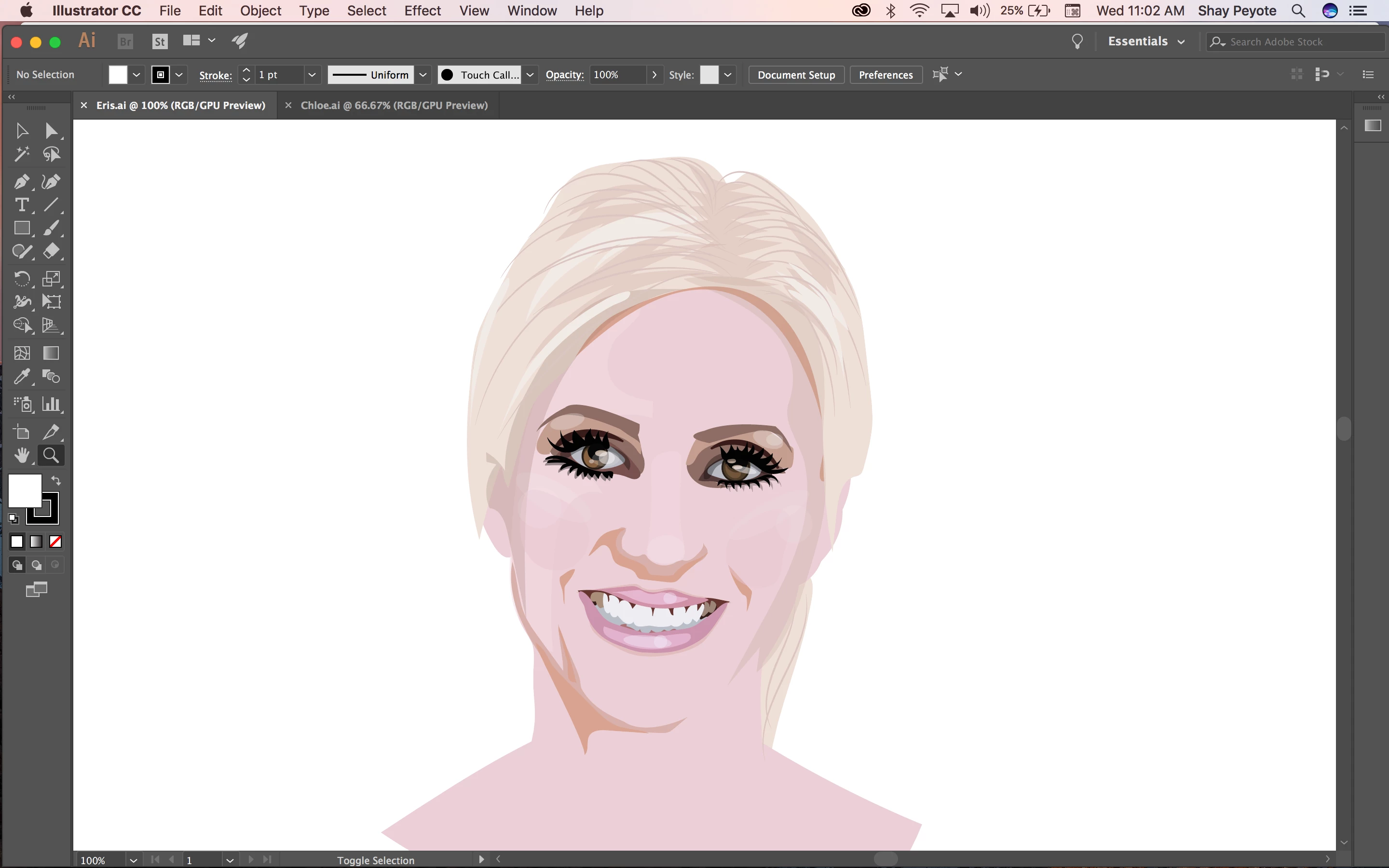
and replace it with my own work, but the Illustrator template makes no sense, it looks like someone only knew photoshop. Is there a more Illustrator friendly template out there somewhere? Those layers aren't even named, it's all sublayers, is this how the program works? This is the file I want to animate, this is my current skill level with animating Behance Thank you so much ❤️
    This topic is closed to new replies. Start a new post to keep the conversation going.

    3 replies

    oksamurai
    Legend
    June 21, 2017

    Widen your layers list to see the full names.

    Yes, sublayers or groups should work for organizing in AI.

    There are more Illustrator examples at http://adobe.com/go/chexamples and http://okaysamurai.com/puppets/.

    House of Sugars
    Inspiring
    June 21, 2017

    Widening the layers list was the answer I was looking for!!! Thank you so much. Who knew?? (Well, apparently, you!)

    El Wombat
    Inspiring
    June 21, 2017

    You may wanna try Wilk.ai but I believe, generally, Photoshop is much better suited for creating layer structures that are more Ch-friendly.

    There is a way to swap artwork from one to another described here in the forum somewhere. … I can't find it anymore, neither in my screenshot collection… sorry. Please post it here if you find it …