IAmChrishonda
Inspiring
October 21, 2021
Answered

Help with Arm Triggers

  • October 21, 2021
  • 2 replies
  • 597 views

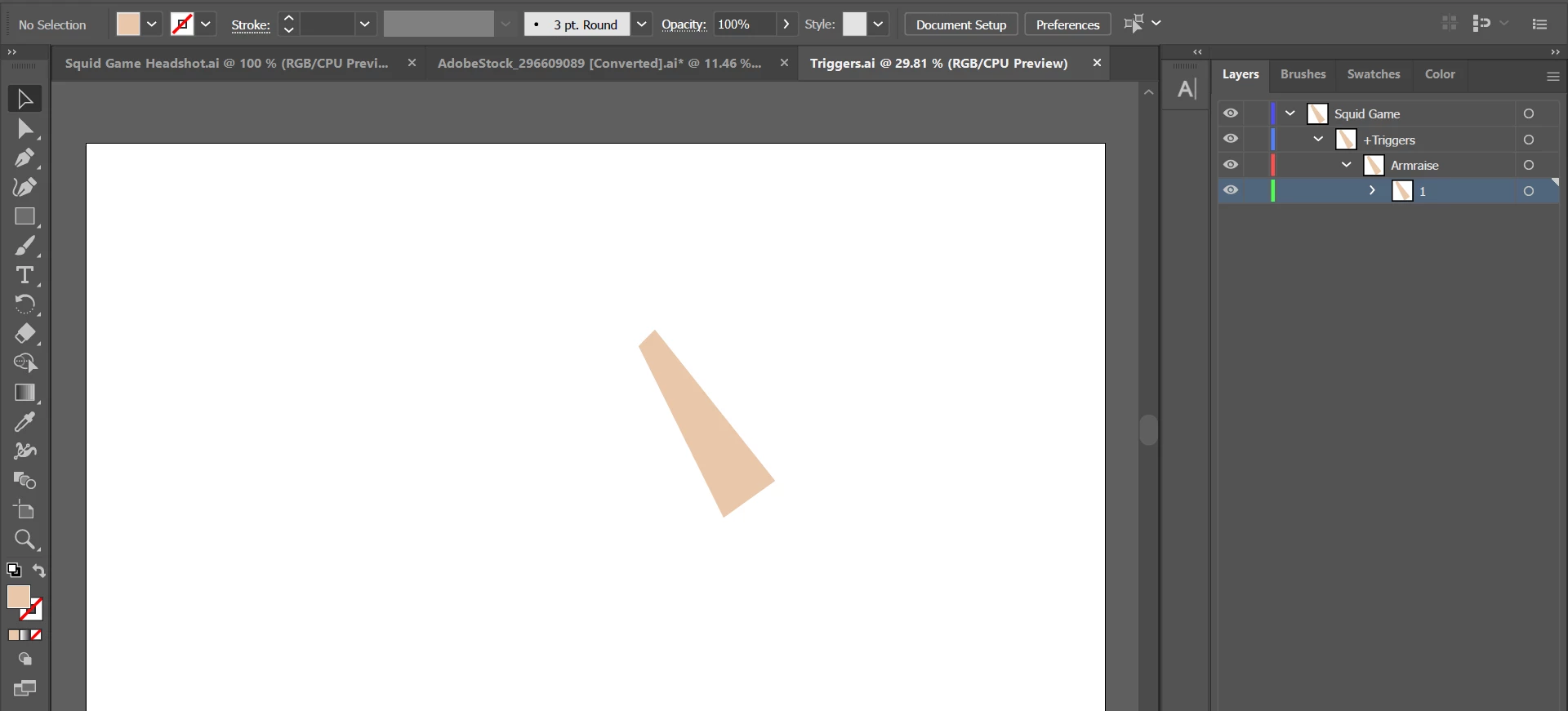
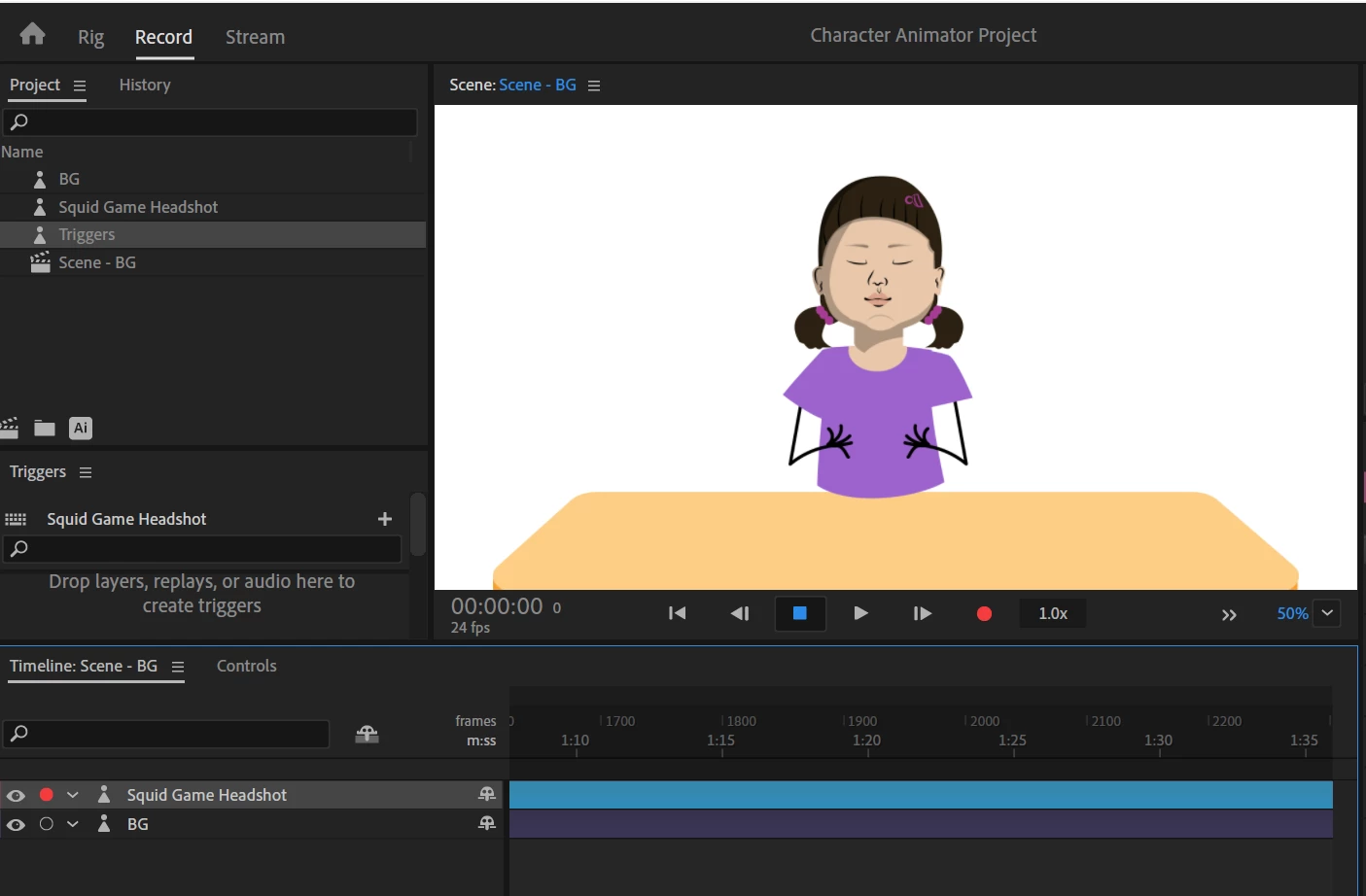
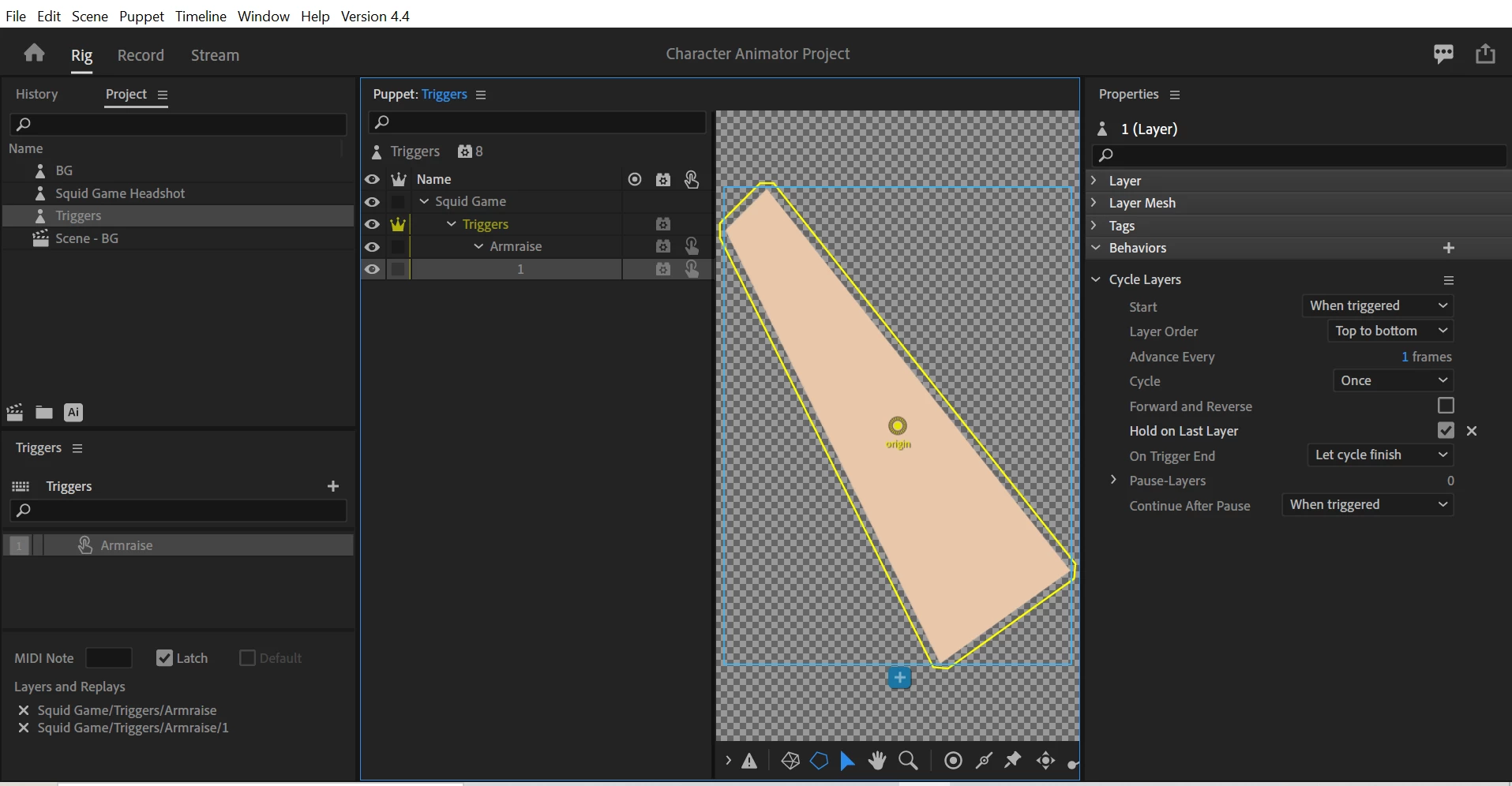
I'm trying to test an arm trigger out but nothing comes up when I press 1. I use Illustrator for the characters and the arm. The arm doesn't match the stick figure but I was just testing it out to see if it worked. Nothing happened.


This topic has been closed for replies.
Correct answer alank99101739

I don't know what the problem is, but noticed some strange things.

  • You don't need to put a trigger on the child layers - just include the parent "Armraise" layer (not on the child "1" layer)
  • You have a cycle layers on the child "1" layer it looks like - I think you meant to put that on the Armraise layer. (It plays the children layers one by one)
  • Normally the puppet root layer is made independent. Don't remember why, but it sometimes causes problem when not independent.
  • You probably don't need the Triggers group to be independent. Because its the only child, I suspect there will be nothing for it to attach to - so not sure if it will track the rest of the puppet correctly. (I know its a test, but not sure if its off the screen somewhere which is why you are not seeing it for example.)

I would fix those issues first in case something weird is going on - e.g. they are interacting in some peculiar way. Cycle layers on the child layer with a trigger with a trigger above worries me in particular. No idea what that would do! 😉

2 replies

alank99101739
alank99101739Correct answer
Legend
October 21, 2021

I don't know what the problem is, but noticed some strange things.

  • You don't need to put a trigger on the child layers - just include the parent "Armraise" layer (not on the child "1" layer)
  • You have a cycle layers on the child "1" layer it looks like - I think you meant to put that on the Armraise layer. (It plays the children layers one by one)
  • Normally the puppet root layer is made independent. Don't remember why, but it sometimes causes problem when not independent.
  • You probably don't need the Triggers group to be independent. Because its the only child, I suspect there will be nothing for it to attach to - so not sure if it will track the rest of the puppet correctly. (I know its a test, but not sure if its off the screen somewhere which is why you are not seeing it for example.)

I would fix those issues first in case something weird is going on - e.g. they are interacting in some peculiar way. Cycle layers on the child layer with a trigger with a trigger above worries me in particular. No idea what that would do! 😉
IAmChrishonda
Inspiring
October 21, 2021

Thanks. I was importing the arm and my character as 2 separate files. I put the arm in the character file (in Illustrator) and that solved it.

TheOriginalGC
Community Expert
Community Expert
October 21, 2021

I'm not seeing any keys assigned to the trigger in the first image. To assign a key, click on the square box to the left of the trigger description and tap the desired key when the box is highlighted. This video explains how to set up and use triggers:  Triggers - Adobe Character Animator CC Tutorial - YouTube

IAmChrishonda
Inspiring
October 21, 2021

I put 1 for the key.

TheOriginalGC
Community Expert
Community Expert
October 21, 2021

If that isn't working, I'll need more information. Did you follow the steps in the video?