


Bobjoerules
Inspiring
January 19, 2023
Answered

How do you rename a project

  • January 19, 2023
  • 1 reply
  • 269 views

I want to change the name of the project, but there is no option. 
 

This topic has been closed for replies.
Correct answer TheOriginalGC

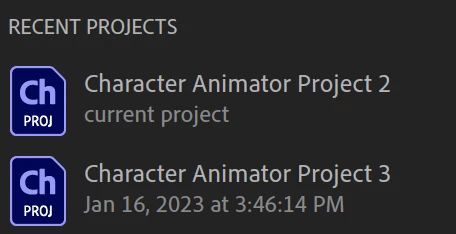
Yes, open the file, then from the File menu, choose Save Project As. It still keeps the original project in your directory. To address that, you have to delete the folder in the computer's file system. (Though it's probably a good idea to keep a backup)

1 reply

Cherie2450573608fr
Inspiring
January 19, 2023

I believe if you have the file open you can go to (top left corner) file>save project as

TheOriginalGC
Community Expert
TheOriginalGCCommunity ExpertCorrect answer
Community Expert
January 19, 2023

Yes, open the file, then from the File menu, choose Save Project As. It still keeps the original project in your directory. To address that, you have to delete the folder in the computer's file system. (Though it's probably a good idea to keep a backup)

